My first computer was a clunky 486 my dad brought home from work, and I spent more time staring at its tiny screen than doing homework. That machine taught me how to fix errors, troubleshoot problems, and—most importantly—how to make technology work for me. Now, I run Screen Tips to share the same kind of hands-on guidance I wish I'd had back then, whether it's fixing a stubborn software glitch or picking the right tool for the job.
SQL Server 2012 introduced groundbreaking features that transformed database management. These 10 game-changing tools boost performance, security, and usability—essential knowledge for developers optimizing modern…
Your social media posts might seem harmless, but oversharing can expose you to serious risks—from identity theft to workplace repercussions. These 10 dangers highlight why privacy settings and discretion are more…
IT support teams spend countless hours resolving the same recurring issues. These 10 knowledge base articles cover the most common tech problems—from login failures to printer jams—with step-by-step solutions that reduce…
Mastering keyboard shortcuts can drastically boost your productivity. These 10 underused symbols starting with 'A' offer quick access to powerful functions across Windows, Mac, and productivity software—perfect for power…
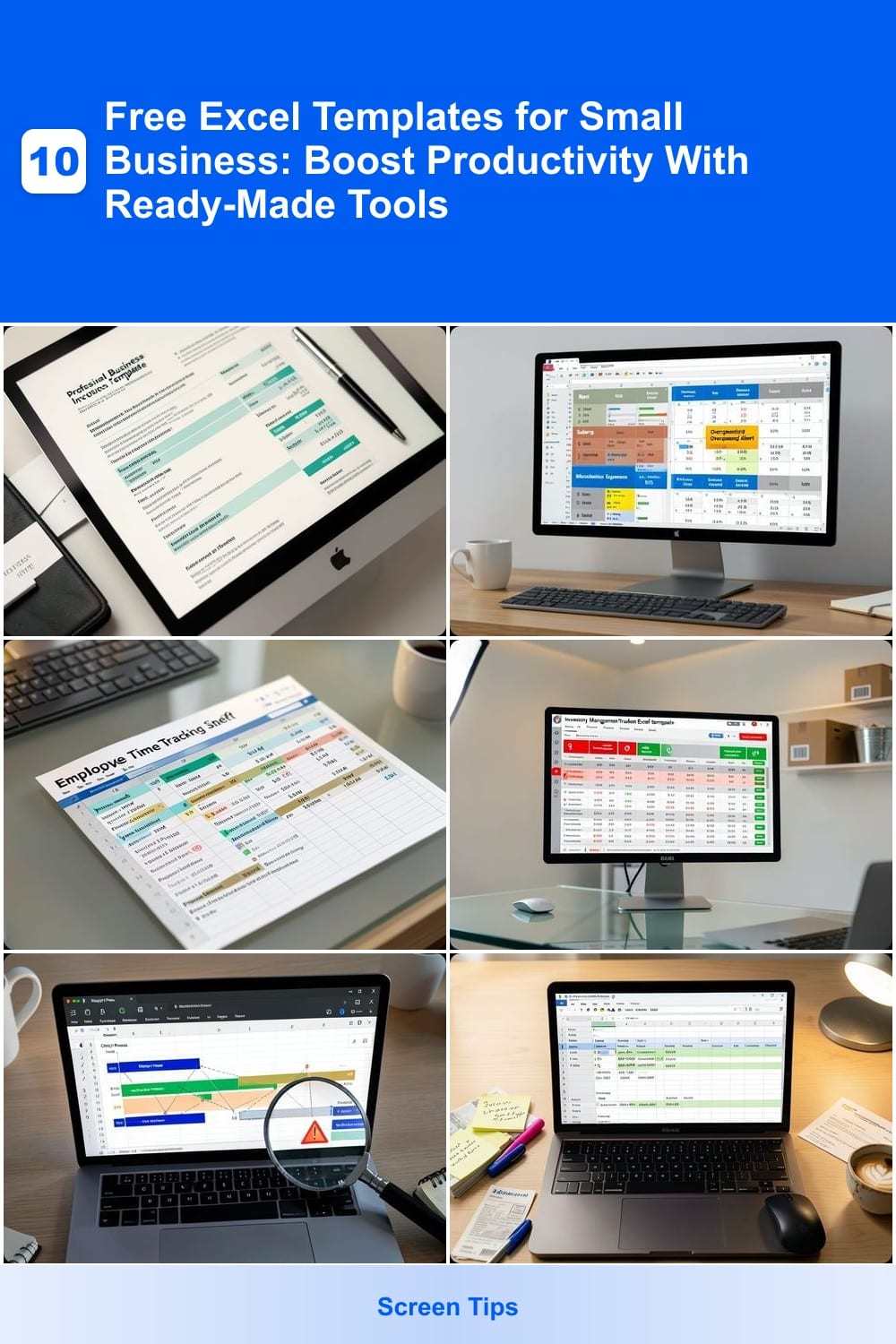
Small business owners juggle endless tasks—budgeting, inventory, scheduling, and more. These 10 free Excel templates cut hours of work, offering professional-grade tools for everything from invoicing to project tracking…
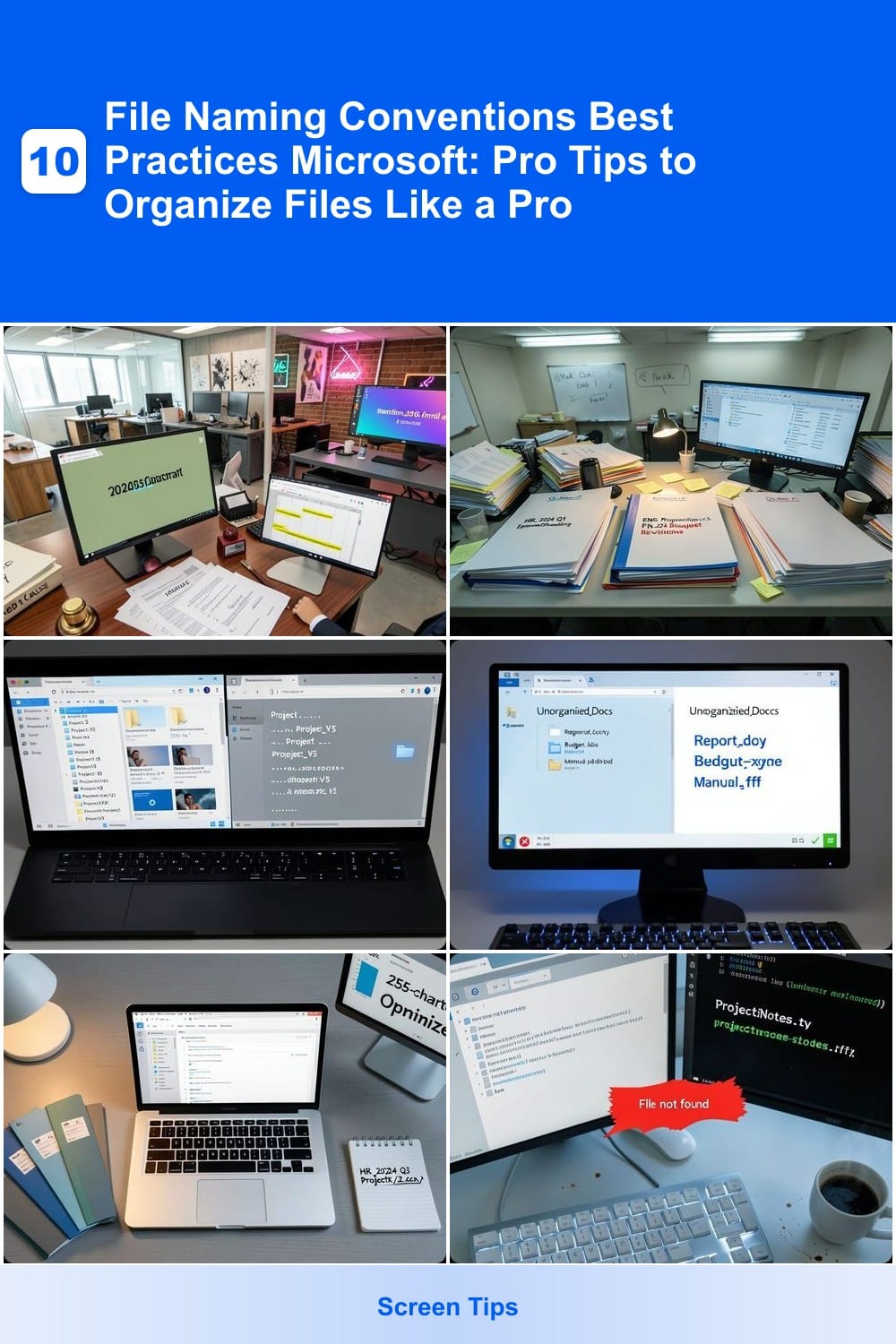
Struggling to find files in your Microsoft ecosystem? Consistent file naming saves time, reduces errors, and makes collaboration seamless. These seven best practices will transform your digital organization from chaotic…
PowerPoint transitions can transform a dull presentation into a dynamic experience—but choosing the right ones matters. These seven transition effects enhance storytelling, maintain audience focus, and align with…
Downloading a video from SharePoint doesn’t require IT skills—just three clicks and a browser. ✨ I’ve helped dozens of small business owners and remote workers pull videos from SharePoint without tech headaches, and the…
💥 Quick Answer The %systemroot%\ntds\ folder is a critical Windows Server directory that houses Active Directory's core database files (NTDS.dit), transaction logs, and system configuration data, all of which power…
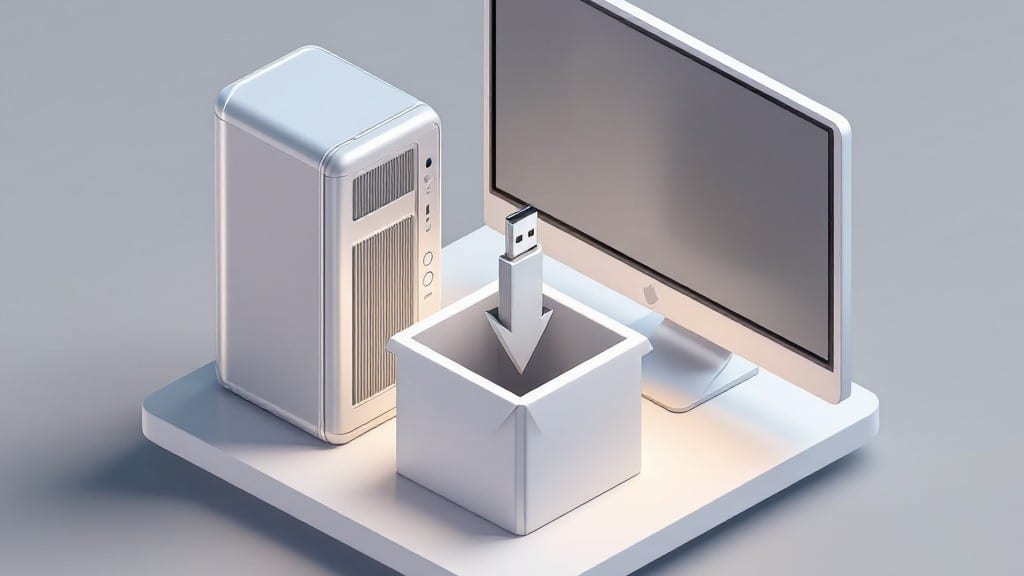
Creating a Windows 7 installation disk saved me countless hours when my uncle’s old IBM desktop refused to boot from the original CD. ⚡ The process is straightforward if you’ve got the right tools—a USB drive, the ISO…