
Coding
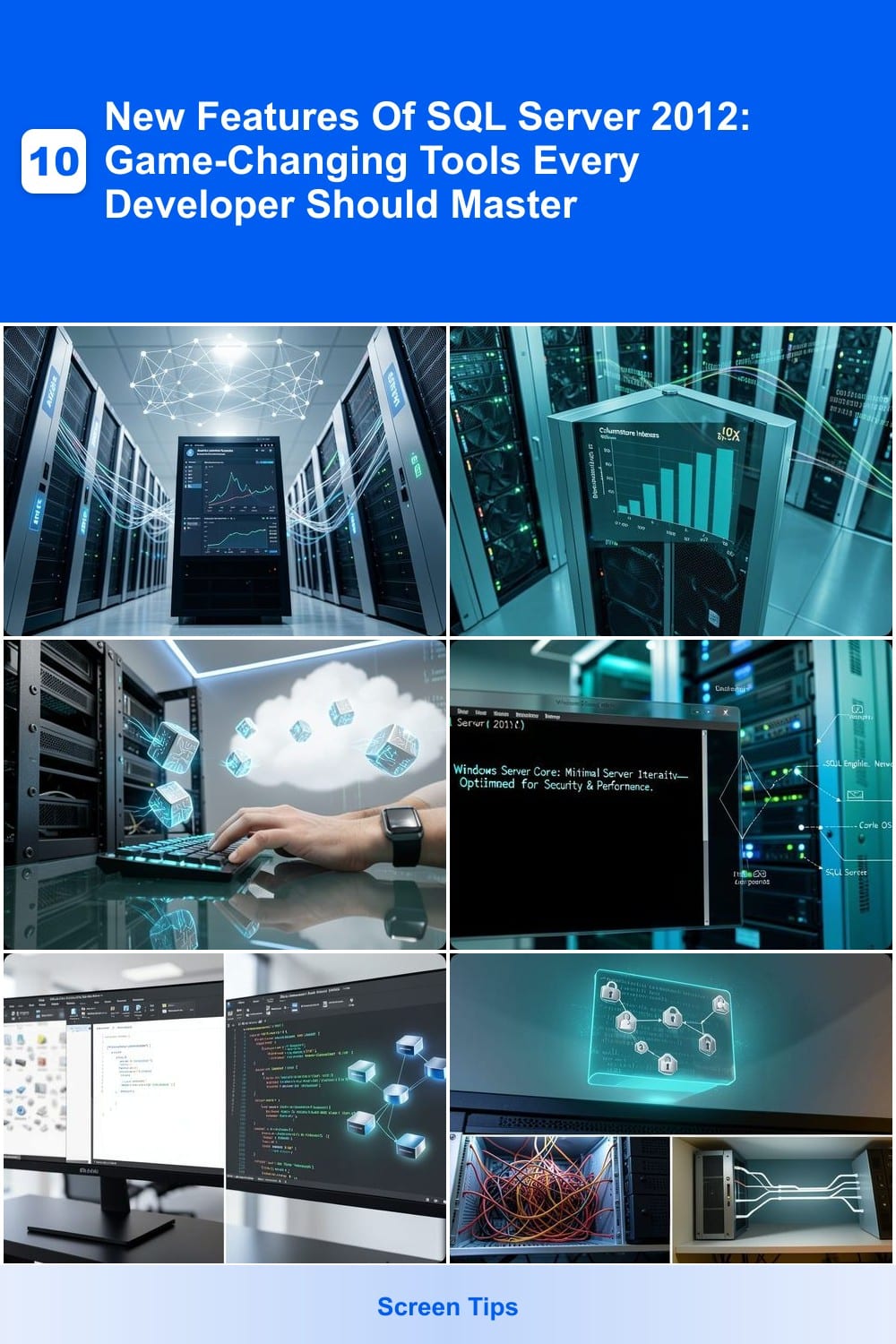
SQL Server 2012 introduced groundbreaking features that transformed database management. These 10 game-changing tools boost performance, security, and usability—essential knowledge for developers optimizing modern applications.
AlwaysOn Availability Groups

Tired of database downtime disrupting your enterprise operations? AlwaysOn Availability Groups in SQL Server 2012 redefines high availability with a synchronous/asynchronous replication model that syncs data across multiple servers in real time. Unlike its predecessor, database mirroring, this feature supports up to eight secondary replicas, ensuring seamless failover with minimal data loss.
The key innovation here is zero-downtime operations—whether you're performing maintenance or recovering from hardware failure, your applications stay online. You can configure readable secondary replicas to offload reporting queries, further boosting performance. Compatibility with Windows Server Failover Clustering adds another layer of resilience, making this ideal for mission-critical environments.
Enterprise DBAs and cloud architects will love this feature for its scalability and flexibility, while developers benefit from simplified disaster recovery. It’s the ultimate upgrade for businesses that can’t afford interruptions. ✨
Columnstore Indexes For Data Warehousing

If your data warehouse queries are crawling at snail speed, Columnstore Indexes in SQL Server 2012 might just be your game-changer. This feature completely rethinks how data is stored and processed, delivering 10x faster analytics for large datasets by organizing data column-wise instead of row-wise.
The magic happens through batch mode processing and automatic compression, which dramatically reduces I/O and memory usage. For example, a 1TB dataset that took hours to analyze now processes in minutes—ideal for aggregations, reporting, and complex joins. Plus, it works seamlessly with existing rowstore indexes, giving you flexibility without migration headaches.
This is a must-have for data analysts and BI teams working with massive datasets, especially in retail, finance, or logistics where real-time insights drive decisions. ⚡
Contained Databases Isolation Feature

Tired of databases being tied to specific servers like a leash? SQL Server 2012’s Contained Databases feature finally breaks that dependency with true portability—your database files can now move between environments without leaving behind server-level configurations.
This game-changer works by encapsulating user authentication, metadata, and schema entirely within the database file itself. No more relying on server logins or system databases—just attach the .mdf file to any compatible SQL Server 2012 instance, and it’s ready to go. The isolation model also means you can deploy databases as self-contained units, perfect for development, testing, or even cloud deployments where server access is restricted.
Ideal for dev teams needing consistent environments or DBAs managing multi-server deployments, this feature cuts migration headaches while keeping security intact. No more "works on my machine" excuses—just pure, portable SQL. ✨
Windows Server Core Support
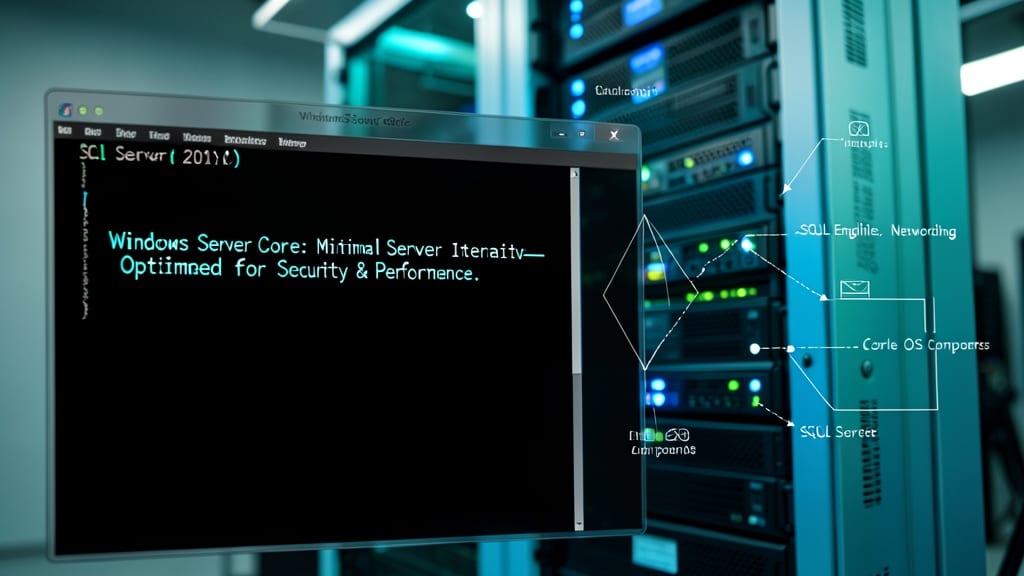
If you're running SQL Server in cloud or virtualized environments, Windows Server Core support in SQL Server 2012 offers a leaner, more secure deployment without sacrificing functionality. This minimalist installation removes unnecessary components like GUI elements, reducing the attack surface while keeping all core database features intact.
The 64-bit version of SQL Server 2012 fully supports Windows Server Core, delivering the same performance for OLTP and data warehousing workloads as full installations. Management tools like SQL Server Management Studio (SSMS) and PowerShell work seamlessly, ensuring no operational trade-offs. This makes it ideal for cloud-based deployments where footprint and security are critical.
System administrators and DevOps teams benefit most from this feature, as it simplifies patch management and reduces resource consumption. Perfect for high-density virtualized environments where efficiency matters. ✨
SQL Server Data Tools Integration
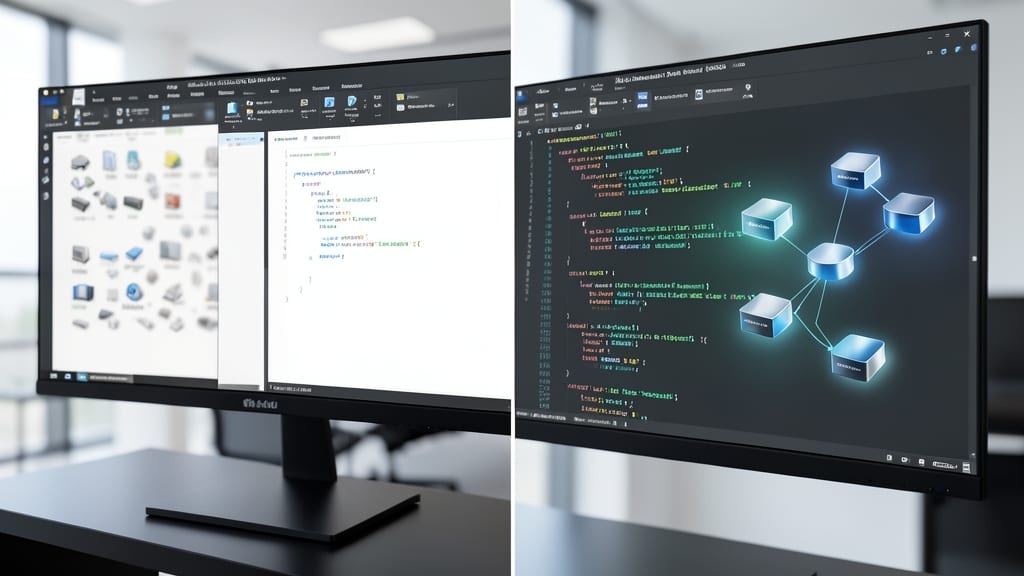
Tired of juggling separate tools for database development and deployment? SQL Server Data Tools (SSDT) bridges that gap by embedding database project templates, schema comparisons, and deployment pipelines directly into Visual Studio 2012.
This integration gives you database project templates for SQL, schema comparison tools to sync changes across environments, and T-SQL debugging alongside your application code. The data-tier application (DAC) packages simplify deployments by bundling schema, data, and dependencies into a single artifact—no more manual script management. Version control integration ensures your database evolves alongside your app code.
Perfect for SQL Server developers and data architects, SSDT reduces context-switching while maintaining enterprise-grade reliability. It’s the secret weapon for teams adopting Agile database development. 💻
Contained User Authentication

Tired of login headaches when moving databases between servers? Contained User Authentication in SQL Server 2012 lets each database manage its own credentials—no more server-level dependencies.
With this feature, you can create contained users tied directly to the database file, making migrations seamless. It supports SQL authentication and Windows authentication while maintaining security through contained database isolation. This means your logins move with the database, eliminating the need to recreate credentials after a transfer.
Perfect for developers working with portable databases or cloud deployments where server independence is critical. Say goodbye to login synchronization nightmares! ✨
Power View Interactive Data Visualization

Tired of waiting for IT teams to generate reports? Power View brings self-service business intelligence directly into SharePoint, letting non-technical users create stunning visualizations with just a few clicks.
This interactive BI tool integrates seamlessly with Excel and SharePoint, supporting touchscreen gestures for intuitive exploration. You can build dynamic charts, maps, and tables from SQL Server data—no SQL queries or complex scripting required. The DAX language (Data Analysis Expressions) provides advanced filtering and calculations without steep learning curves.
Perfect for business analysts, marketers, and executives who need real-time insights without relying on developers. Whether you're tracking sales trends or monitoring KPIs, Power View turns raw data into actionable stories. ✨
SQL Server Data Quality Services
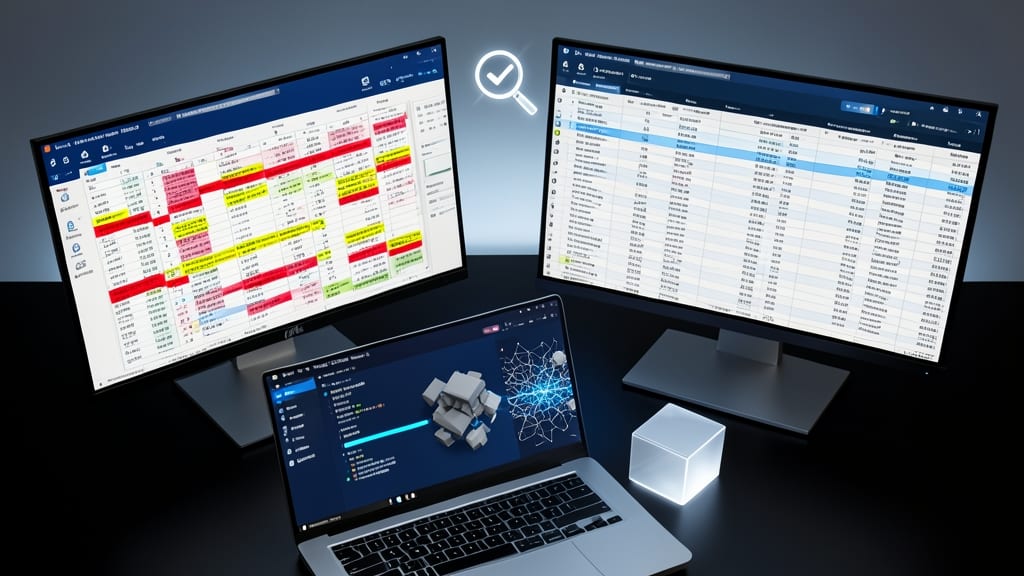
When merging datasets from multiple sources leaves you drowning in duplicates and inconsistencies, SQL Server Data Quality Services (DQS) steps in as your data cleanup powerhouse. This built-in solution transforms messy, unstructured data into clean, standardized records—without requiring custom scripts or third-party tools.
DQS combines data profiling (identifying patterns and anomalies), standardization (applying business rules to format data consistently), and matching (finding and merging duplicate records) into a single workflow. The Knowledge Management System lets you create reusable domain-specific rules, while the DQS Client provides a visual interface for designing cleansing workflows. For enterprise projects integrating CRM, ERP, or legacy systems, DQS reduces manual effort by up to 70% while maintaining data integrity.
Ideal for data architects and ETL developers, DQS shines when consolidating disparate sources like customer databases, vendor files, or financial records. Its tight integration with SQL Server Integration Services (SSIS) makes it the go-to for large-scale data integration pipelines. ✨
Contained Database Metadata
Tired of database migrations turning into weeks-long projects? Contained Database Metadata in SQL Server 2012 solves this by embedding all schema definitions directly inside the database file—no external dependencies, no server-level configurations.
With this feature, you can move databases between environments (dev, test, production) with zero setup—tables, views, stored procedures, and even permissions stay intact. It works seamlessly with contained user authentication (covered earlier) to maintain security without tying to the server. The real magic? No more manual script exports or dependency checks; just copy-paste the .mdf file and go. 💻
Perfect for DevOps teams deploying cloud-native apps or ISVs distributing pre-configured databases. This is the ultimate "plug-and-play" solution for database portability. ✨
SQL Server AlwaysOn Secondary Replicas

Struggling with read-heavy workloads that drain your primary database? AlwaysOn Secondary Replicas in SQL Server 2012 solve this by letting you offload reporting and analytics to secondary databases—without sacrificing transactional consistency. These replicas stay in sync with the primary server, so you can run complex queries on read-only copies while keeping your main database focused on writes.
The magic happens with synchronous or asynchronous commit modes, giving you flexibility: synchronous ensures zero data loss (ideal for critical apps), while asynchronous prioritizes performance for less time-sensitive workloads. You also get built-in failover support, so if the primary fails, a secondary can promote seamlessly. Plus, secondary replicas support read-only routing, automatically directing queries to the least busy replica for optimal performance.
This feature is a game-changer for enterprise reporting teams or high-traffic web apps where analytics queries would otherwise bog down the primary database. It’s also perfect for disaster recovery testing, since replicas can be promoted to primary with minimal downtime. ⚡