Skip to content
Screen Tips

Screen Tips

  • All Articles
  • App
  • Coding
  • Hardware
  • More
    • Operating System
    • Outlook
    • PowerPoint
    • Review
    • Software
    • Tip & Trick
    • Troubleshooting
    • Windows

Tip & Trick

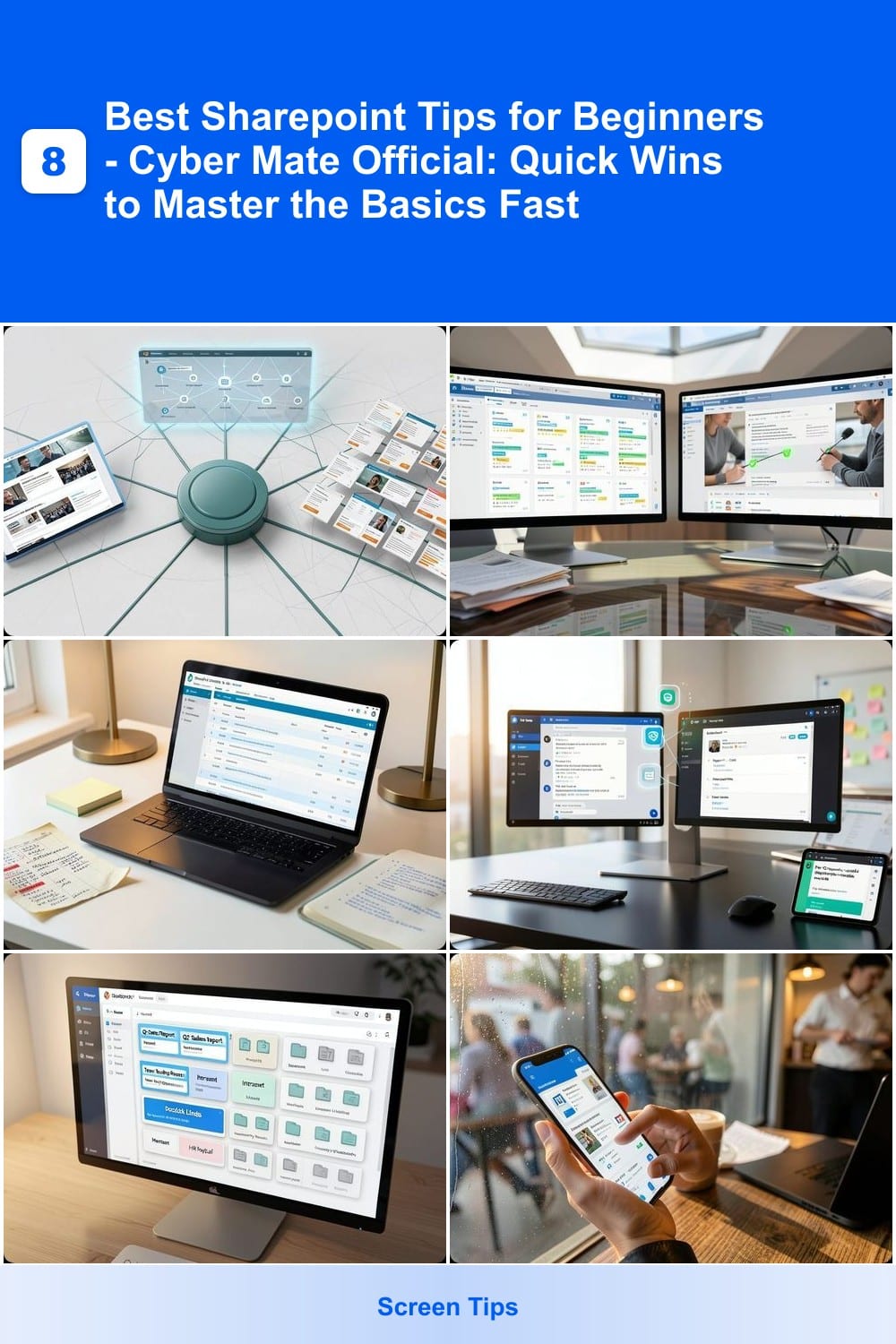
8 Best Sharepoint Tips for Beginners - Cyber Mate Official: Quick Wins to Master the Basics Fast
November 6, 2026 by Warren Gallagher
8 Best Sharepoint Tips for Beginners - Cyber Mate Official: Quick Wins to Master the Basics Fast

Struggling to get started with SharePoint? These eight beginner-friendly tips will help you master the basics quickly, boost productivity, and avoid common pitfalls—even if you're new to Microsoft's collaboration…
Read more

Categories Tip & Trick

10 Excel Formulas and Functions Quick Tips: Instant Time-Savers for Busy Analysts

November 6, 2026 by Warren Gallagher
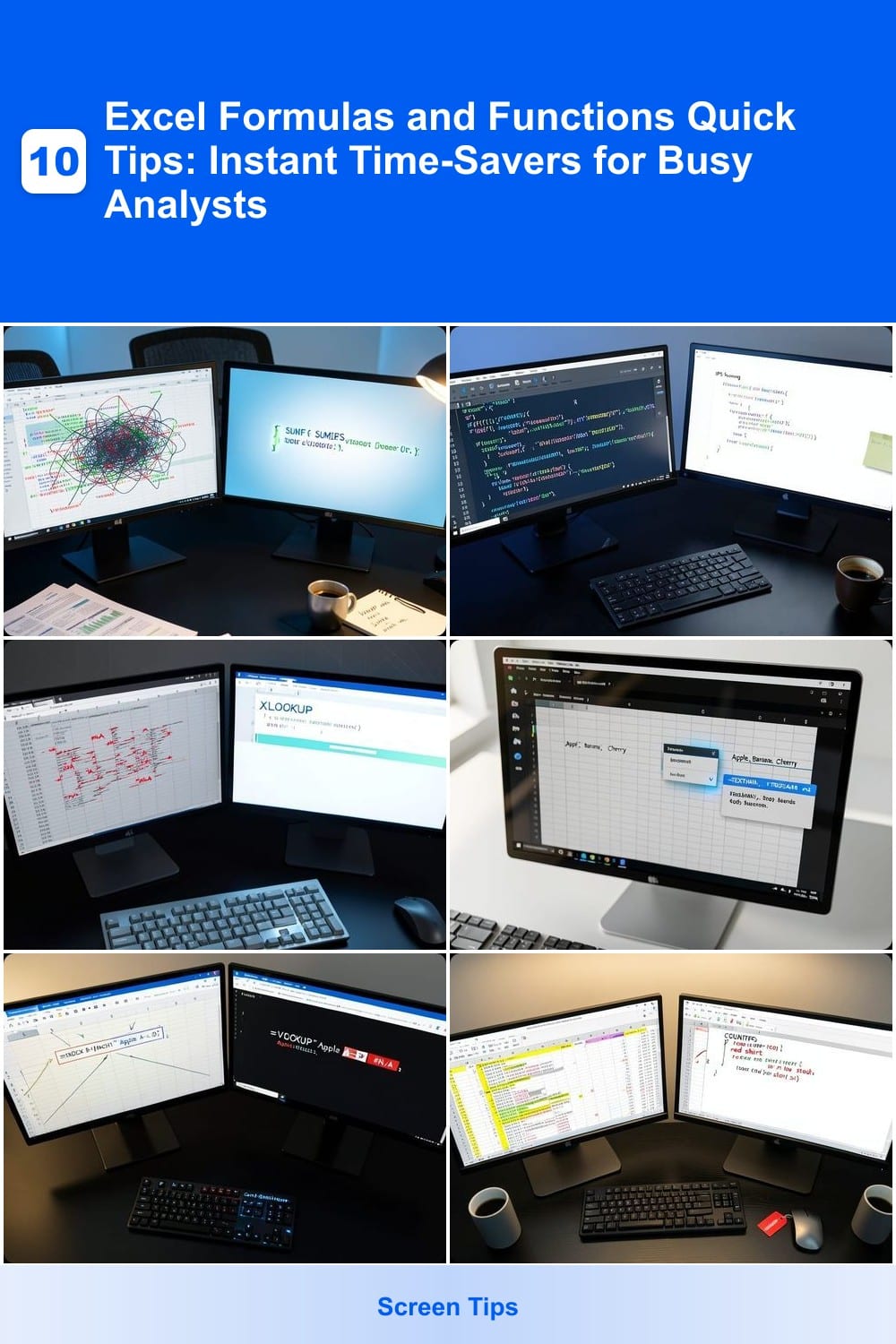
10 Excel Formulas and Functions Quick Tips: Instant Time-Savers for Busy Analysts

Excel can be overwhelming, but mastering these 10 quick formulas and functions will cut hours off your analysis time. Whether you're crunching numbers or automating reports, these time-savers are essential for every…

Read more

Categories Tip & Trick

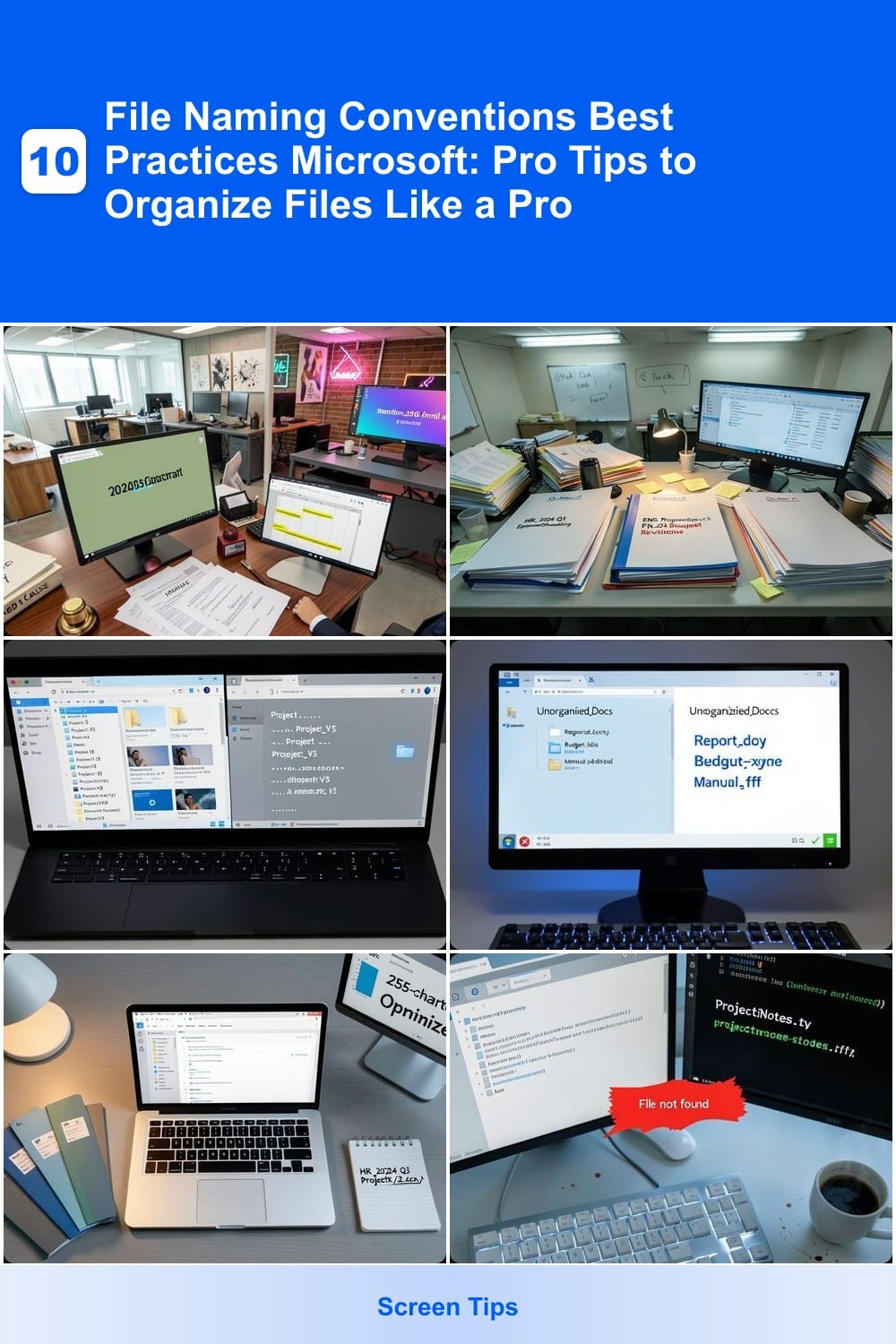
File Naming Conventions Best Practices Microsoft: Pro Tips to Organize Files Like a Pro

October 13, 2026 by Warren Gallagher
File Naming Conventions Best Practices Microsoft: Pro Tips to Organize Files Like a Pro

Struggling to find files in your Microsoft ecosystem? Consistent file naming saves time, reduces errors, and makes collaboration seamless. These seven best practices will transform your digital organization from chaotic…

Read more

Categories Tip & Trick

How Many Pages Is 15,000 Words: Line Spacing Impact on Page Count

November 21, 2026 by Warren Gallagher
How Many Pages Is 15,000 Words: Line Spacing Impact on Page Count

💥 Quick Answer Figuring out how many pages 15,000 words makes depends entirely on formatting: 30 pages single-spaced (12pt font, standard margins) or 60 pages double-spaced . Adjustments like 1.5 spacing cut the count…

Read more

Categories Tip & Trick

How to Activate Microsoft 365 on Mac: Instant License Link in 2 Minutes

November 18, 2026 by Warren Gallagher
How to Activate Microsoft 365 on Mac: Instant License Link in 2 Minutes

Activating Microsoft 365 on your Mac takes less than two minutes—no tech degree required. ✨ I’ve helped dozens of friends jump through the hoops, and the process is shockingly straightforward once you know the right…

Read more

Categories Tip & Trick

How to Add Data to My Phone: Instant Transfer Without a Hiccup

October 11, 2026 by Warren Gallagher
How to Add Data to My Phone: Instant Transfer Without a Hiccup

To add data to my phone without losing your mind over cables or cloud limits, I’ve spent years testing every method—from USB transfers to wireless syncs—so you don’t have to. ✨ The key is matching the right approach to…

Read more

Categories Tip & Trick

How to Connect Mouse to Surface Pro: Bluetooth Pairing in Under 60 Seconds

November 21, 2026 by Warren Gallagher
How to Connect Mouse to Surface Pro: Bluetooth Pairing in Under 60 Seconds

Connecting a mouse to your Surface Pro is faster than you think—especially when you know the right steps. ⚡ I’ve paired dozens of mice with Surface devices, and the Bluetooth method takes under 60 seconds once you skip…

Read more

Categories Tip & Trick

How to Create a Burndown Chart: Visual Progress Tracking in Minutes

November 21, 2026 by Warren Gallagher
How to Create a Burndown Chart: Visual Progress Tracking in Minutes

Creating a burndown chart in minutes changed how I track projects forever. ✨ Back in my uncle’s basement workshop in 1998, I’d scribble progress on napkins—now I automate it with tools like Excel or Jira. The key? Simple…

Read more

Categories Tip & Trick

How to Crop a Video on Clipchamp: Precision Trimming in Seconds

November 19, 2026 by Warren Gallagher
How to Crop a Video on Clipchamp: Precision Trimming in Seconds

Cropping a video in Clipchamp is the fastest way to frame your footage perfectly—no extra software needed. ✨ I’ve used this tool to trim everything from family vacation clips to client presentations, and the precision…

Read more

Categories Tip & Trick

How to Cut Things Out of Pictures: Precision Editing in Seconds

November 21, 2026 by Warren Gallagher
How to Cut Things Out of Pictures: Precision Editing in Seconds

Cutting things out of pictures used to mean hours of fiddling with the Pen Tool—back when I was first learning Photoshop in my uncle’s basement workshop. ✨ Today, even free tools can isolate subjects with near-perfect…

Read more

Categories Tip & Trick
Page1Page2Page3…Page8Next →

About Me

Warren Gallagher

Warren Gallagher
My first computer was a clunky 486 my dad brought home from work, and I spent more time staring at its tiny screen than doing homework. That machine taught me how to fix errors, troubleshoot problems, and—most importantly—how to make technology work for me. Now, I run Screen Tips to share the same kind of hands-on guidance I wish I'd had back then, whether it's fixing a stubborn software glitch or picking the right tool for the job.

Learn more

Recent Posts

  • Download Tpm 2.0 for Windows 10: TPM 2.0 Ready Without Internet
    Download Tpm 2.0 for Windows 10: TPM 2.0 Ready Without Internet
  • How to Activate Excel Subscription: Unlock Full Features in Minutes
    How to Activate Excel Subscription: Unlock Full Features in Minutes
  • How to Set up a Microsoft Teams Meeting: Instant Hosting With Screen Sharing & Guest Links
    How to Set up a Microsoft Teams Meeting: Instant Hosting With Screen Sharing & Guest Links
  • Download Windows Media Player For Macintosh: Legacy Media Playback Without Emulation
    Download Windows Media Player For Macintosh: Legacy Media Playback Without Emulation
  • Microsoft Windows Defender Windows 8 Download: Offline Installer for Legacy Systems Protection
    Microsoft Windows Defender Windows 8 Download: Offline Installer for Legacy Systems Protection
  • All Guides
  • About
  • Contact
  • Privacy Policy
  • Cookie Policy
  • Terms of Use
© 2026 screentips.click