
Software
Small business owners juggle endless tasks—budgeting, inventory, scheduling, and more. These 10 free Excel templates cut hours of work, offering professional-grade tools for everything from invoicing to project tracking, all without breaking the bank.
Professional Business Invoice Template
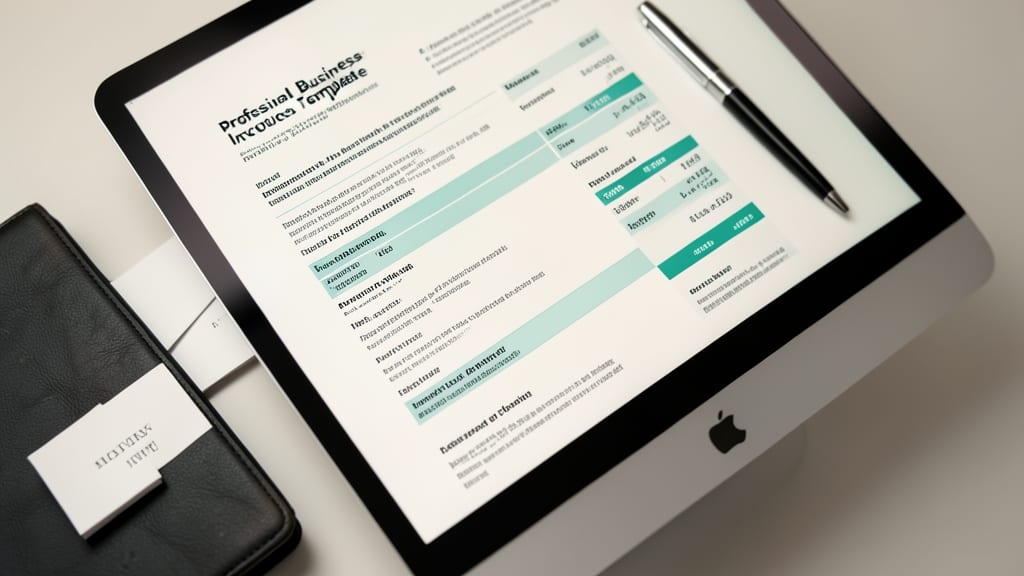
Tired of sending invoices that look like they were typed in 2005? This Professional Business Invoice Template from Microsoft Office’s official template library transforms your billing into a polished, tax-ready document in minutes—no design skills required.
The template includes automated calculations for late fees (with customizable thresholds) and discounts, so you never overlook a detail. It’s pre-formatted for tax compliance with fields for itemized services, subtotals, and payment terms. Plus, it’s fully editable in Excel 2016 and later, ensuring compatibility with modern versions.
Perfect for freelancers, consultants, and service providers who want to look professional without hiring an accountant. Download it directly from Microsoft’s template gallery—zero cost, zero hassle. ✨
Small Business Budget Planner
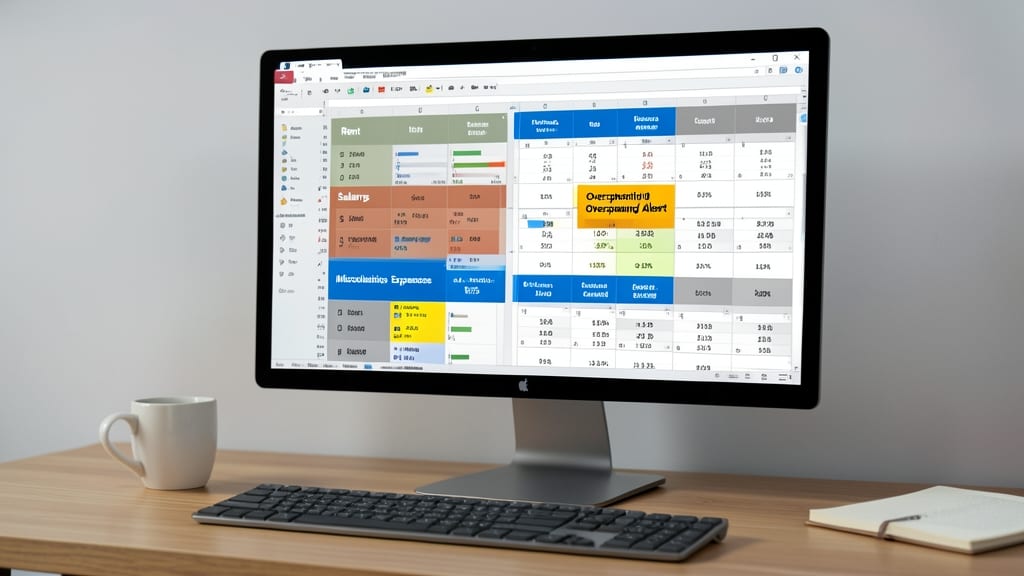
Struggling to keep your startup’s finances in check without hiring an accountant? This Small Business Budget Planner template simplifies tracking with color-coded categories—rent, salaries, marketing, and more—so you spot overspending instantly.
Designed for Excel 2016 and later, it includes monthly and yearly views, automated revenue forecasting, and customizable alerts for budget overruns. The built-in pie charts and graphs visualize spending trends, while protected cells prevent accidental edits. Best of all, it’s 100% free and ready to download from Microsoft’s official template library.
Perfect for solopreneurs, freelancers, and early-stage startups needing a no-frills, no-cost way to manage cash flow without complex software. 💡
Employee Time Tracking Sheet
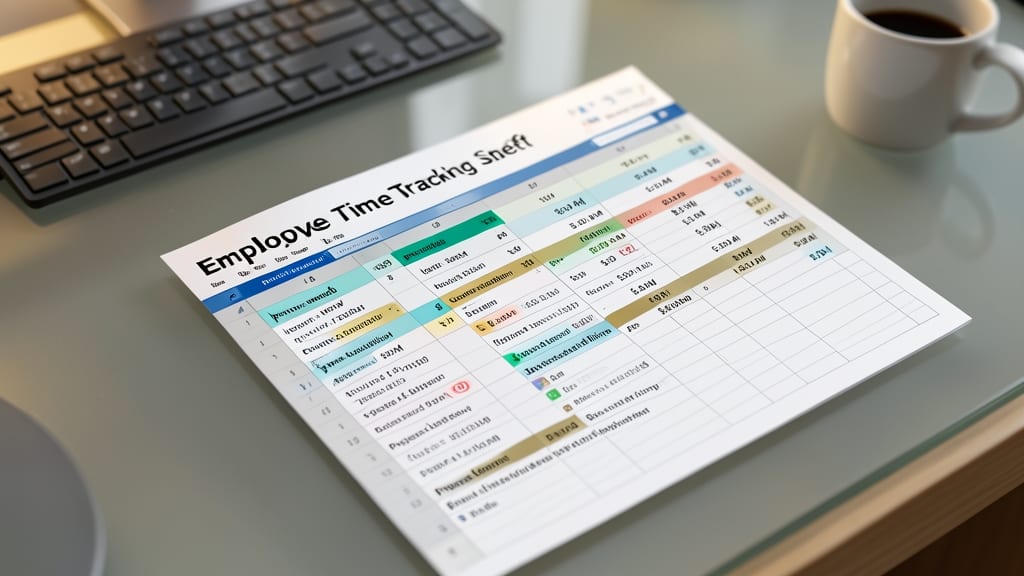
Tired of guessing how much to pay employees or scrambling to track hours at month-end? This Employee Time Tracking Sheet simplifies payroll prep with pre-built formulas for overtime, break deductions, and project-based billing—no accounting degree required.
Designed for Microsoft Excel (2016+) or Google Sheets, it includes automated payroll calculations, customizable employee fields, and export-ready reports for tax filings. The timesheet-to-app compatibility means you can sync data with tools like TSheets or Clockify for remote teams without manual re-entry. 💻
Perfect for freelancers with contractors, small agencies, or startups with 1-10 employees who need accuracy without complexity. ⚡
Inventory Management Tracker
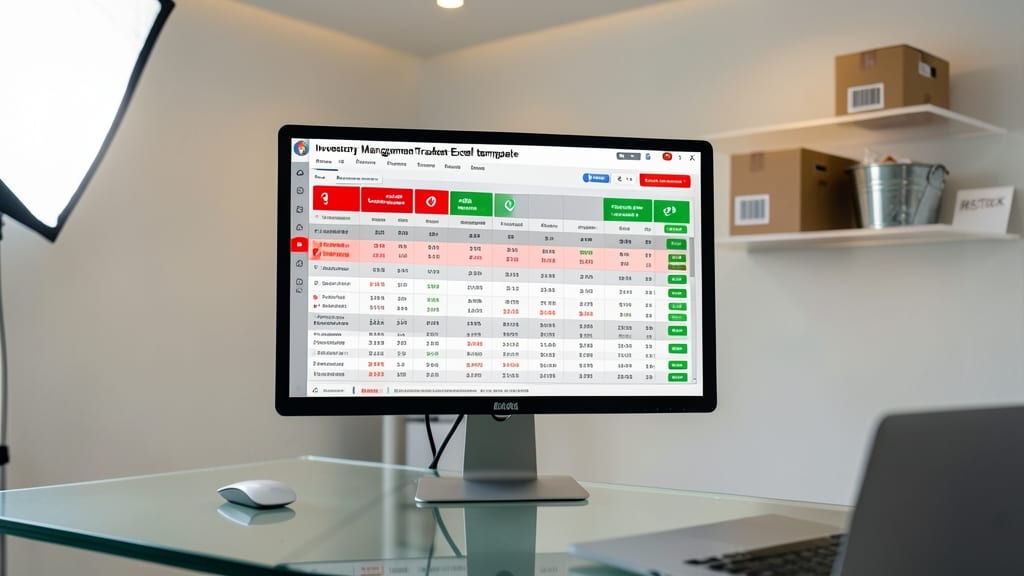
Say goodbye to surprise stockouts and overstocked shelves—this Inventory Management Tracker turns your Excel spreadsheet into a dynamic warehouse dashboard. With built-in low-stock alerts and customizable reorder points, you’ll never miss a critical restock moment again.
The template includes barcode scanning support, supplier details, and cost tracking—all in one clean layout. Simply input your current stock levels, set your minimum thresholds, and let the automated formulas flag items needing attention. Compatible with Excel 2016 and later, it’s ready to deploy immediately.
Perfect for small retailers, e-commerce sellers, or craft businesses managing inventory across multiple locations. No more guessing—just smarter stock control. 💪
Project Management Timeline
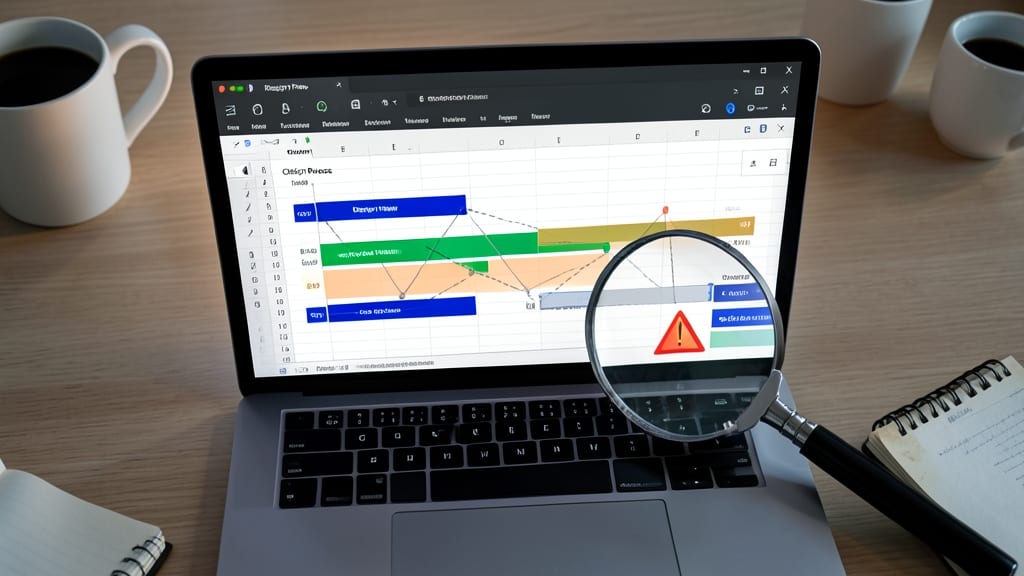
Juggling multiple projects with tight deadlines? A Gantt chart-style timeline in Excel transforms chaos into clarity—visualizing task dependencies, deadlines, and milestones in one glance. This template lets you drag-and-drop task bars to adjust timelines, color-code priorities, and spot bottlenecks before they derail your workflow.
With pre-built milestone markers, dependency links, and automatic progress tracking, you’ll spend less time updating spreadsheets and more time executing. The Excel-compatible design works across versions, and customizable color schemes keep your projects visually organized. Freelancers and solopreneurs will love how it syncs with client expectations while keeping their own deadlines on track.
Perfect for solopreneurs managing multiple clients or freelancers coordinating with teams, this template turns complex projects into a simple, shareable roadmap. 💻
Client Contact Database
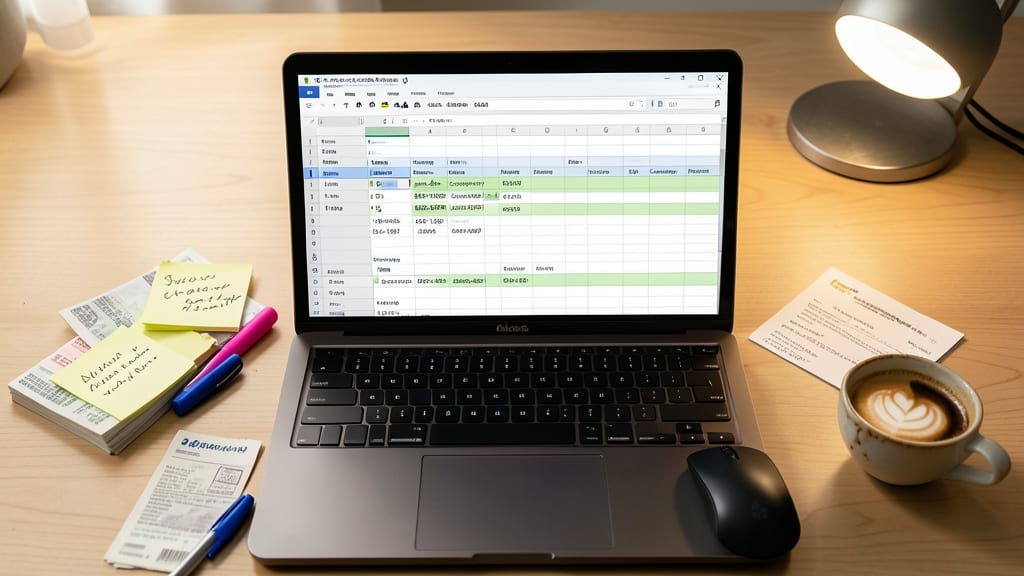
Tired of losing client details between emails, notes, and sticky pads? A Client Contact Database keeps every interaction in one place—no more digging through files or asking clients to repeat themselves.
This template includes searchable fields for names, emails, phone numbers, and company details, plus dedicated columns for communication history and follow-up notes. Customizable filters let you sort by last contact date or priority, while a notes section ensures you never forget a client’s preferences or past requests.
Perfect for consultants, real estate agents, or service providers who rely on personalized follow-ups. Download it once and never miss a beat again. ✨
Sales Tax Calculator Template
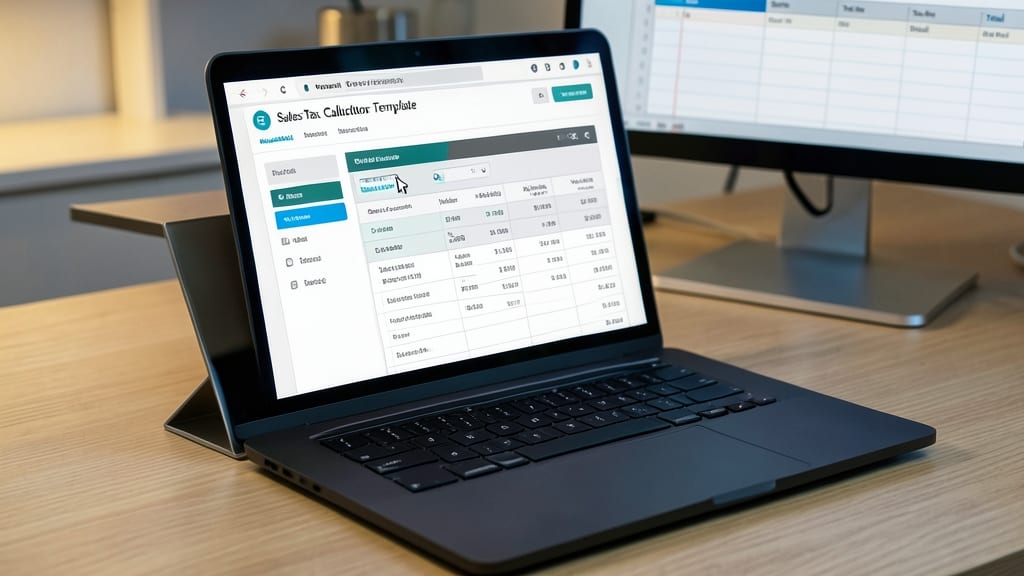
Navigating sales tax laws across states—or even countries—can turn a simple transaction into a headache. This Sales Tax Calculator Template eliminates the guesswork by automating calculations for multi-state or international sales, so you stay compliant without hiring an accountant.
Built with drop-down menus for tax rates, it handles everything from product categorization to automated subtotals, including exemptions. The template even includes a tax rate lookup table for quick updates when laws change. Best of all, it’s designed for Excel 2016 and later, ensuring compatibility with most business setups.
Perfect for e-commerce sellers, freelancers with global clients, or small businesses shipping across state lines, this template turns a potential audit risk into a stress-free process. ✨
Expense Reimbursement Log
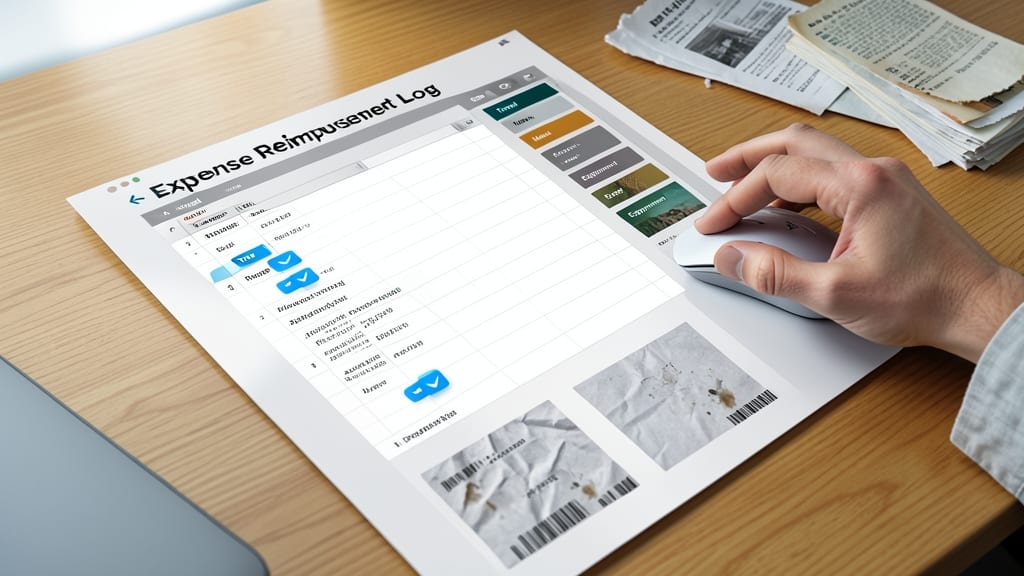
Say goodbye to lost receipts and reimbursement headaches with this Expense Reimbursement Log—a game-changer for remote teams and field workers. Designed specifically for tracking business expenses, it includes built-in receipt attachment links and category filters (like travel, meals, or equipment) to keep everything organized in one place.
The template automatically calculates totals by category, reducing manual entry errors, and features drop-down menus for consistent expense types. You can even add notes or mileage logs for clarity. Best of all, it’s compatible with Excel 2010 and later, so you won’t need the latest software to use it.
Perfect for freelancers, consultants, or anyone who travels for work, this log ensures you never miss a deduction—and your team stays on the same page. 💪
Break-Even Analysis Calculator
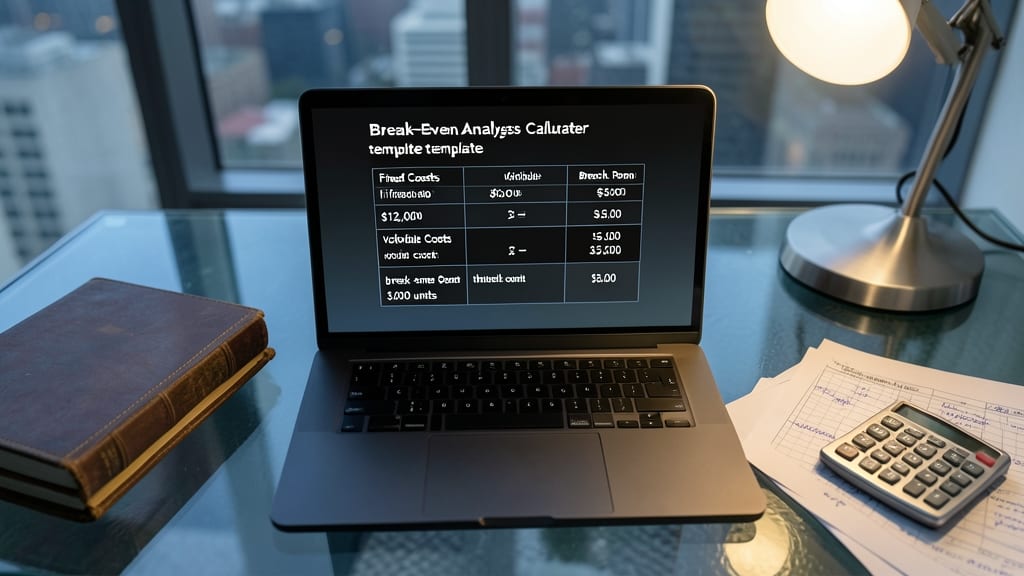
Before launching a new product or service, knowing your break-even point can mean the difference between success and costly trial-and-error. This Break-Even Analysis Calculator template simplifies the math, helping you crunch numbers faster than manual spreadsheets—so you can focus on what matters most: refining your pricing and sales strategy.
The template includes pre-built formulas to calculate your fixed costs, variable costs per unit, and the exact sales volume needed to turn a profit. Visualize results with a built-in break-even chart, making it easy to tweak pricing or costs to see real-time impacts. Compatible with Excel 2016 and later, it’s ready to use with minimal setup—just plug in your numbers and let it do the heavy lifting.
Perfect for startups testing new offerings, freelancers pricing services, or small manufacturers validating production costs, this tool gives you confidence in your financial projections before committing resources. 💡
Social Media Content Planner
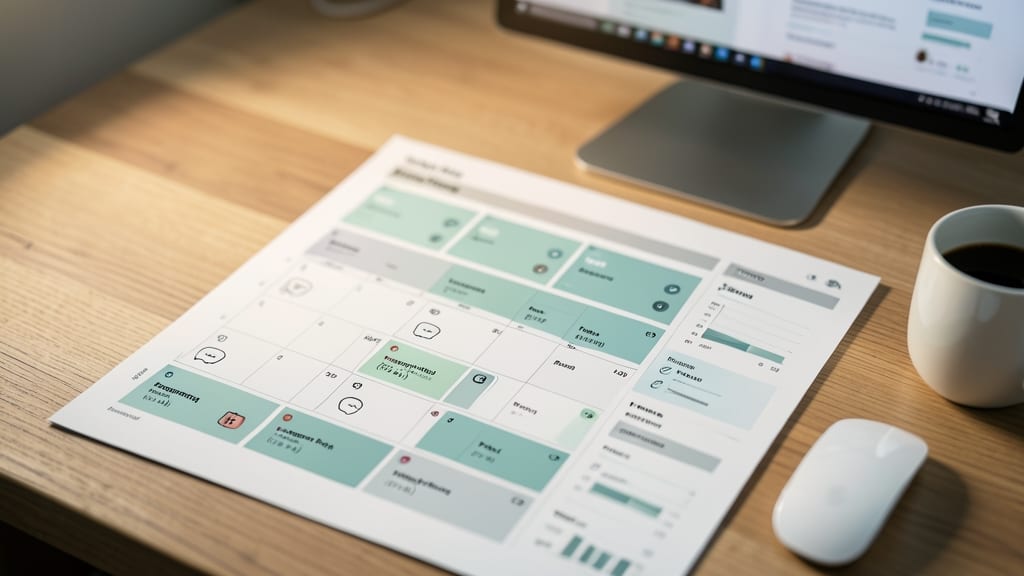
If your social media presence feels chaotic and inconsistent, this Social Media Content Planner template brings structure without the stress. Designed for solopreneurs and small teams, it combines a weekly/monthly calendar with engagement tracking—so you can visualize your content pipeline and refine strategies on the fly.
The template includes dedicated columns for post ideas, platforms (Instagram, LinkedIn, etc.), scheduled dates, and performance metrics like likes/shares. Built-in formulas simplify engagement analysis, while color-coded sections help prioritize high-impact content. Best of all, it’s fully customizable to match your brand’s voice and goals.
Perfect for freelancers, coaches, or e-commerce sellers who need to maintain a consistent online presence without hiring a social media manager. Just plug in your content calendar and watch your strategy come together. ✨