Skip to content
Screen Tips

Screen Tips

  • All Articles
  • App
  • Coding
  • Hardware
  • More
    • Operating System
    • Outlook
    • PowerPoint
    • Review
    • Software
    • Tip & Trick
    • Troubleshooting
    • Windows

All Recipes — Page 18

List of Companies Using Microsoft Dynamics Nav: Industry Leaders Transforming Operations with ERP Power
November 6, 2026 by Warren Gallagher
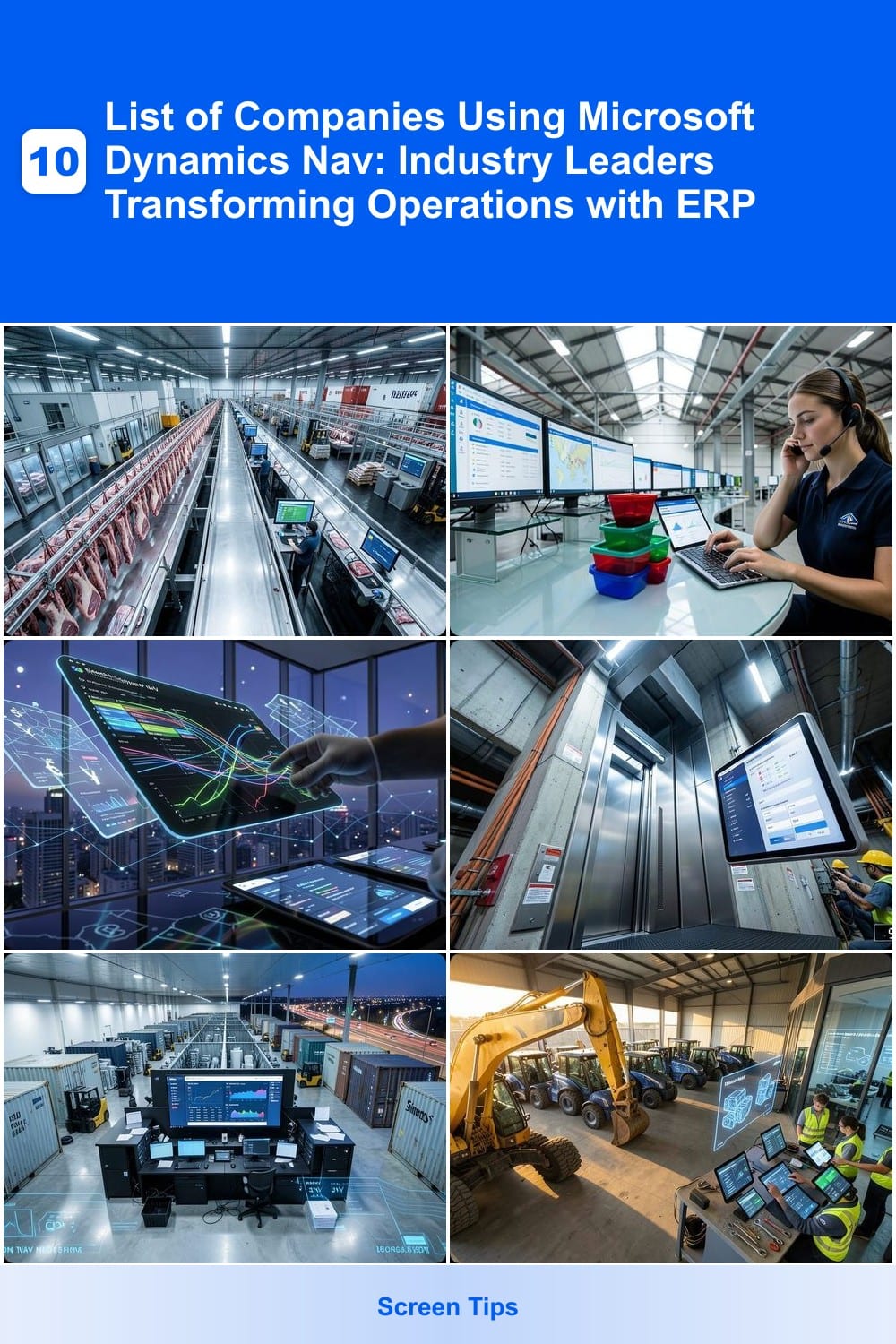
List of Companies Using Microsoft Dynamics Nav: Industry Leaders Transforming Operations with ERP Power

Microsoft Dynamics NAV remains a powerhouse ERP solution for businesses seeking streamlined operations. These seven industry leaders showcase how companies across sectors leverage NAV to drive efficiency, scalability…
Read more

Categories Software

10 Essential Math and Trig Functions in Excel: Boost Accuracy for Data Analysis

November 6, 2026 by Warren Gallagher
10 Essential Math and Trig Functions in Excel: Boost Accuracy for Data Analysis

Mastering Excel's math and trig functions can transform raw data into actionable insights. These 10 essential functions help professionals analyze trends, solve complex calculations, and streamline workflows—whether…

Read more

Categories Coding

10 Free Online Microsoft Access Training Courses: Master Database Skills Without Paying a Dime

November 6, 2026 by Warren Gallagher
10 Free Online Microsoft Access Training Courses: Master Database Skills Without Paying a Dime

Struggling to master Microsoft Access but don’t want to spend money on courses? These 10 free online training resources teach database fundamentals, query building, and reporting—perfect for beginners and professionals…

Read more

Categories Software

10 Microsoft Bringing Teams Reminders To Menu: How to Set Up & Use New Task Alerts

November 6, 2026 by Warren Gallagher
10 Microsoft Bringing Teams Reminders To Menu: How to Set Up & Use New Task Alerts

Microsoft Teams is rolling out a game-changing update that brings reminders directly into your workflow. This feature helps you stay on top of deadlines, meetings, and tasks without switching apps. Here’s how to set up…

Read more

Categories Software

Microsoft Edge: Tips for a Seamless Experience: Speed Up Your Browsing with Pro Tricks

November 6, 2026 by Warren Gallagher
Microsoft Edge: Tips for a Seamless Experience: Speed Up Your Browsing with Pro Tricks

Microsoft Edge isn’t just a browser—it’s a powerhouse packed with hidden features designed to boost your productivity and streamline your online experience. From lightning-fast navigation to seamless integrations, these…

Read more

Categories Software

10 Microsoft Office Tri Fold Brochure Templates: Professional Designs Ready for Instant Download

November 6, 2026 by Warren Gallagher
10 Microsoft Office Tri Fold Brochure Templates: Professional Designs Ready for Instant Download

Creating eye-catching tri-fold brochures in Microsoft Office just got easier. These 10 professionally designed templates—compatible with Word and PowerPoint—help you craft polished marketing materials, event promotions…

Read more

Categories PowerPoint

Microsoft Onenote 2013 Tips and Tricks: Hidden Features That Boost Productivity

November 6, 2026 by Warren Gallagher
Microsoft Onenote 2013 Tips and Tricks: Hidden Features That Boost Productivity

Microsoft OneNote 2013 is a powerhouse for note-taking, but most users only scratch the surface. These seven hidden features will transform how you organize ideas, collaborate, and streamline workflows—unlocking…

Read more

Categories Tip & Trick

10 Microsoft Teams Channels Best Practices: Streamline Workflows for Remote Teams

November 6, 2026 by Warren Gallagher
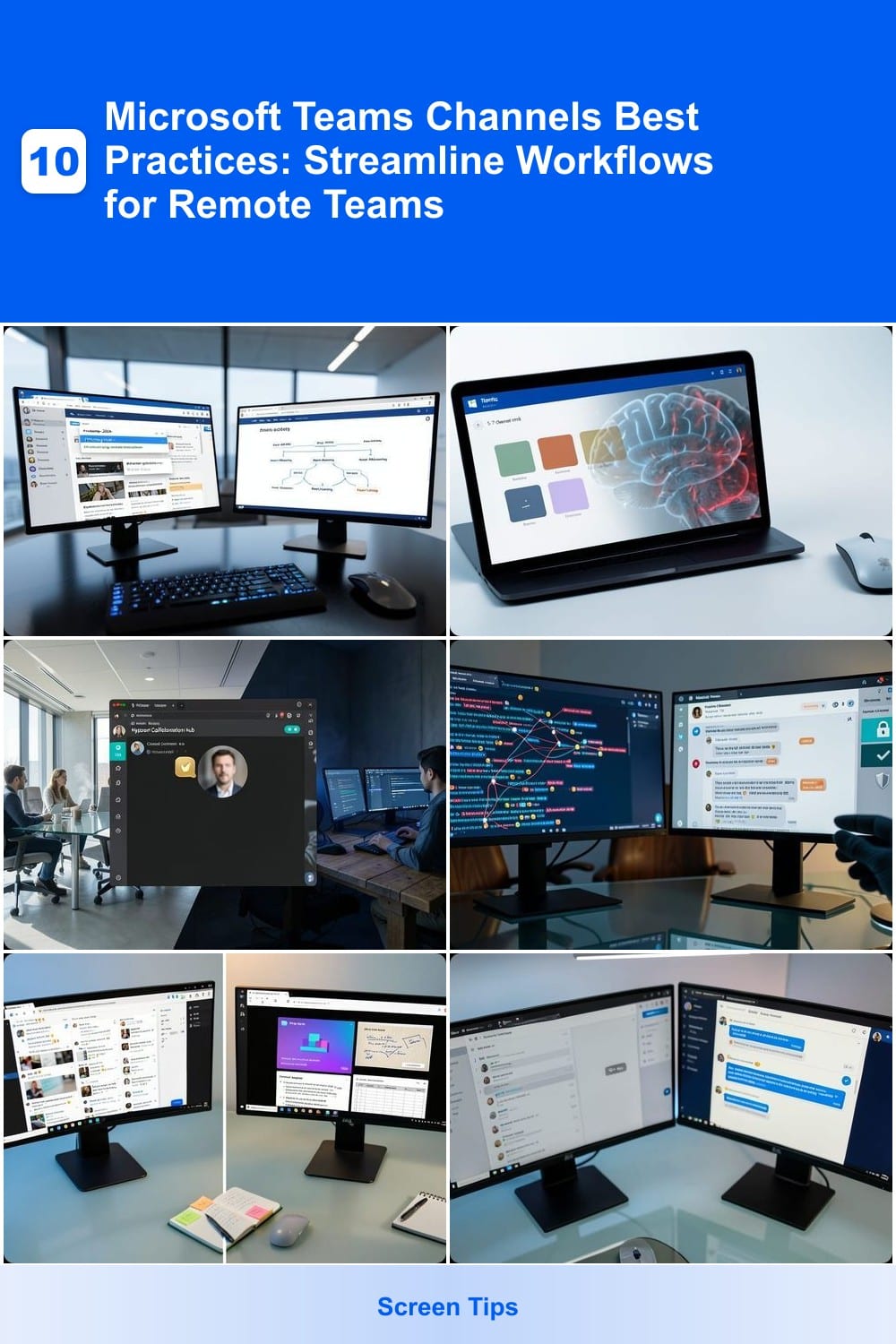
10 Microsoft Teams Channels Best Practices: Streamline Workflows for Remote Teams

Microsoft Teams channels can transform remote collaboration—but only if used strategically. These 10 best practices help teams organize workflows, reduce clutter, and boost productivity without overwhelming your…

Read more

Categories Software

10 Microsoft Teams Tips and Tricks 2023: Hidden Features Every Remote Worker Needs to Know

November 6, 2026 by Warren Gallagher
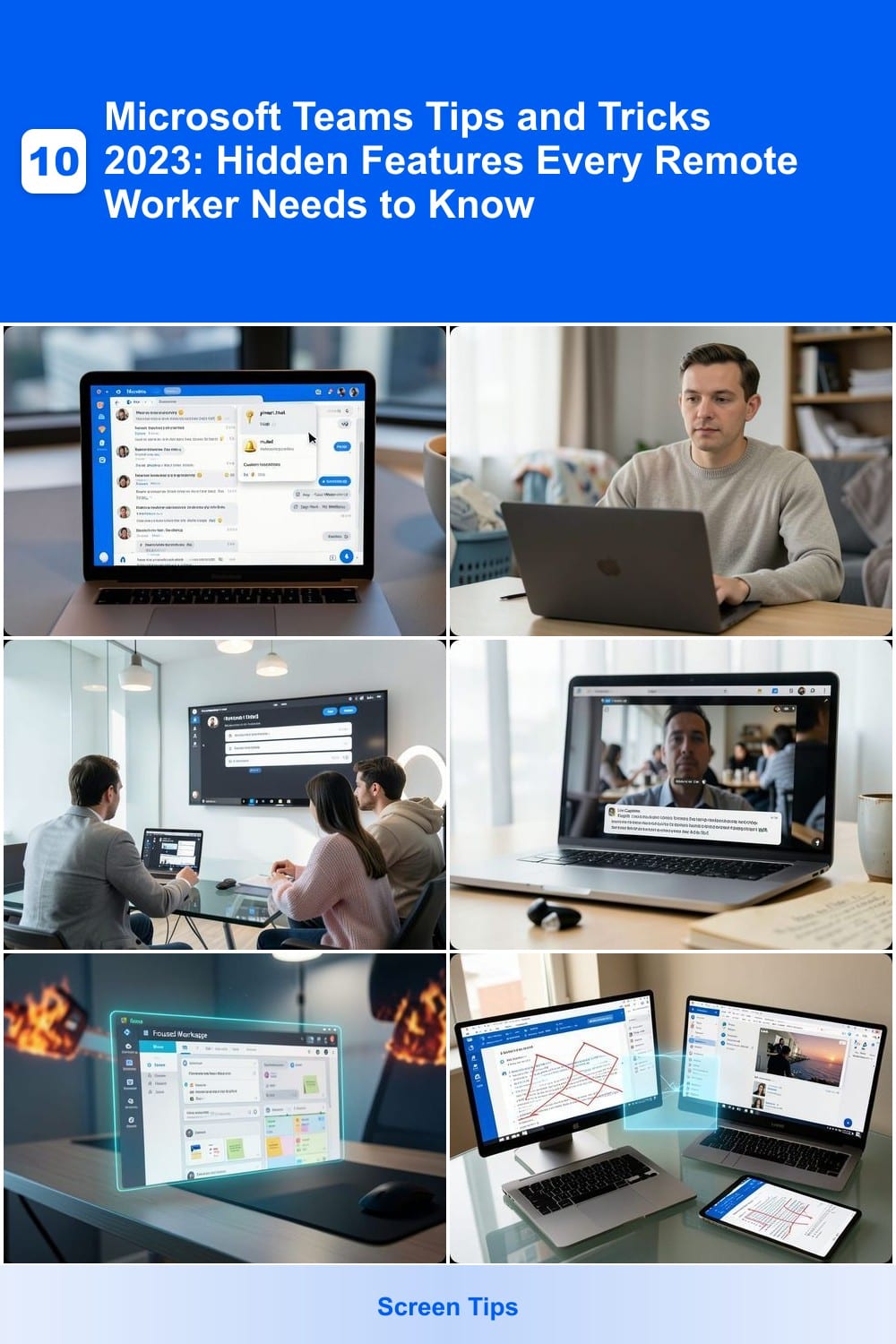
10 Microsoft Teams Tips and Tricks 2023: Hidden Features Every Remote Worker Needs to Know

Microsoft Teams is the backbone of modern remote work, yet most users miss out on powerful features that can save hours weekly. These 10 underutilized tips and tricks will transform how you collaborate, communicate, and…

Read more

Categories Tip & Trick

10 Free OneNote Planner Templates: 2023 Designs That Fit Any Workflow

November 6, 2026 by Warren Gallagher
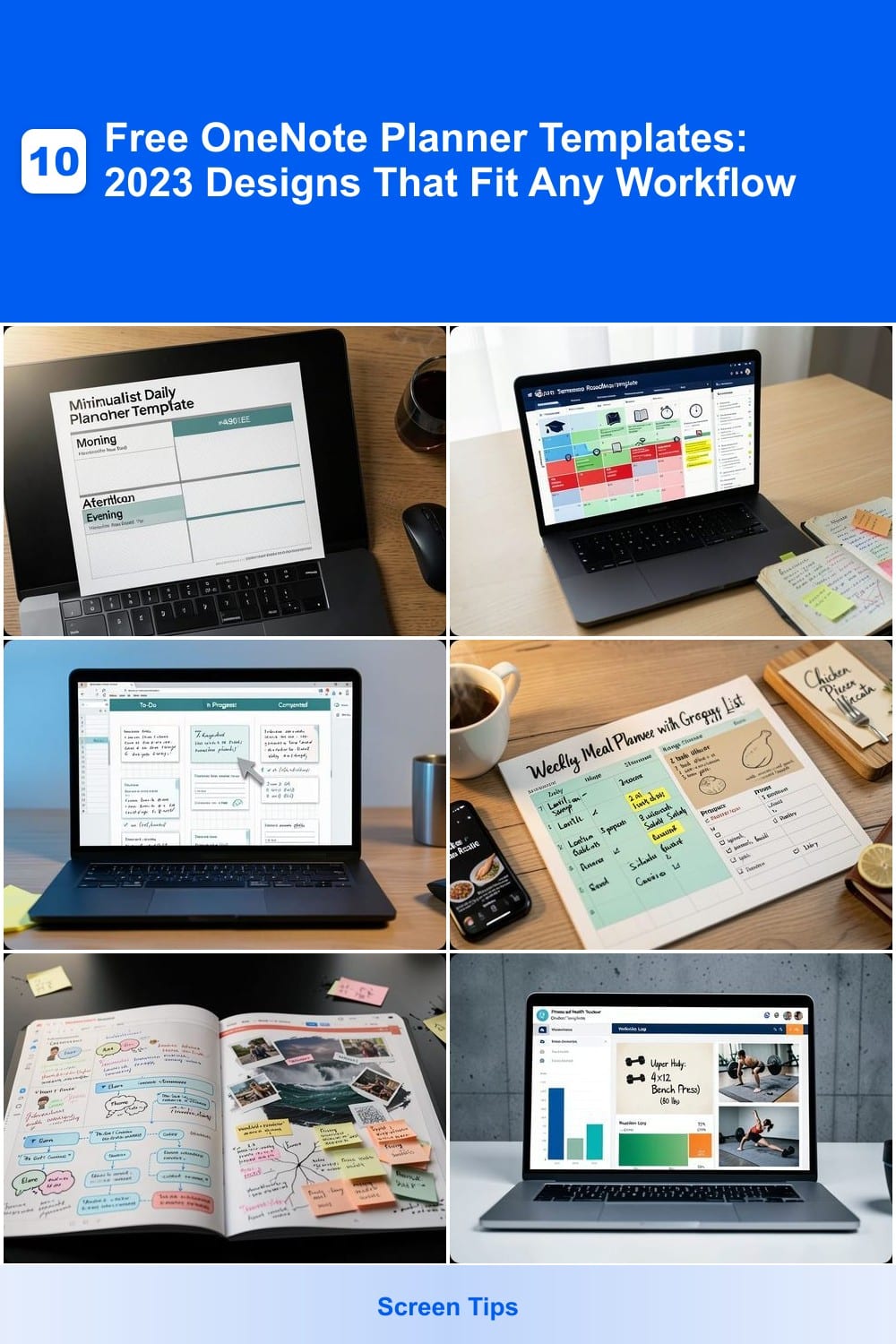
10 Free OneNote Planner Templates: 2023 Designs That Fit Any Workflow

Struggling to stay organized with Microsoft OneNote? These 10 free 2023 planner templates transform your digital notebook into a customizable productivity powerhouse, whether you're a student, professional, or creative…

Read more

Categories Operating System
Page1…Page16Page17Page18Page19Page20…Page40Next →

About Me

Warren Gallagher

Warren Gallagher
My first computer was a clunky 486 my dad brought home from work, and I spent more time staring at its tiny screen than doing homework. That machine taught me how to fix errors, troubleshoot problems, and—most importantly—how to make technology work for me. Now, I run Screen Tips to share the same kind of hands-on guidance I wish I'd had back then, whether it's fixing a stubborn software glitch or picking the right tool for the job.

Learn more

Recent Posts

  • Download Tpm 2.0 for Windows 10: TPM 2.0 Ready Without Internet
    Download Tpm 2.0 for Windows 10: TPM 2.0 Ready Without Internet
  • How to Activate Excel Subscription: Unlock Full Features in Minutes
    How to Activate Excel Subscription: Unlock Full Features in Minutes
  • How to Set up a Microsoft Teams Meeting: Instant Hosting With Screen Sharing & Guest Links
    How to Set up a Microsoft Teams Meeting: Instant Hosting With Screen Sharing & Guest Links
  • Download Windows Media Player For Macintosh: Legacy Media Playback Without Emulation
    Download Windows Media Player For Macintosh: Legacy Media Playback Without Emulation
  • Microsoft Windows Defender Windows 8 Download: Offline Installer for Legacy Systems Protection
    Microsoft Windows Defender Windows 8 Download: Offline Installer for Legacy Systems Protection
  • All Guides
  • About
  • Contact
  • Privacy Policy
  • Cookie Policy
  • Terms of Use
© 2026 screentips.click