
Software
Struggling to master Microsoft Access but don’t want to spend money on courses? These 10 free online training resources teach database fundamentals, query building, and reporting—perfect for beginners and professionals alike. No prior experience required!
Microsoft Official Access Tutorials
When you need trusted, beginner-friendly guidance straight from the source, Microsoft’s official Access tutorials are the gold standard. These step-by-step guides walk you through tables, forms, and macros with screen-by-screen clarity, ensuring you build a strong foundation without confusion.
The tutorials cover core functionalities like creating relationships between tables, designing intuitive forms, and automating tasks with macros—all while using Microsoft’s own examples to demonstrate real-world applications. Best of all, they’re completely free, updated for the latest versions, and backed by Microsoft’s expertise, so you know you’re learning the right way.
Perfect for absolute beginners, students, or small business owners who want reliable, no-nonsense training. Start with the "Get Started" module, then progress to advanced topics at your own pace. 💻
YouTube: Access Tutorial for Beginners
If reading dense manuals makes your eyes glaze over, YouTube’s Microsoft Access tutorials transform learning into an engaging, step-by-step visual experience. Unlike text-heavy guides, these videos show you exactly how to build databases in real time—from creating tables to designing forms—with live demos that mirror your screen.
Popular channels like Access Expert or Microsoft Access Tutorials offer beginner-friendly playlists covering core tasks like queries, reports, and relationships. Many tutorials include downloadable practice files, so you can follow along and tweak the database as you go. The hands-on approach ensures you grasp concepts faster than passive reading ever could.
Perfect for visual learners, students, or small business owners who learn best by watching demonstrations. With zero cost and on-demand access, you can pause, rewind, and master Access at your own pace—no prior tech skills required. 💡
GCF Global: Microsoft Access Basics
If Microsoft Access feels overwhelming due to technical jargon, GCF Global’s Microsoft Access Basics is your lifeline. This nonprofit-backed course specializes in simplifying complex concepts like tables, queries, and relationships—without assuming prior tech knowledge.
The course uses plain-language explanations, step-by-step visuals, and real-world examples (e.g., tracking library books or volunteer hours). It covers Access 2016/2019 basics, including creating forms and reports, with zero pressure—just practical, bite-sized lessons. Their senior-friendly design includes larger text and clear navigation.
Perfect for non-tech users, seniors, or small business owners who need databases for personal projects. The course’s gentle learning curve makes it ideal for those who’ve avoided Access due to intimidation. ✨
Udemy Free Access Course by Simon Sez IT
Ready to level up your Microsoft Access skills without spending a dime? Simon Sez IT’s free Udemy course delivers a polished, structured learning experience that rivals paid training—perfect for those who’ve mastered the basics and want to tackle advanced techniques.
This course dives deep into complex queries, teaching you to optimize performance with SQL-like syntax and master pivot tables for data analysis. You’ll also explore database optimization techniques, like indexing strategies and relationship tuning, to build faster, more efficient systems. With 5+ hours of video content and downloadable project files, it’s designed for learners who want hands-on practice.
Ideal for intermediate users—such as office professionals or small business owners—this course bridges the gap between beginner tutorials and expert-level tools. 💻
Coursera: Databases with Access (University Course)
Ready to level up your Microsoft Access skills with a university-backed credential? Coursera’s Databases with Access course delivers rigorous, project-based training—ideal for professionals who want academic rigor without the degree cost.
Offered through top institutions, this course covers relational database design, advanced queries, and real-world applications using Microsoft Access 2016/2019. You’ll complete hands-on projects, earn a shareable certificate, and learn best practices from industry experts—all for free through Coursera’s audit option.
Perfect for data analysts, small business owners, or IT pros needing structured, credentialed training to boost their resume. ✨
LinkedIn Learning Free Trial Access
Want premium-quality training without the subscription cost? LinkedIn Learning’s free 1-month trial unlocks its entire library of Microsoft Access courses, including hands-on projects that mimic real-world business scenarios.
The platform offers video lessons with downloadable exercise files, letting you practice creating relational databases, advanced queries, and custom reports—skills that directly translate to workplace tasks. With courses taught by industry experts, you’ll learn best practices for data validation, macros, and security without sacrificing quality for free access.
Perfect for career-focused learners, this trial is ideal if you need structured, project-based training to boost your resume or prepare for certifications—no long-term commitment required. ✨
Access World Summit Free Webinars
If you’ve mastered the basics of Microsoft Access but crave deeper expertise, the Access World Summit free webinars deliver exactly that. Hosted by industry experts, these sessions dive into specialized topics like VBA scripting automation and database security best practices, going far beyond standard tutorials.
Each webinar focuses on practical, real-world applications—think advanced query optimization, data integrity techniques, or customizing Access for enterprise use. Recordings are available on-demand, so you can learn at your own pace without time constraints. The summit’s niche topics make it a standout resource for professionals who need to troubleshoot complex database challenges.
Perfect for database administrators, IT specialists, or power users looking to refine their skills, these sessions bridge the gap between theory and implementation. ⚡
Microsoft Virtual Academy Access Course
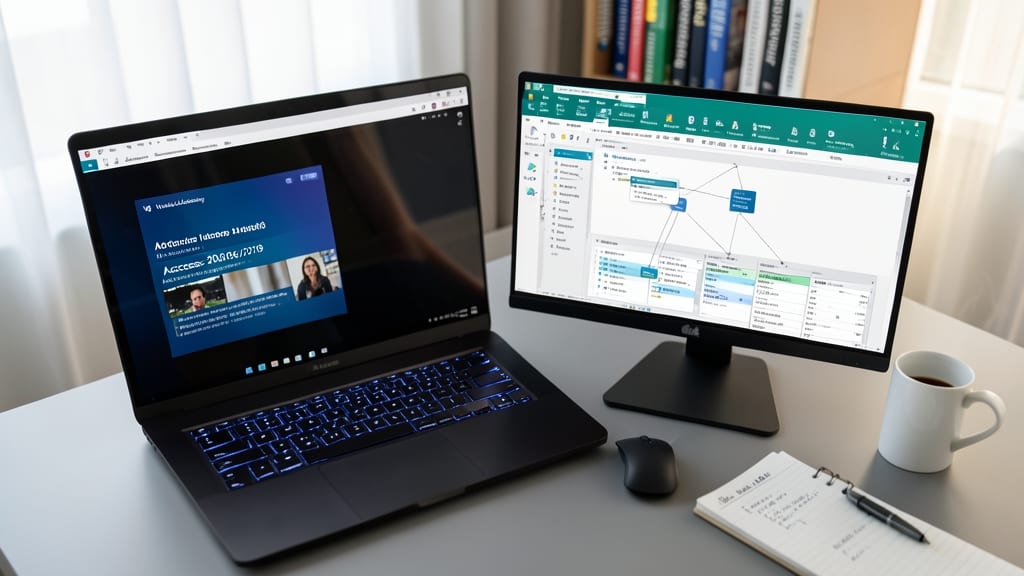
If you're an IT professional already familiar with Access basics but need to level up your skills with Access 2016/2019, Microsoft Virtual Academy’s free video series delivers exactly what you need. Unlike beginner-focused tutorials, this course dives deep into advanced features like multi-level sorting, advanced filtering, and complex relationships—tools that streamline workflows for enterprise-level database management.
The series includes on-demand video lessons led by Microsoft-certified trainers, covering real-world scenarios such as automating reports with macros and optimizing database performance. Each module is concise yet packed with actionable insights, making it ideal for professionals who want to boost productivity without sacrificing accuracy. The content is structured for quick learning, so you can focus on mastering specific features rather than spending hours on foundational topics.
This is the perfect fit for IT admins, database managers, or anyone upgrading from older Access versions. Whether you're preparing for a certification or simply want to work smarter with Access, this course delivers the expertise you need—completely free. ✨
OpenClassrooms Free Access Modules

Want to learn Microsoft Access by doing—not just watching or reading? OpenClassrooms’ free modules dive straight into real-world projects using live datasets, like inventory management or customer relationship databases.
Each module walks you through building functional databases from scratch, with step-by-step guidance on queries, reports, and macros. You’ll work with authentic datasets (e.g., e-commerce orders or HR records) and export your projects to showcase in a portfolio—no fluff, just skills you can use tomorrow.
Perfect for job seekers or freelancers who need tangible proof of their Access expertise. Start with the Database Fundamentals module, then level up with advanced queries. ✨
Reddit Community: Access Help Forum
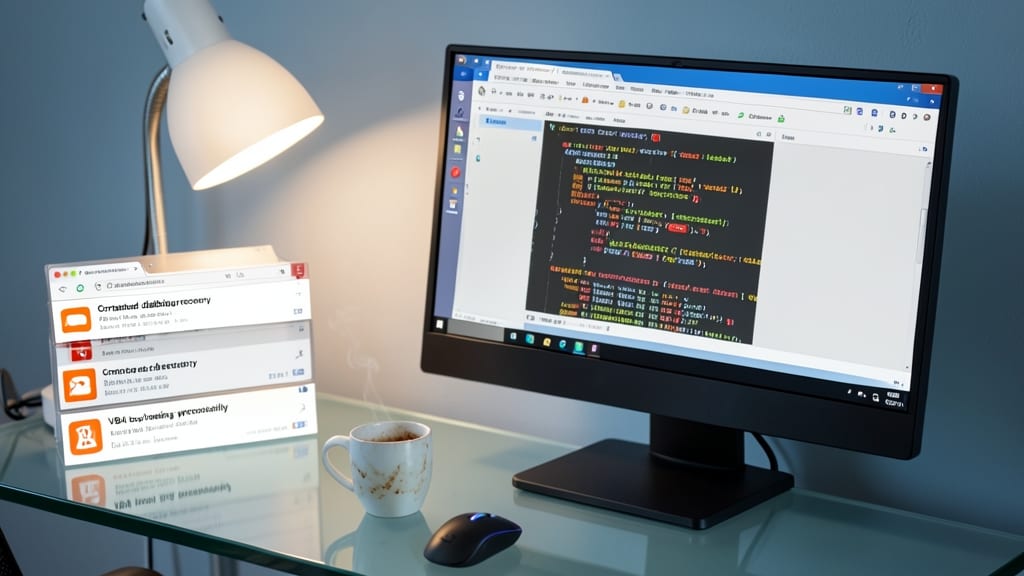
Stuck on a tricky Microsoft Access problem with no clear solution? The r/access Reddit forum is your real-time troubleshooting hub, where experienced users share solutions to everything from corrupted databases to complex VBA errors.
With thousands of active threads, you’ll find answers to niche issues like query optimization or form design hacks that aren’t covered in standard tutorials. The community also reviews projects, offering feedback on your database structure or suggesting improvements—perfect for refining your work before finalizing it.
This is the go-to spot for quick fixes and collaborative learning, especially if you thrive in interactive environments. Whether you’re debugging or brainstorming, the forum’s upvote system highlights the best advice—no subscription or registration fees required. 💻