Operating System
Struggling to stay organized with Microsoft OneNote? These 10 free 2023 planner templates transform your digital notebook into a customizable productivity powerhouse, whether you're a student, professional, or creative entrepreneur. Each design adapts to your workflow—no coding or design skills required.
Minimalist Daily Planner Template
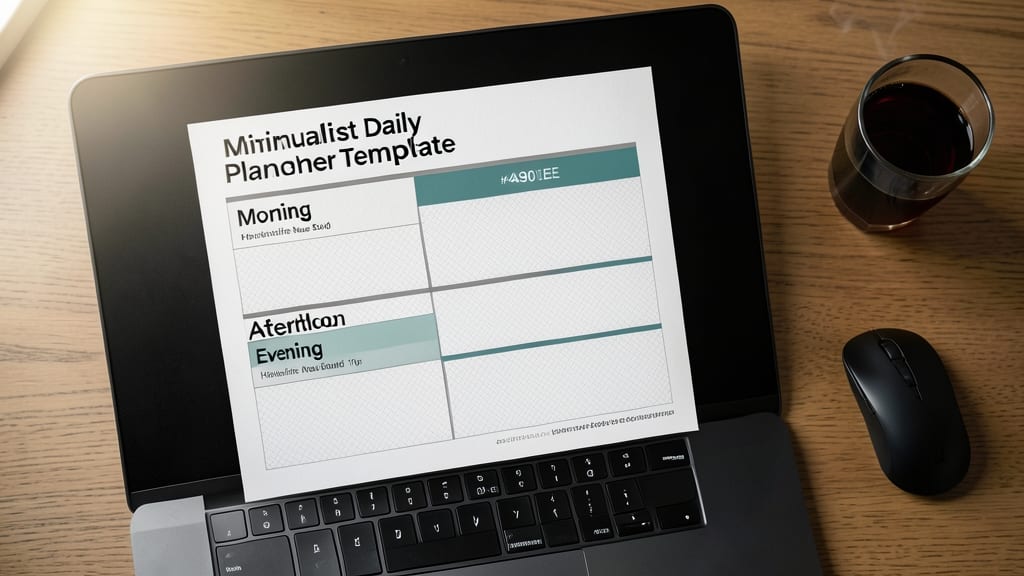
Drowning in digital clutter but craving laser focus? The Minimalist Daily Planner Template strips away the noise with a zero-distraction layout designed for professionals who thrive on simplicity. This template replaces chaotic to-do lists with structured time-blocking sections, helping you allocate precise hours to deep work, meetings, and breaks—all while keeping your workspace clean and distraction-free.
The white-background design with black text ensures readability, while color-coded time blocks (blue for meetings, green for tasks) let you visualize your day at a glance. Built for Windows 10/11, it syncs seamlessly across devices, so your schedule stays up-to-date whether you're on your laptop, tablet, or phone. The template also includes customizable priority tags and quick-access checklists to keep you on track without the mental overhead.
Perfect for executives, freelancers, or anyone juggling multiple priorities, this template turns passive note-taking into an active productivity system. Ditch the overwhelm and focus on what matters most—your work. ⚡
Student Semester Roadmap Template
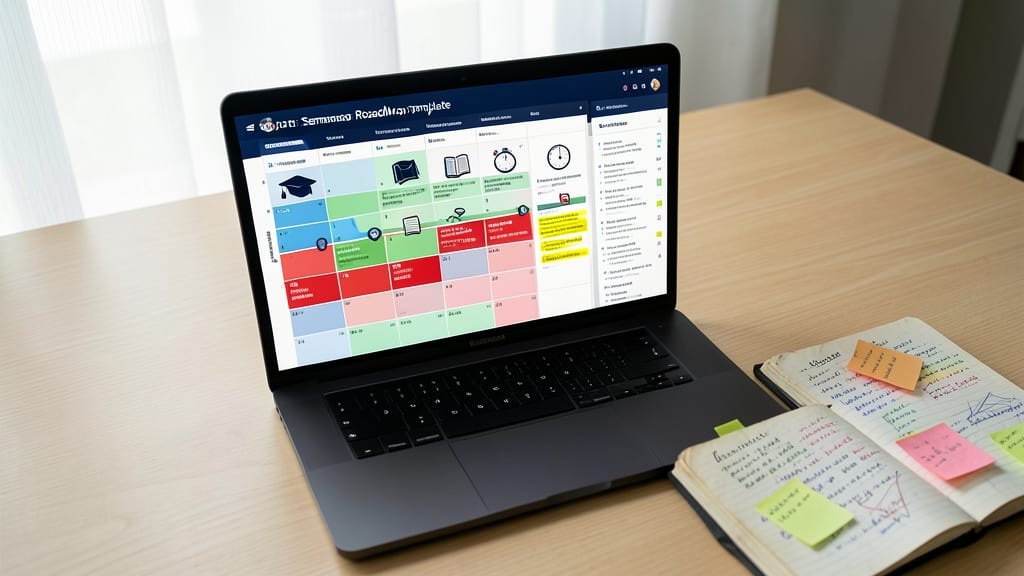
Drowning in syllabi, deadlines, and last-minute cram sessions? The Student Semester Roadmap Template transforms your OneNote into a stress-free academic command center—where every assignment, exam, and study session is mapped out in one visual workflow.
This template features a color-coded semester calendar with dedicated tabs for classes, exams, and projects, while study session trackers help you allocate focused time blocks. Built-in deadline reminders sync across devices, so you’ll never miss a submission—even when juggling group work and extracurriculars. The drag-and-drop task organizer lets you rearrange priorities in seconds, and embedded checklists ensure no detail slips through the cracks.
Perfect for undergrads, grad students, or anyone balancing coursework with a busy schedule, this template turns academic chaos into clarity. Sync it to your phone for on-the-go study planning—because stress-free semesters start with organization. ✨
Project Management Kanban Board
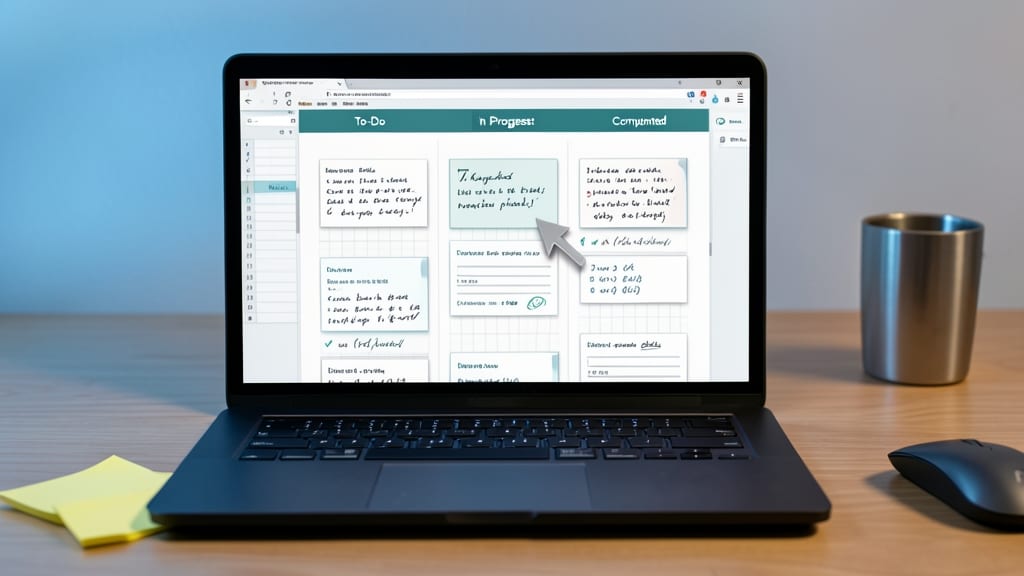
Tired of juggling sticky notes and spreadsheets for your projects? This Project Management Kanban Board template turns OneNote into a visual, drag-and-drop task manager—perfect for freelancers or teams using Agile methodologies. The pre-built columns for To-Do, In Progress, and Completed tasks let you track workflows in real time, just like a physical Kanban board but with digital flexibility.
The template includes color-coded sticky notes for priority levels, customizable labels, and even checklist icons to mark subtasks. You can easily reorder tasks by dragging, add due dates, and attach files—all without leaving OneNote. Best of all, it syncs across devices, so your team stays aligned whether you're working from a laptop, tablet, or phone.
Freelancers managing multiple clients or small teams adopting Agile will love how this template eliminates context-switching between tools. It’s the digital equivalent of a whiteboard that actually keeps up with you. ✨
Weekly Meal Planner with Grocery List
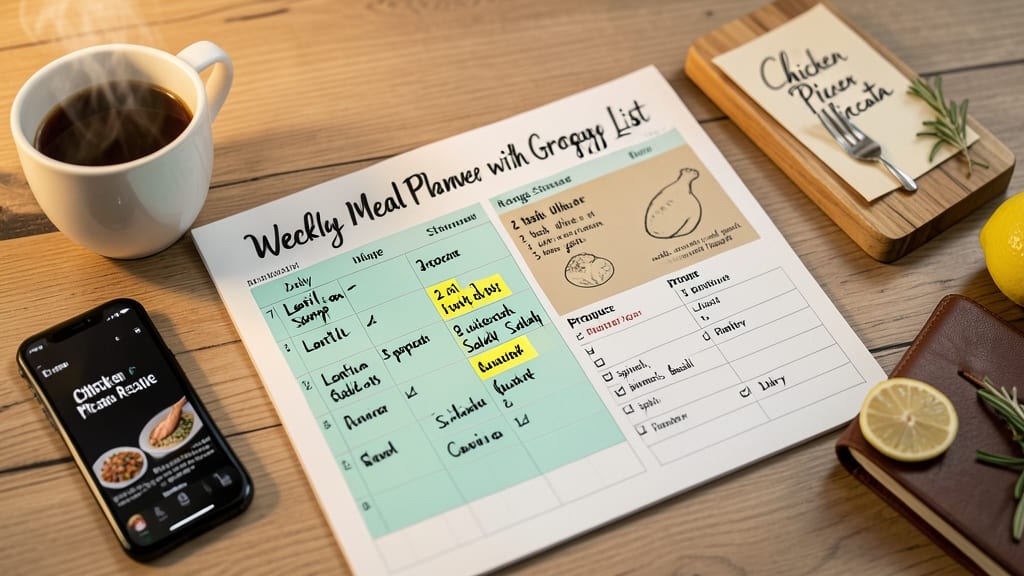
Tired of last-minute grocery runs and forgotten recipes? This Weekly Meal Planner with Grocery List template streamlines your food planning by merging meal ideas, recipe storage, and shopping lists into one seamless workspace.
With dedicated sections for daily meal planning, recipe notes (including ingredients and prep times), and a , you’ll cut down on decision fatigue and food waste. The template even includes color-coded meal categories (breakfast, lunch, dinner) and a budget tracker to help you plan meals that fit your wallet. Sync it across devices to access your plan from the kitchen or supermarket.
Ideal for busy families, meal-preppers, or anyone tired of takeout, this template turns grocery shopping into a stress-free, budget-friendly task. ✨
Creative Writer’s Brainstorm Hub
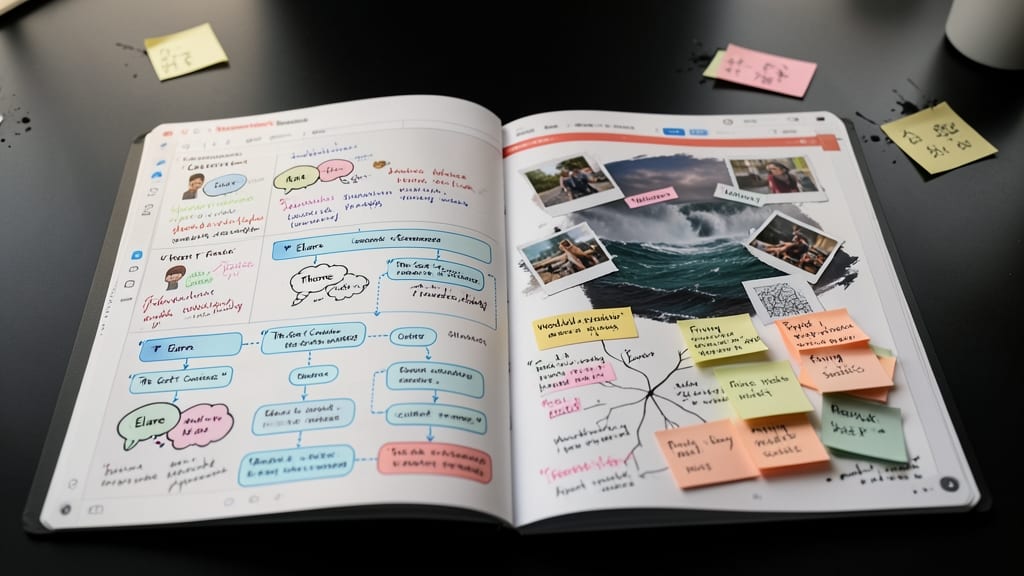
Stuck in a creative rut? The Creative Writer’s Brainstorm Hub template turns OneNote into your personal idea vault, combining character profiles, plot outlines, and mood boards in one seamless workspace.
You’ll find dedicated sections for world-building notes, timeline tracking, and random idea repositories—all searchable via OneNote’s built-in tags. The drag-and-drop table layouts let you rearrange sections as your project evolves, while image embedding keeps visual inspiration (like Pinterest-style mood boards) right where you write.
Perfect for novelists, screenwriters, or bloggers who juggle multiple projects—this template syncs across devices so your creativity flows whether you’re at your desk or on the go. ✨
Fitness and Health Tracker
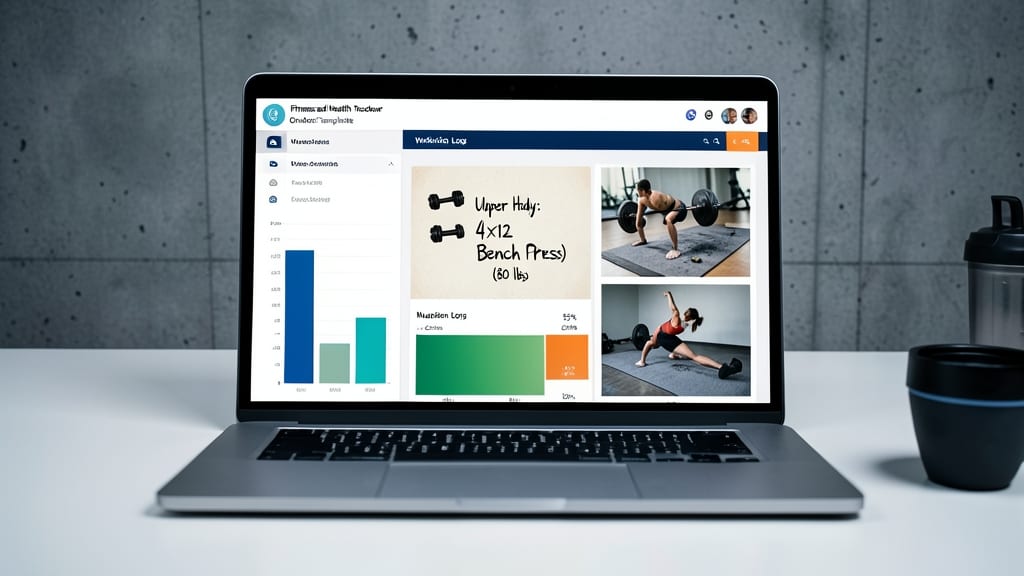
Turn your fitness journey into a seamless digital experience with the Fitness and Health Tracker template—specifically designed to centralize workouts, nutrition logs, and progress photos in one place. Unlike scattered apps, this template lets you track everything from lifting weights to meal macros, all synced across your devices.
The template includes customizable workout sections (strength, cardio, yoga) with progress bars to visualize gains, a nutrition tracker for logging meals and macros, and a photo gallery to document transformations. You can even add notes for workout tips or doctor’s recommendations, making it a true health hub. The color-coded calendar highlights workout days, while reminders keep you on track.
Perfect for gym enthusiasts, marathon runners, or anyone serious about health goals, this template adapts to your routine—whether you’re lifting, running, or recovering. Sync it across Windows, Mac, or mobile for real-time updates. 💪
Business Meeting Minutes Template
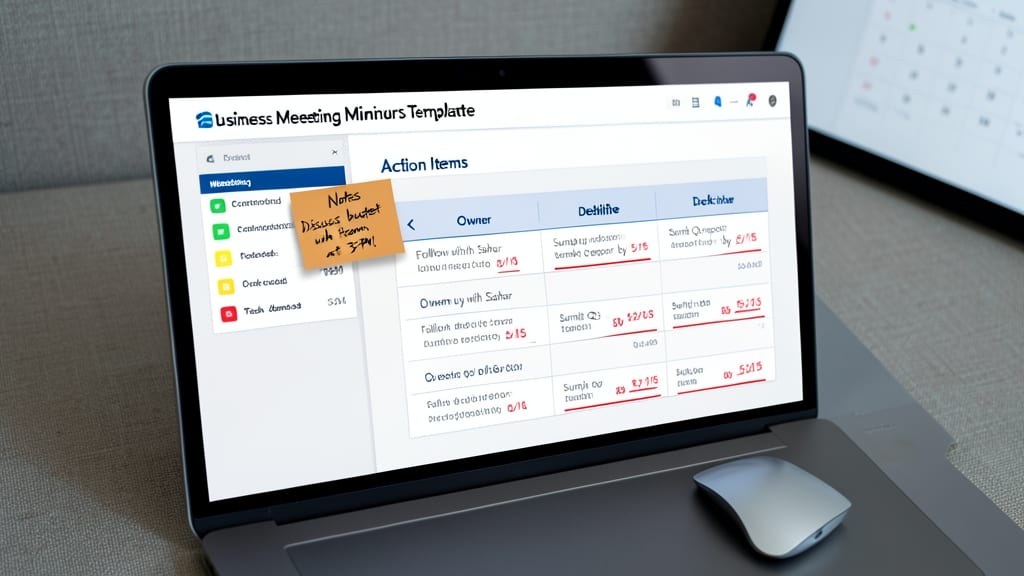
Tired of losing track of meeting details after the call ends? The Business Meeting Minutes Template turns OneNote into your command center for professional discussions, whether virtual or in-person.
This template includes a dedicated section for action items with owner names and deadlines, ensuring nothing slips through the cracks. Pre-built tables for attendees, agenda items, and follow-ups streamline note-taking, while color-coded priority flags highlight urgent tasks at a glance. The shareable format lets you distribute minutes instantly via email or Teams, keeping everyone on the same page.
Perfect for managers, remote teams, or anyone leading meetings—this template transforms disorganized notes into a clear, actionable record that saves time and reduces follow-up emails. ✨
Travel Itinerary Organizer
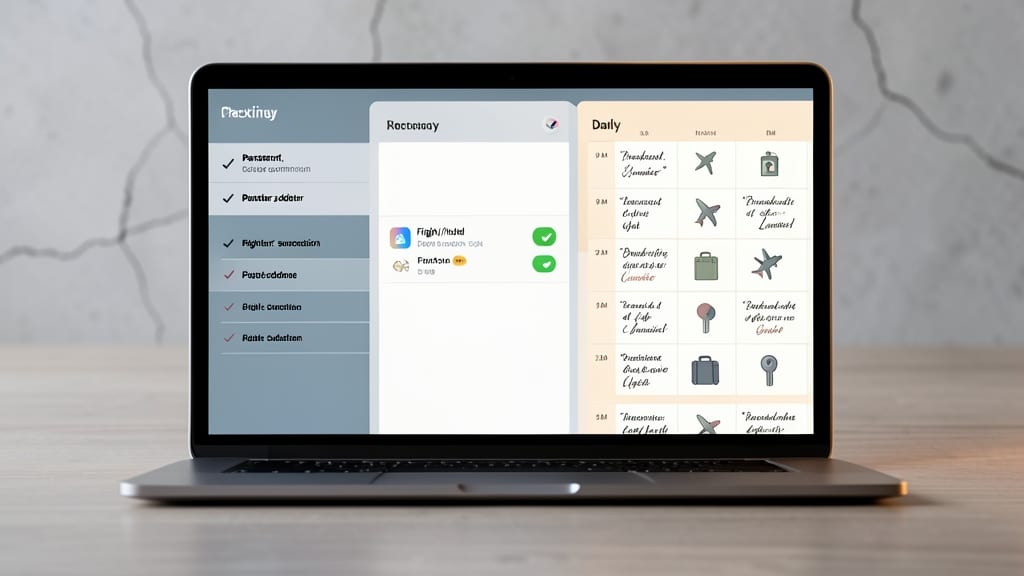
Forget frantically searching through emails and notes before your next trip—this Travel Itinerary Organizer template consolidates everything in one place. It combines packing checklists, flight/hotel confirmations, and daily itineraries with real-time sync across your devices, so you’re never caught off guard.
The template includes customizable sections for reservations, weather alerts, and even currency conversion tools. You can embed maps, attach digital boarding passes, and even track expenses—all while keeping your data secure with Microsoft’s built-in encryption. The drag-and-drop interface makes rearranging your schedule as easy as a few clicks.
Ideal for digital nomads, remote workers, or anyone planning multi-city trips, this template turns chaos into clarity. Whether you're jetting off for business or exploring new destinations, your entire journey stays organized—no matter where you are. ✨
Habit Tracker with Progress Visualization
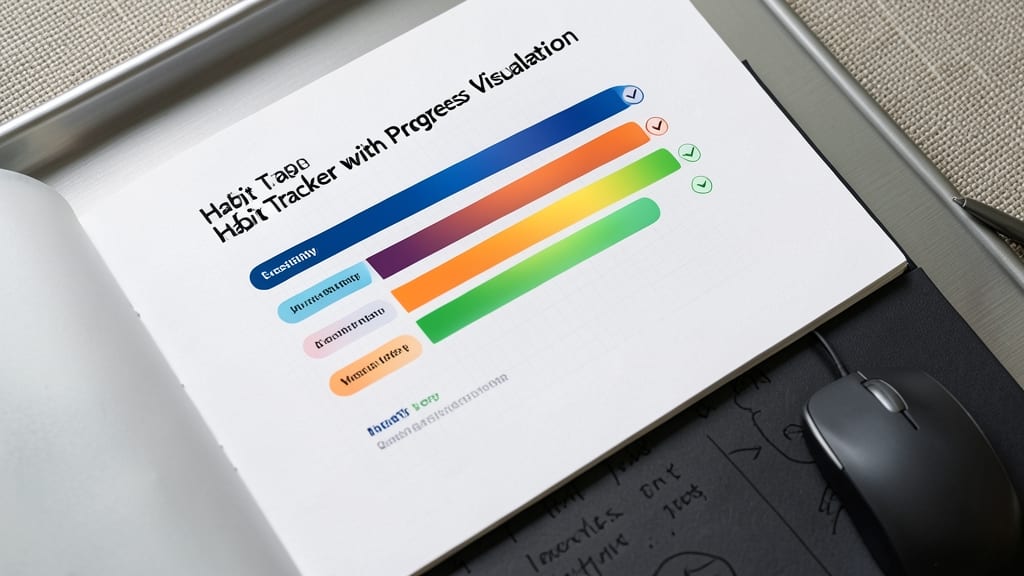
Turn intention into action with this Habit Tracker with Progress Visualization template—your secret weapon for building unstoppable routines. Unlike generic checklists, this template uses color-coded progress bars that grow with each completed habit, creating instant visual motivation for habits like reading, meditation, or language practice.
The template includes customizable habit categories, a 7-day weekly overview, and a monthly heatmap to spot trends. You can even set reminders directly in OneNote to keep habits top-of-mind. The sleek design integrates seamlessly with your existing OneNote notebooks, so no extra apps or logins are needed.
Perfect for students juggling study habits, professionals building morning routines, or creatives tracking creative consistency, this template turns abstract goals into tangible progress. Watch your habits stack up—literally! ✨
Multi-Tab Notebook for Cross-Platform Use
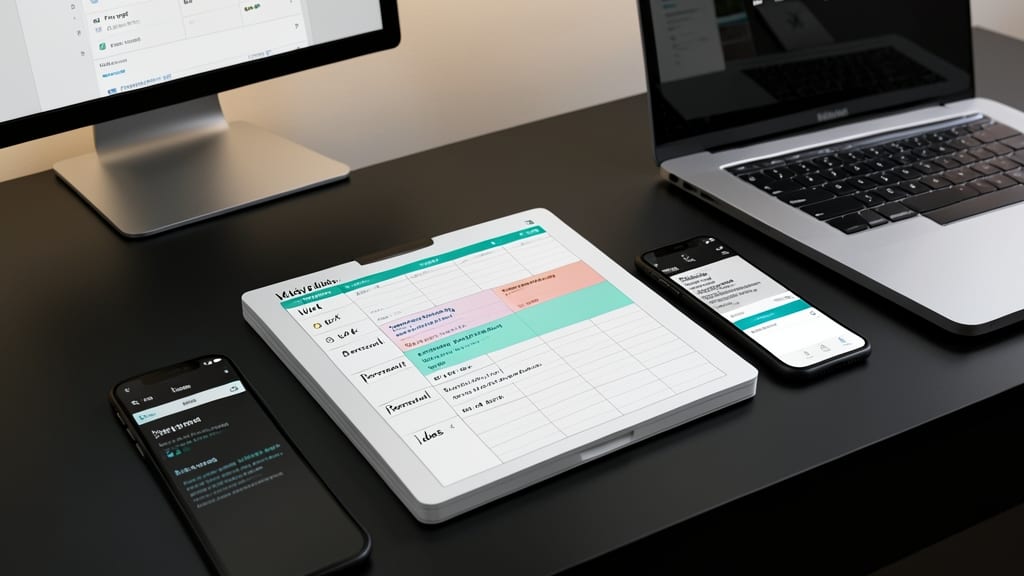
Tired of juggling separate notes across your Windows PC, MacBook, and phone? The Multi-Tab Notebook template bridges the gap by syncing your planner effortlessly across all devices—no app switching required.
With real-time updates and cross-platform compatibility, you’ll see changes instantly whether you’re jotting down ideas on your iPad or reviewing tasks on your Android phone. The template includes dedicated tabs for work, personal, and project notes, ensuring everything stays organized in one place. Plus, it integrates with Microsoft To Do and Outlook for seamless task management.
Perfect for digital nomads, remote workers, or anyone who switches devices daily, this template keeps your life unified without the hassle. ✨