My first computer was a clunky 486 my dad brought home from work, and I spent more time staring at its tiny screen than doing homework. That machine taught me how to fix errors, troubleshoot problems, and—most importantly—how to make technology work for me.
Now, I run Screen Tips to share the same kind of hands-on guidance I wish I'd had back then, whether it's fixing a stubborn software glitch or picking the right tool for the job.
Downloading a file from a remote server to your local machine used to mean fumbling with clunky FTP clients or memorizing arcane command lines—now, I’ve cut that process down to three simple commands—no more guessing, no…
A direct Groove Music download for Windows 10 lets you install the app offline—no streaming, no buffering, and no lost library when the internet cuts out. Tired of buffering, slow streaming, or losing your Groove Music…
To completely uninstall an app means erasing every trace of it—no leftover folders, registry entries, or hidden files. ⚡ I’ve spent hours cleaning up after apps that thought they were gone, only to find them lurking in…
Downloading Excel from Office 365 is simpler than you’d expect—no tech degree required. ⚡ I’ve walked countless users through this process, and the key is knowing exactly where to click. The desktop version gives you…
To download LinkedIn profile pictures, you don’t need to ask—just right-click and save. ⚡ I’ve saved hundreds of professional headshots this way, and the process takes less than 10 seconds once you know the trick. The…
Downloading OneDrive files to your computer used to feel like a hassle—until I discovered the right workflow that makes it shockingly simple. ✨ Whether you need offline access for a presentation or want to free up cloud…
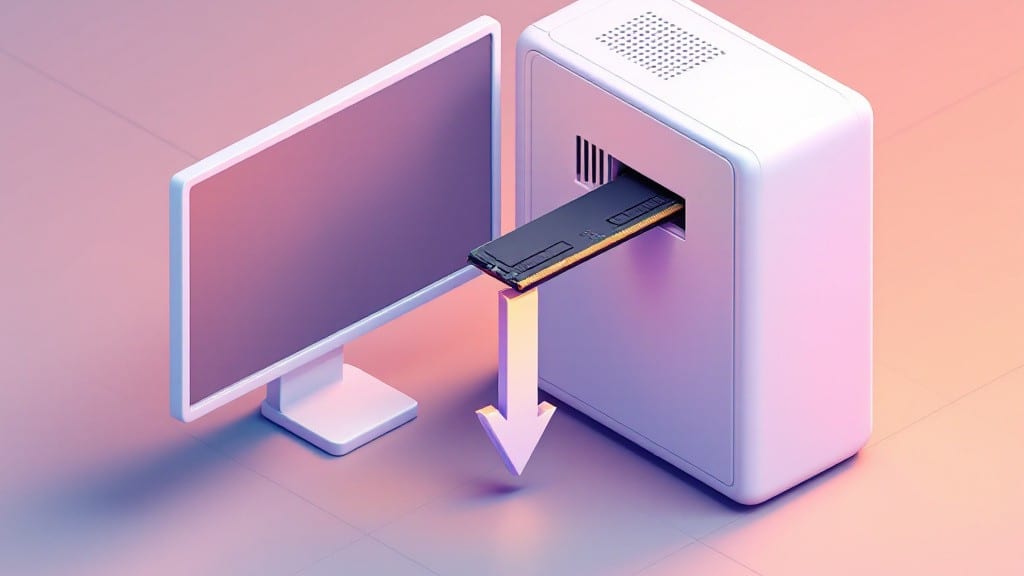
Installing RAM in a desktop PC is one of those tasks that looks intimidating but takes less than five minutes once you know the steps. I’ve watched friends freeze at the sight of an open case, but the process is…
Setting up a conference call used to mean hunting for dial-in numbers and praying everyone showed up on time. ⚡ Today, it takes less than five minutes —whether you're using Zoom, Teams, or even your phone's built-in…
Setting up email on Android used to be a headache—until Google and Microsoft made it shockingly simple. ⚡ I’ve helped dozens of folks (including my dad’s scrapyard crew) get their work and personal emails syncing without…
Learn how to set up email in Windows 8 the easy way—just follow this foolproof visual guide that simplifies the process in under 10 minutes. ✨ The Mail app handles most accounts automatically, but when it stalls, knowing…
Uninstalling R on your Mac shouldn’t leave behind a digital landfill of leftover files. ⚡ I’ve scrubbed R clean from more machines than I can count—including my own ThinkPad when I needed to switch to Julia for a…
Looking for a free ID Tech card reader software download that works instantly without bloated installers? You’re in the right place. Many free tools either bundle ads or require full system installs—leaving you stuck…
Microsoft’s official clip art images are free to download directly from Microsoft’s trusted sources, ready to elevate your PowerPoint slides in seconds. Struggling to find high-quality, royalty-free clip art for your…
Need the Microsoft Common Language Runtime version 4.0.3 download to run legacy .NET apps on Windows 11/10? This offline installer fixes compatibility without internet. Struggling with .NET errors? Many older…
"Ok Google set up my phone" saved me hours of fiddling with settings the first time I tried it. ✨ I was skeptical—until I realized how many steps it handles automatically, from account linking to security prompts. My old…