
Operating System
Data breaches cost businesses millions annually—yet many overlook internal safeguards that provide the strongest first line of defense. These 10 proven strategies empower cybersecurity leaders to implement layered protections that reduce risks before threats escalate.
Role-Based Access Control Implementation
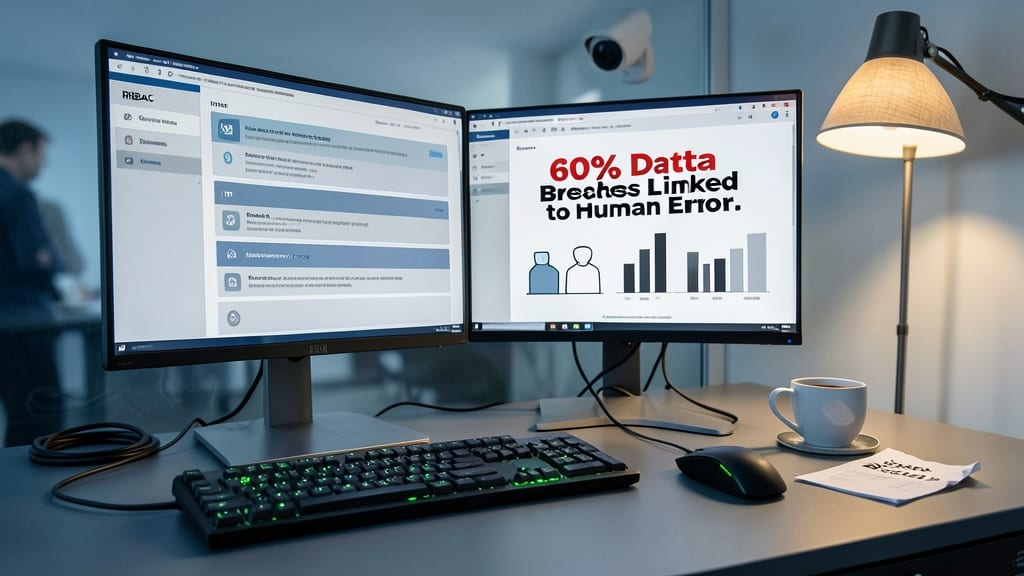
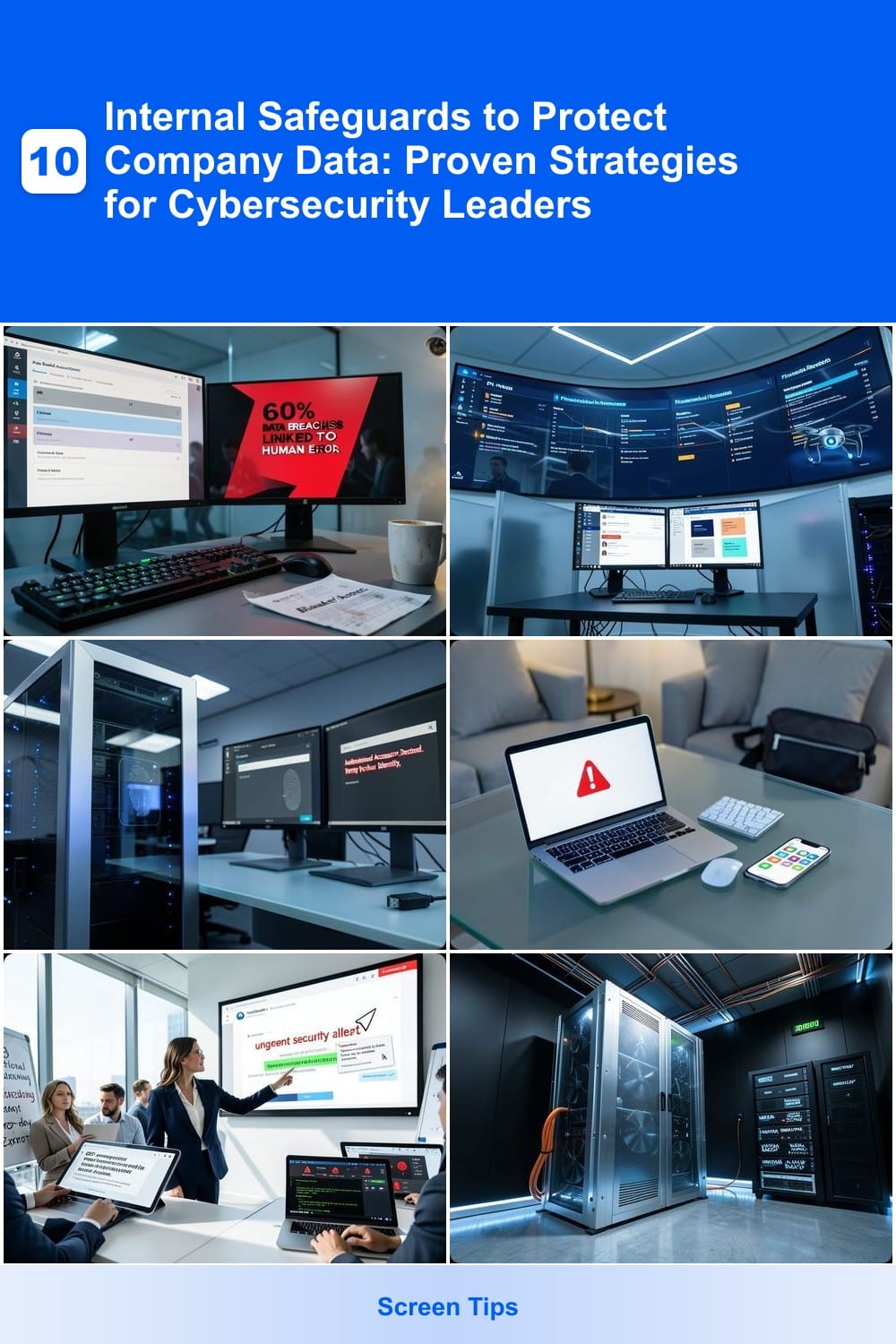
Human error and malicious insiders cause 60% of data breaches—yet most companies still give employees blanket access to systems they don’t need. Role-Based Access Control (RBAC) flips this script by granting permissions only for job-specific tasks, like restricting HR staff from viewing finance records or limiting IT admins to their own servers.
Modern RBAC platforms like Microsoft Azure AD or Okta integrate with Active Directory for seamless enforcement, while tools like OpenIAM offer open-source flexibility. You can define granular rules—such as time-based access (e.g., payroll files locked after payday) or just-in-time elevation for temporary admin tasks—without manual oversight. Compliance reports auto-generate for HIPAA, GDPR, or SOX audits, proving you’re not just securing data but proactively reducing risk.
This is the non-negotiable baseline for regulated industries like healthcare or finance, but even startups benefit. RBAC turns accidental leaks into impossible events—because the only access employees get is what they need to do their jobs. 💻
Automated Data Classification Tools

Tired of manually hunting for sensitive data across scattered systems? Automated data classification tools use AI-powered pattern recognition to automatically tag and categorize files—whether it’s PII, financial records, or trade secrets—across email, cloud storage, and on-premises servers. This eliminates the guesswork of manual reviews while ensuring compliance with regulations like GDPR or CCPA.
Solutions like Symantec Data Loss Prevention or Microsoft Purview Information Protection scan content in real-time, applying context-aware labels (e.g., "Confidential," "Public") based on keywords, file types, or even metadata patterns. They integrate with SharePoint, OneDrive, and legacy databases, so sensitive documents are automatically protected—no matter where they live. The best part? You can set dynamic access controls (e.g., encrypting files marked "High Risk" or blocking unauthorized shares) without rewriting permissions manually.
Large enterprises with unstructured data sprawl—think legal firms, healthcare providers, or financial institutions—see the biggest ROI here. These tools turn data chaos into actionable security policies, reducing audit risks and cutting breach exposure by up to 80% for classified data. 💡
Multi-Factor Authentication for Internal Systems
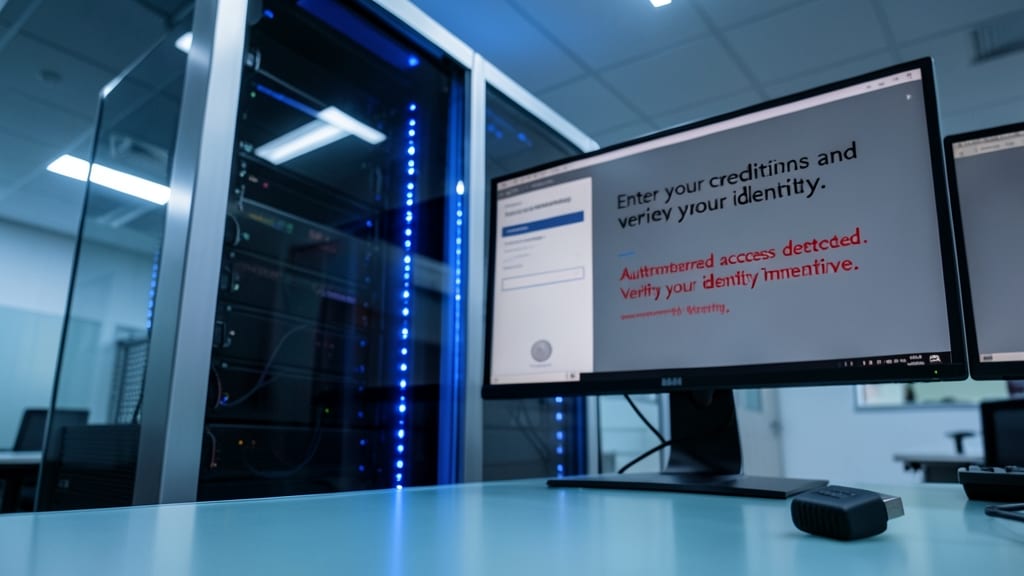
If your team still relies solely on passwords, you’re leaving the front door unlocked for attackers. Multi-Factor Authentication (MFA) adds a second or third layer of verification—like biometrics or hardware tokens—to critical systems, making stolen credentials useless without physical access.
Modern MFA solutions integrate seamlessly with VPNs, email clients, and admin panels, supporting FIDO2 keys, fingerprint scans, or push notifications. For remote teams, this means secure access from anywhere without sacrificing convenience. High-risk sectors like tech and government use it to enforce compliance with strict data protection regulations.
This isn’t just for enterprises—small businesses with sensitive client data benefit too. Start with cloud-based MFA tools like Duo or Microsoft Authenticator for a zero-configuration battle-tested setup. 💻
Endpoint Detection and Response (EDR) Software

When employees bring their own devices or work remotely, traditional antivirus just isn’t enough. Endpoint Detection and Response (EDR) software fills that gap by continuously monitoring devices for anomalies—like unusual process behavior or lateral movement—then isolating infected endpoints before threats spread laterally across your network.
Solutions like CrowdStrike Falcon or SentinelOne offer AI-driven threat detection, automated containment, and forensic investigation tools that work silently in the background. They detect zero-day exploits and fileless malware that traditional AV misses, with sub-second response times for critical alerts. Many also integrate with SIEM systems for centralized threat hunting.
This is the ideal safeguard for organizations with BYOD policies or hybrid workforces, where devices connect to corporate networks from untrusted locations. ⚡
Regular Security Awareness Training Simulations

Your employees might be your biggest security risk—and that’s a problem you can fix. Security awareness training simulations turn passive learning into active defense by exposing teams to realistic phishing attacks, malware scenarios, and social engineering tactics in a safe environment.
Platforms like KnowBe4 or PhishMe deliver customizable phishing tests that mimic real-world threats, while interactive modules teach employees how to spot suspicious emails, USB drops, or tailgating attempts. Studies show these programs can slash phishing click-through rates by 70% in just six months for mid-sized companies—making them one of the most cost-effective safeguards available.
This strategy is ideal for organizations where human error is the top breach vector, especially those in healthcare, finance, or retail where compliance regulations demand proactive training. The best part? You’ll see immediate ROI in reduced helpdesk tickets and fewer security incidents. ✨
Immutable Backups with Air-Gapped Storage

Ransomware attacks don’t just encrypt your data—they delete it permanently if you refuse to pay. Immutable backups with air-gapped storage create a digital fortress where even encrypted files remain untouched, because the backup drive is physically disconnected from your network.
Solutions like Veeam’s immutable backup repositories or Dell EMC’s PowerProtect Data Manager write data to write-once-read-many (WORM) storage, preventing deletion or modification. Pair this with offline hard drives (rotated weekly) for true disaster recovery—no ransomware can touch what’s never connected. The 3-2-1 rule (3 copies, 2 media types, 1 offline) ensures you’re always covered.
This isn’t just for Fortune 500s—law firms, medical practices, and even mid-sized manufacturers rely on it to protect trade secrets, patient records, or proprietary designs. If your data is your lifeblood, air-gapped backups are the only safeguard that can’t be hacked. ✨
Network Segmentation for Sensitive Departments

Imagine a breach starting in your marketing department—now what? Without network segmentation, attackers can hopscotch across your entire network like it’s a playground. This strategy creates isolated zones for departments like HR, finance, and R&D, cutting off their access to general IT traffic and slashing lateral movement risks by up to 90%.
Tools like Palo Alto Networks VM-Series or Cisco Firepower let you define custom policies with micro-segmentation, ensuring even if one department is compromised, others remain untouched. For example, a finance server won’t talk to a marketing laptop unless explicitly allowed. This is especially critical during mergers or acquisitions, where legacy systems might introduce hidden vulnerabilities.
Companies handling proprietary R&D data or employee records see the biggest payoff—segmentation turns a potential breach into a contained incident. The best part? It doesn’t require overhauling your entire infrastructure. ✨
Automated Patch Management Systems
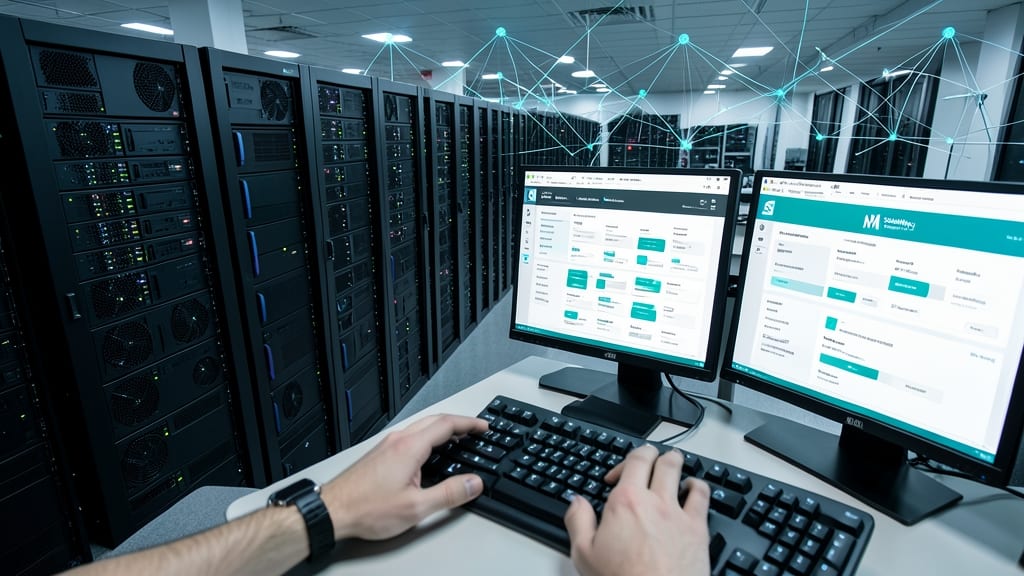
If your IT team spends hours manually pushing updates across hundreds of devices, you’re leaving critical vulnerabilities exposed. Automated patch management systems like ManageEngine Patch Manager Plus or SolarWinds Serv-U eliminate this bottleneck by deploying updates across all endpoints—servers, workstations, and mobile devices—in under two hours, even for large fleets.
These systems prioritize patches based on severity, ensuring zero-day exploits are addressed first while minimizing downtime. Features like compliance reporting and offline patch deployment make them ideal for organizations with limited bandwidth or remote teams. They also reduce helpdesk tickets by 60% by automating reboot schedules and user notifications.
Perfect for mid-sized businesses to enterprises managing 100+ devices, these tools turn a tedious process into a fully automated, battle-tested setup. ⚡
Data Loss Prevention (DLP) for Cloud Storage
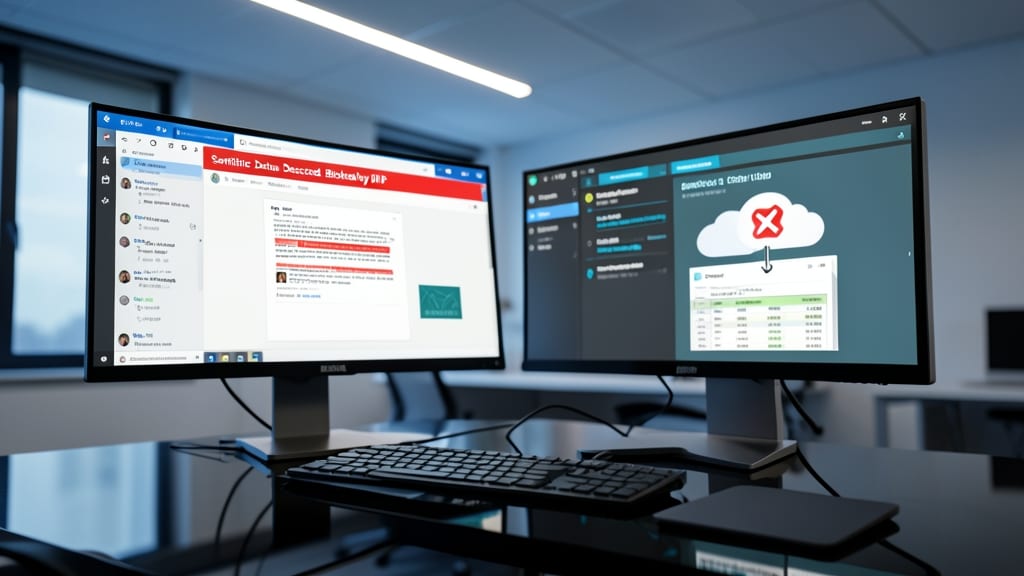
Accidental data leaks through Slack messages or Dropbox uploads happen more often than you’d think—yet a Data Loss Prevention (DLP) solution stops them before they become breaches. Unlike traditional firewalls, DLP actively inspects content in real-time, flagging and blocking sensitive files (like SSNs, contracts, or trade secrets) from leaving your network via unauthorized channels.
Modern DLP tools integrate seamlessly with SaaS platforms, using AI-driven pattern matching to detect violations—even in encrypted traffic. For example, Symantec DLP or Microsoft Purview can auto-block a confidential.pdf from being emailed to a personal Gmail account while allowing it to sync with approved cloud apps. Policies are customizable down to file types, sender roles, or even specific keywords in documents.
This is the go-to safeguard for remote teams or companies with bring-your-own-device (BYOD) policies, where traditional perimeter security fails. It’s also a compliance must-have for GDPR, HIPAA, or CCPA obligations. ✨
Incident Response Playbooks for Common Threats
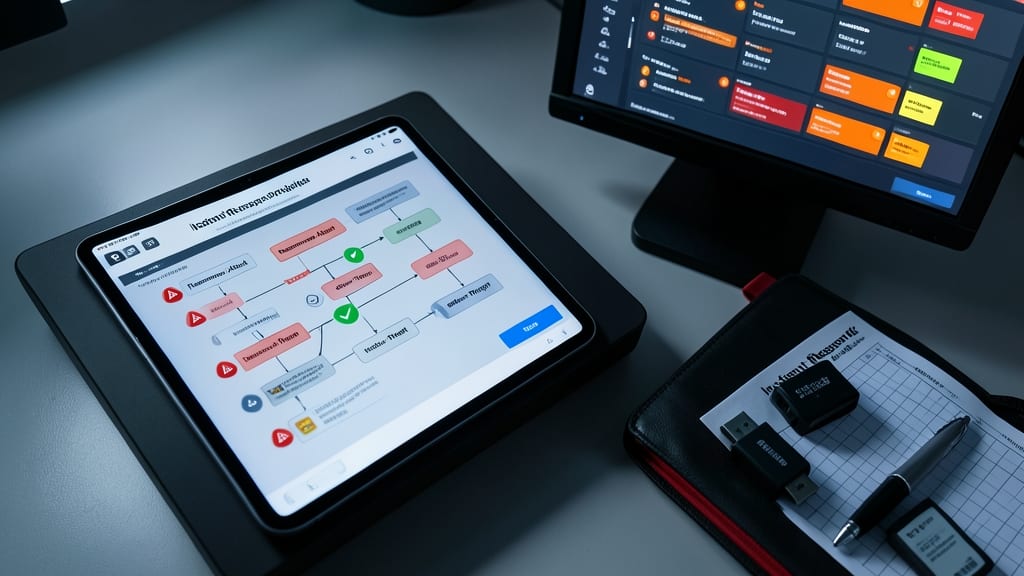
When seconds count during a cyberattack, having a pre-built incident response playbook can mean the difference between a contained breach and a full-blown crisis. These structured guides—tailored for ransomware attacks, credential theft, or insider threats—eliminate guesswork by outlining exact steps for isolation, containment, and recovery.
Most solutions include NIST-compliant templates with real-time escalation paths, forensic tools integration, and communication protocols for legal teams. For example, IBM’s Resilient platform automates workflows for SOC teams, while MITRE ATT&CK frameworks map tactics to specific containment actions. The result? A 40% reduction in response time for organizations that test playbooks quarterly.
This isn’t just for Fortune 500s—mid-sized firms with dedicated cybersecurity teams (even 3–5 analysts) can deploy modular playbooks for under $20K/year. Start with a ransomware response drill to validate your plan before it’s needed. 💪