
Operating System
Small businesses face growing cyber threats daily, yet many lack basic protections. These 10 proven cybersecurity tactics will help safeguard your data, customers, and reputation without requiring a full IT overhaul—practical steps every business owner can implement today.
Enable Multi-Factor Authentication Everywhere
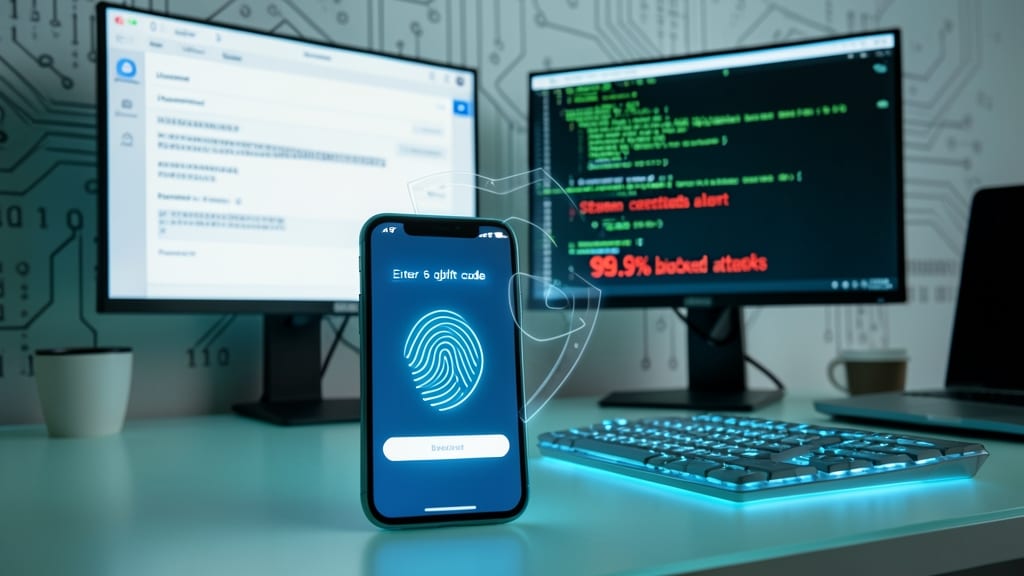
Your password might be strong, but hackers don’t need to crack it—they just need to steal it. Multi-Factor Authentication (MFA) adds a second layer of protection, blocking 99.9% of automated attacks that rely solely on stolen credentials. Whether it’s your email, cloud storage, or bank account, enabling MFA means even if someone gets your password, they still can’t access your accounts.
Most services—like Microsoft, Google, and Apple—offer free MFA options, including authenticator apps (TOTP), SMS codes, or biometric verification. For maximum security, use hardware keys (like YubiKey) or FIDO2 standards, which are nearly impossible to bypass. Even a simple push notification from an app adds a critical barrier.
This isn’t just for tech-savvy users—small business owners, freelancers, and everyday people should enable MFA everywhere. Start with your most critical accounts (email, financial, and work logins) to stop the most damaging breaches before they happen. ✨
Regular Software Patch Management
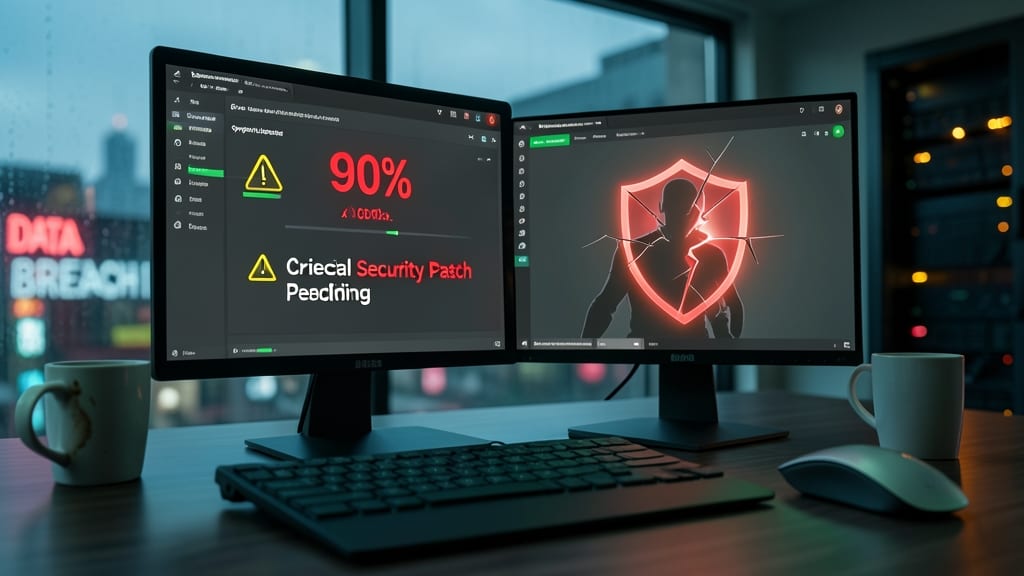
Did you know 90% of successful cyberattacks exploit unpatched vulnerabilities? Yet many businesses still ignore automated updates—leaving critical gaps hackers can slip through. The good news? This is the easiest defense to implement with near-instant results.
Enable automatic updates for your operating system (Windows Update, macOS, or Linux package managers) and all major applications (browsers, office suites, cloud tools). Most modern systems can handle this zero-config, while enterprise tools like WSUS or Patch Manager Plus give IT teams granular control. Even a 5-minute weekly check for manual updates can block exploits targeting outdated software.
Small businesses and remote teams benefit most—these updates often run silently in the background, requiring no technical expertise. Start here: prioritize critical security patches first, then expand to optional updates. Your systems will thank you. ⚡
Employee Cybersecurity Training Simulations
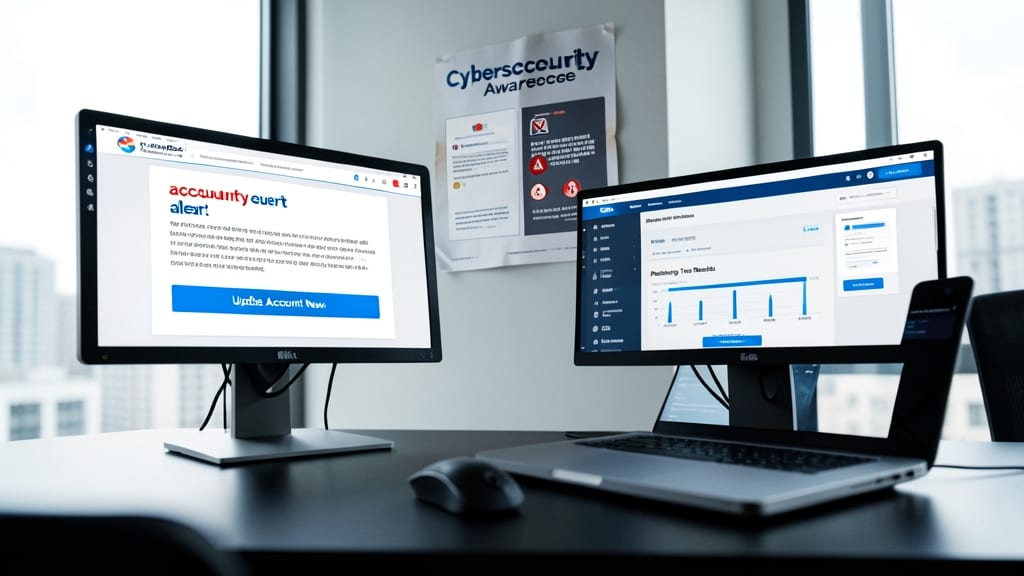
Most breaches start with a single click—yet 90% of employees can't identify a phishing email in tests. Simulated cybersecurity training bridges this gap by exposing staff to realistic threats in a safe environment, turning passive awareness into active defense.
Platforms like KnowBe4 or PhishMe deliver customizable phishing simulations that mimic real attacks, complete with tracking to show which employees fall for common tricks. These tools often include automated reporting to highlight weak spots in your team’s security posture, while interactive modules teach how to spot suspicious links, verify senders, and respond to social engineering tactics.
This approach works best for businesses with remote teams or frequent email use, where human error poses the highest risk. Start with monthly simulations—most breaches occur within minutes of an employee clicking a malicious link. 💡
Network Segmentation for Critical Data

What if a hacker breached your network—could they stop at one system or jump freely between servers? Network segmentation acts like digital walls, isolating critical systems (like financial records or customer databases) from general networks. This limits attackers to just one compromised area, buying you time to respond.
Most businesses use VLANs (Virtual LANs) or firewall rules to create separate zones—like a guest network for public-facing websites and a restricted zone for payroll data. Tools like Palo Alto Networks or Cisco’s SD-Access automate segmentation with zero-trust principles, ensuring only authorized traffic crosses boundaries. Even small offices can use Windows Server’s Hyper-V or pfSense for basic segmentation without expensive hardware.
This tactic is ideal for businesses handling customer data, payment systems, or employee records—where a single breach could mean fines, lawsuits, or lost trust. Start by segmenting your most sensitive systems first. 💻
Password Manager Implementation
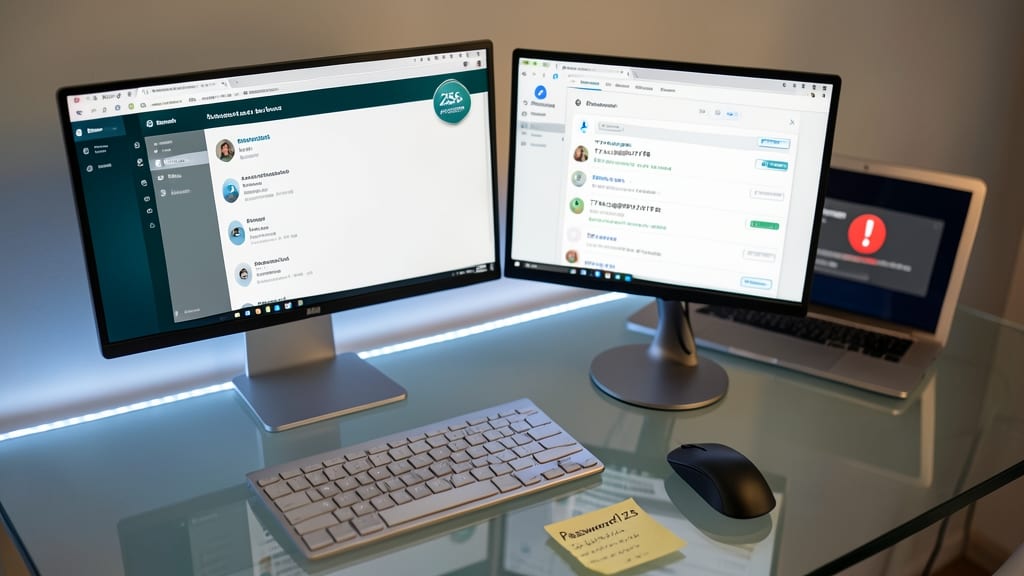
Most breaches start with stolen or weak passwords—yet many people still reuse the same credentials across accounts. A password manager like Bitwarden or 1Password solves this instantly by generating and storing 256-bit encrypted passwords unique to every site, eliminating the "Password123" problem.
These tools sync across devices via end-to-end encryption, so your credentials stay secure even if your phone or laptop is lost. Features like autofill and two-factor authentication integration make logging in seamless while keeping hackers out. The best part? They’re free for basic use, with premium plans starting at just $10/year.
Small business owners and remote teams benefit most—no more shared spreadsheets or sticky notes with passwords. 💻
Endpoint Detection and Response Tools

Your antivirus isn’t enough anymore—modern cyberattacks move too fast for signature-based scanning. Endpoint Detection and Response (EDR) tools like CrowdStrike or SentinelOne monitor devices in real-time, detecting suspicious behavior before ransomware locks your files. Unlike traditional antivirus, EDR uses AI-driven behavioral analysis to stop zero-day threats at the source.
These solutions provide automated threat hunting, detailed forensic reports, and centralized management across all devices. For example, CrowdStrike’s Falcon platform blocks 99.9% of malware with zero false positives, while SentinelOne’s Singularity recovers encrypted files in minutes by reversing ransomware actions. Most EDR tools integrate with existing security stacks for seamless deployment.
Small businesses with limited IT teams benefit most—EDR reduces alert fatigue by prioritizing critical threats, and cloud-based options require no on-premise hardware. Start with a free trial to test how well it catches threats your current tools miss. ⚡
Backup Systems with Immutable Storage
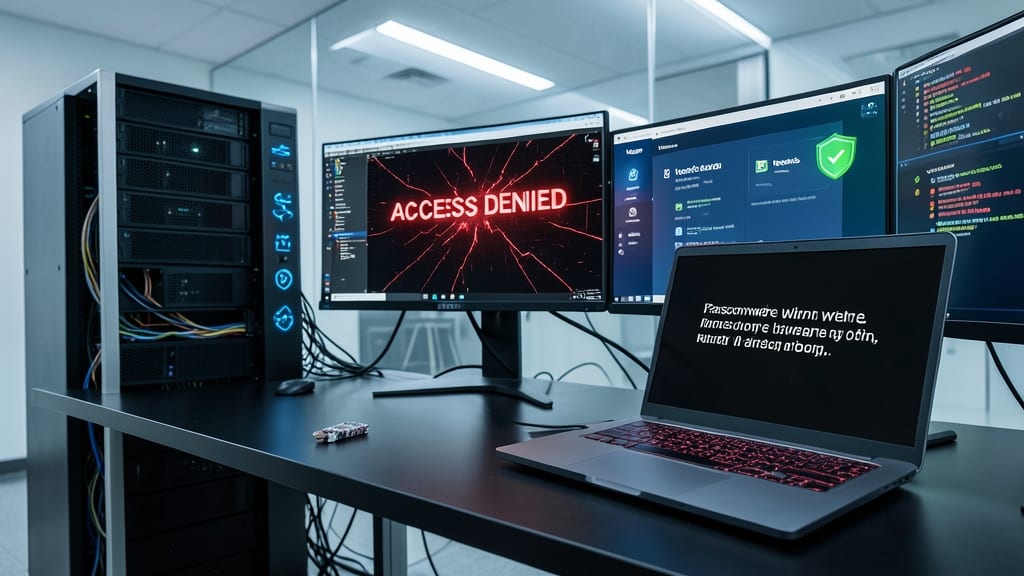
Ransomware attacks cripple businesses by encrypting not just files—but their backups too. Immutable storage solves this by locking backups so attackers can’t modify or delete them, giving you a true safety net when recovery matters most.
Solutions like Veeam, Backblaze B2, or AWS S3 Object Lock create write-once-read-many (WORM) storage policies. Once data is backed up, it’s sealed—even by admins—until retention periods expire. For small businesses, Veeam’s immutable backups integrate with existing workflows, while Backblaze’s B2 offers $6/TB/month with no egress fees, making it cost-effective for growing data needs.
This is your last line of defense against total data loss. Legal firms, healthcare providers, and e-commerce stores handling sensitive transactions should prioritize it—because without immutable backups, a single ransomware attack could mean permanent closure. ✨
Vendor Risk Assessment Process
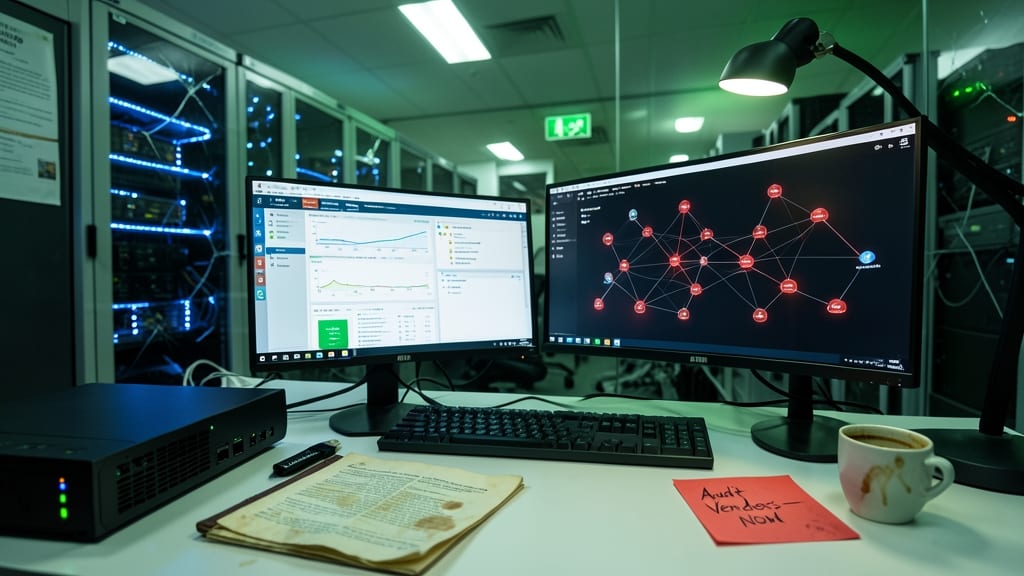
Your business might have top-notch security, but one weak link in your supply chain can expose everything. Third-party breaches—like the SolarWinds attack—often cripple organizations faster than direct hacks, yet most companies overlook vendor risk assessments until it’s too late.
A structured vendor risk assessment process starts with a security questionnaire covering encryption standards, access controls, and incident response plans. Use frameworks like NIST SP 800-161 or ISO 27001 to evaluate suppliers consistently, and require third-party audits for critical vendors. Automated tools like BitSight or SecurityScorecard can score suppliers’ security posture objectively, so you’re not just trusting their self-reports.
This tactic is non-negotiable for businesses handling customer data, financials, or intellectual property. Start by assessing your top 5 vendors—supply chain attacks are the #1 cause of major breaches, and a proactive review could save millions. ✨
Incident Response Plan Documentation

When minutes count during a breach, a pre-built incident response plan turns panic into action. Most small businesses scramble when attacks happen, but documented steps for containment, communication, and recovery cut response time by 50% or more—saving data, reputation, and even legal costs.
Start with a template from NIST or CISA (free, government-backed resources) and customize it for your business. Include clear roles (who contacts law enforcement?), escalation paths, and pre-written statements for customers/media. Tools like SentinelOne’s response playbooks or IBM’s X-Force Incident Response offer structured frameworks to plug in.
This isn’t just for IT teams—legal, PR, and leadership need to know their parts too. The faster you act, the less damage a breach causes. ⚡
Cybersecurity Insurance Policy Review

Even the best cybersecurity defenses can’t stop every breach—and when they fail, the financial fallout can cripple a business. A cybersecurity insurance policy acts as your financial safety net, covering costs like legal fees, customer notifications, and data recovery that can spiral into six figures without protection.
Look for policies with $1M+ in coverage limits, third-party breach liability, and ransomware response support. Providers like Coalition or Beazley offer tailored plans for small businesses, often including 24/7 incident response teams to guide you through a breach. The average cost? Around $1,500–$3,000/year—a small price for peace of mind.
This is especially critical for businesses handling customer data, like e-commerce stores or healthcare providers. A policy won’t prevent attacks, but it’ll ensure you can recover without selling your assets. ✨