
Software
Working with dates and times across systems requires precision. These seven standardized formats are universally recognized by developers, databases, and APIs to ensure seamless data exchange and compatibility.
ISO 8601 Date Format (YYYY-MM-DD)
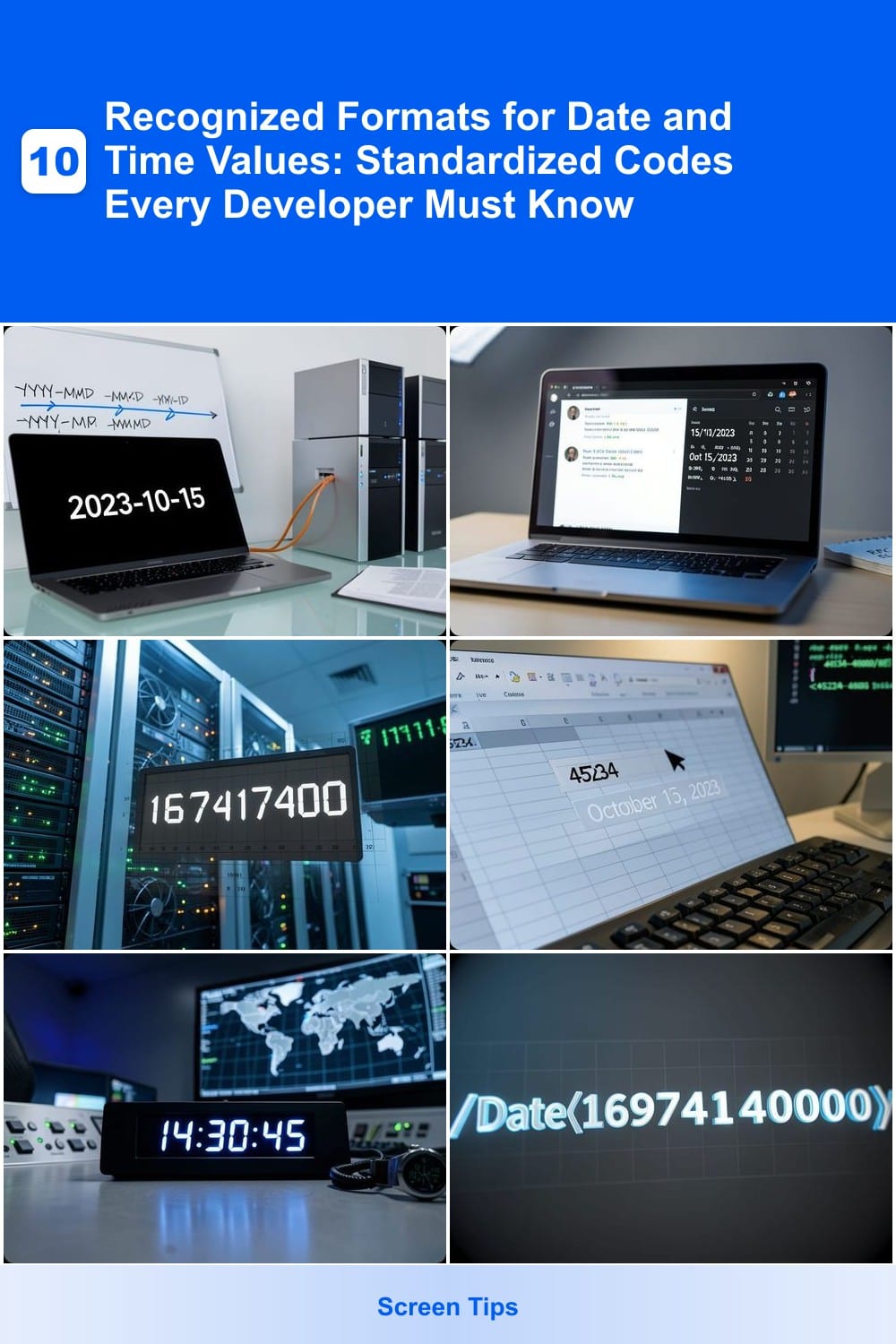
If you’ve ever struggled with date sorting or compatibility across systems, ISO 8601 (YYYY-MM-DD) is the solution you’ve been missing. This globally adopted standard—like 2023-10-15—eliminates ambiguity by placing years first, ensuring chronological order in databases, APIs, and logs without extra parsing logic.
It’s natively supported in SQL, JSON, and XML, making it the default choice for international applications. The format’s simplicity also extends to time components (e.g., YYYY-MM-DDTHH:MM:SSZ), which integrate seamlessly with programming languages like Python and JavaScript. No locale-specific quirks here—just reliable, machine-readable dates.
Perfect for developers building cross-platform APIs, global databases, or automated workflows where precision and consistency matter most. ⚡
RFC 2822 Email Date Format
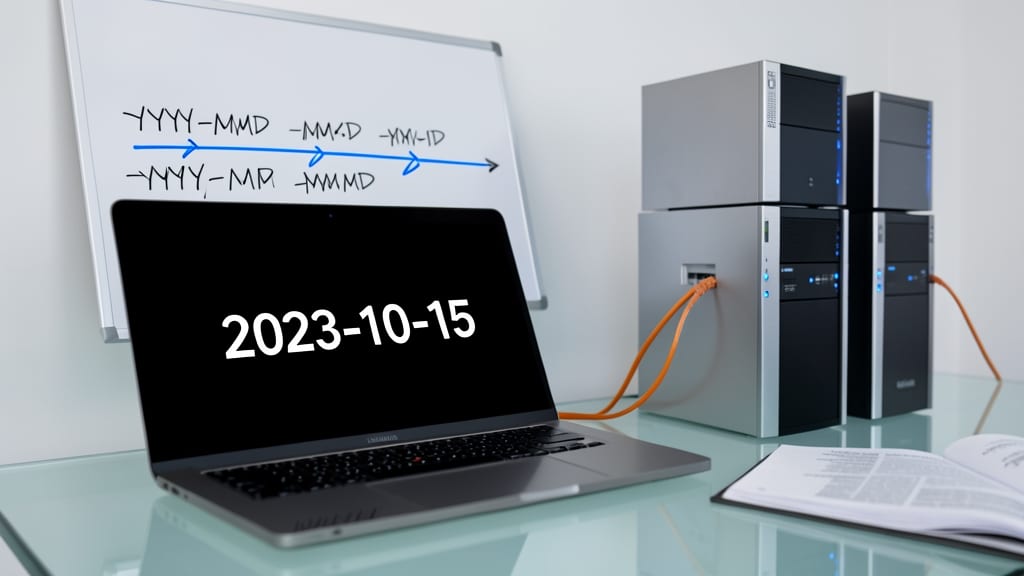
Ever sent an email only to realize the recipient’s client misinterpreted the date? The RFC 2822 format solves this by standardizing email headers with human-readable yet machine-parsable dates like "Sun, 15 Oct 2023 14:30:00 +0000". Unlike ISO 8601, this format prioritizes readability in inboxes while ensuring compatibility across Outlook, Gmail, and Thunderbird—no parsing headaches here.
Key components include the day of the week (Sun), day/month/year (15 Oct 2023), and a 24-hour time with timezone offset (+0000). This structure aligns with the Internet Message Format (RFC 5322), making it the default for email protocols. Libraries like Python’s email.utils.formatdate() generate it automatically, while tools like php’s date() can format dates to match.
Perfect for developers working with email APIs, SMTP servers, or legacy systems where date consistency in headers is non-negotiable. It’s the unsung hero of reliable communication. 💻
Unix Timestamp (Seconds Since Epoch)
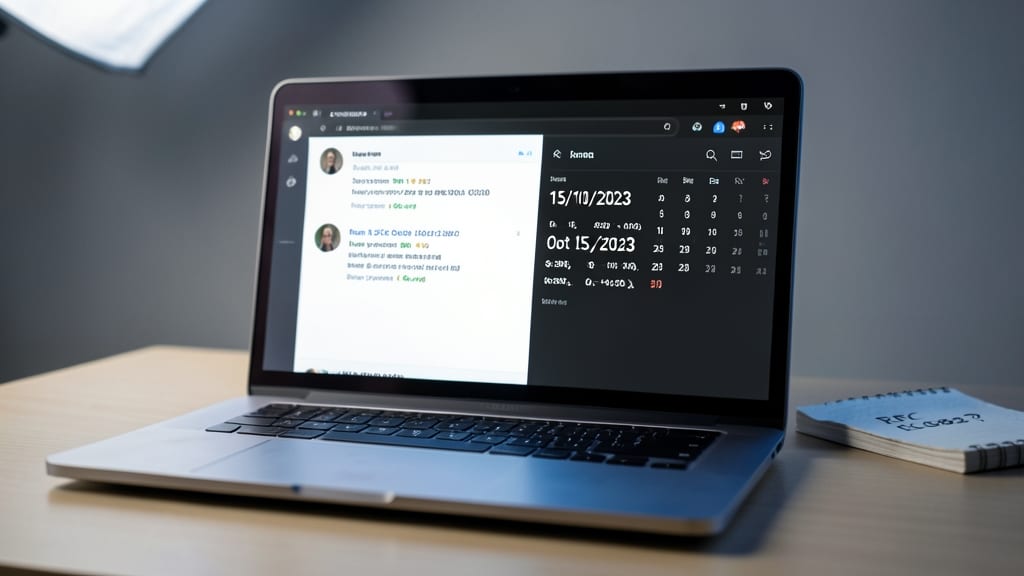
When your backend needs to log events or track time intervals with millisecond precision, Unix timestamps (like 1697417400) are the go-to choice. Unlike human-readable formats, this numeric value represents seconds since January 1, 1970—making it ideal for quick comparisons, sorting, and calculations in code.
You’ll find Unix timestamps everywhere from server logs to database queries, especially in languages like Python (time.time()) and JavaScript (Date.now()). They’re also lightweight—just a single integer—so they’re perfect for APIs and microservices where bandwidth matters. Converting them to readable dates is a one-liner in most languages.
Backend developers and DevOps engineers rely on this format for performance monitoring, cron jobs, and debugging. It’s the unsung hero of timekeeping in tech stacks. ✨
Microsoft Excel Date Serial Numbers
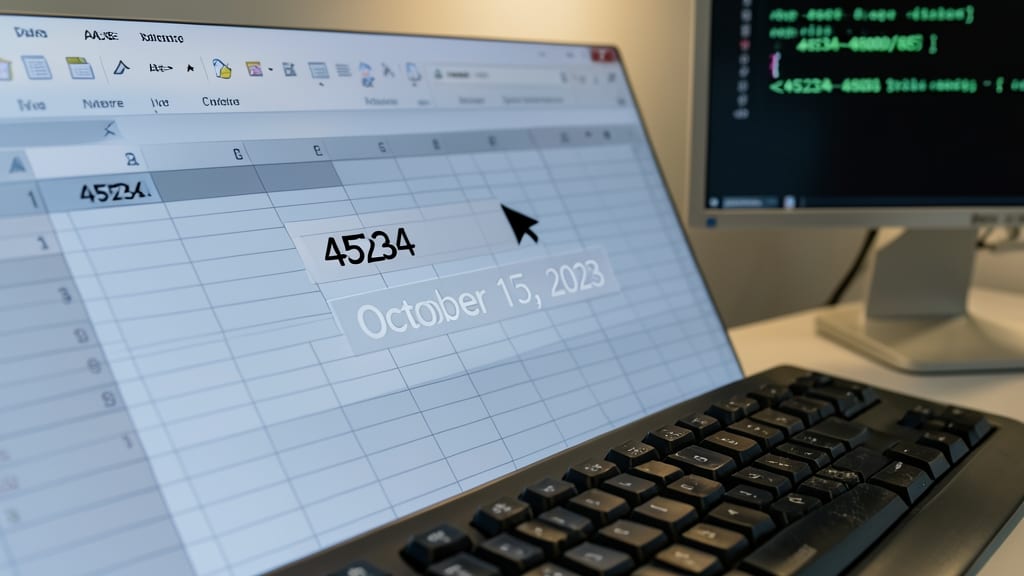
Ever wondered why Excel can’t just store dates as text? Behind every spreadsheet formula lies a clever system: Excel Date Serial Numbers, where dates are secretly stored as sequential integers (e.g., 45234 = October 15, 2023). This numeric backbone enables precise calculations, like computing age differences or scheduling deadlines, without manual adjustments.
The system starts at 1 = January 1, 1900 (or 1904 for Mac versions), making every date a simple arithmetic value. Need to calculate days between two dates? Just subtract the serial numbers—Excel handles the rest. Even time values are stored as decimals (e.g., 0.5 = 12 PM). This hidden layer ensures formulas like =DATEDIF() or =TODAY()-A1 work flawlessly across languages and regions.
Perfect for finance teams, project managers, or anyone crunching time-sensitive data, this format turns spreadsheets into powerful calculators. No need for plugins—just pure, built-in Excel magic. ✨
24-Hour Time Format (HH:MM:SS)

When every second counts—whether coordinating global operations or aligning military logistics—24-hour time (HH:MM:SS) eliminates ambiguity by removing AM/PM confusion entirely. This format, like 14:30:45, is the backbone of systems where precision trumps local conventions.
Used in air traffic control, financial trading platforms, and IoT device logs, it ensures consistent parsing across time zones. For developers, this format integrates seamlessly with ISO 8601-compatible systems and APIs, while its simplicity reduces parsing errors in scripts. Libraries like Python’s datetime or JavaScript’s Date handle it natively.
Ideal for automated scheduling, server logs, and international databases, this format is a must for anyone working with systems where human error can’t be tolerated. ⚡
JSON Date Format ("\/Date(1697417400000)\/")
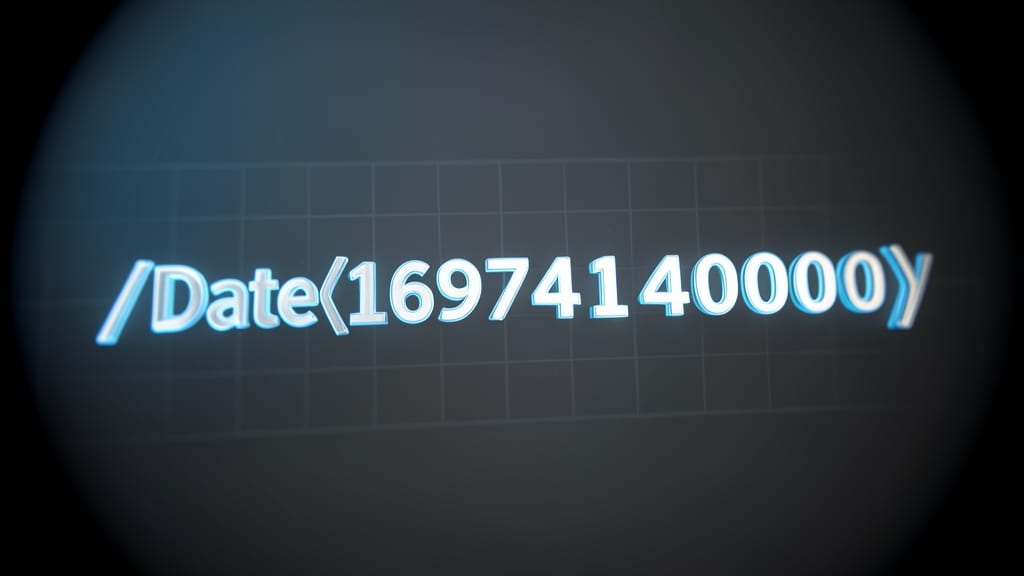
When your frontend needs to sync with backend systems—especially in JavaScript—this format bridges the gap effortlessly. The JSON Date Format ("\/Date(1697417400000)\/") wraps a Unix timestamp (milliseconds since epoch) in a recognizable wrapper, making it instantly parsable by JavaScript’s Date.parse() without extra libraries.
Unlike raw timestamps, this format includes the prefix and suffix ("\/Date()\/"), which tells JavaScript to interpret the enclosed number as a date. It’s lightweight, 100% compatible with C# and ASP.NET (where it originated), and avoids locale-specific parsing quirks. For example, "\/Date(1697417400000)\/" translates to October 15, 2023, at 12:30:00 AM UTC.
Frontend developers working with React, Angular, or Node.js APIs will recognize this as the go-to format for date serialization. It’s the silent hero behind smooth data exchange in web apps. ✨
SQL Date Functions (DATE, TIMESTAMP)
Ever struggled with messy date queries in SQL? The DATE and TIMESTAMP functions in databases like MySQL, PostgreSQL, and SQLite are your secret weapons for clean, efficient time-based operations.
Use YYYY-MM-DD for simple dates (e.g., 2023-10-15) or YYYY-MM-DD HH:MM:SS for timestamps (e.g., 2023-10-15 14:30:45). These formats excel in joins, filtering, and calculations—like finding all orders placed in October 2023 or calculating time differences between events. They’re also locale-independent, avoiding the pitfalls of regional date formats.
Perfect for backend developers, data analysts, and sysadmins who need reliable time handling in databases. ⚡