
Tip & Trick
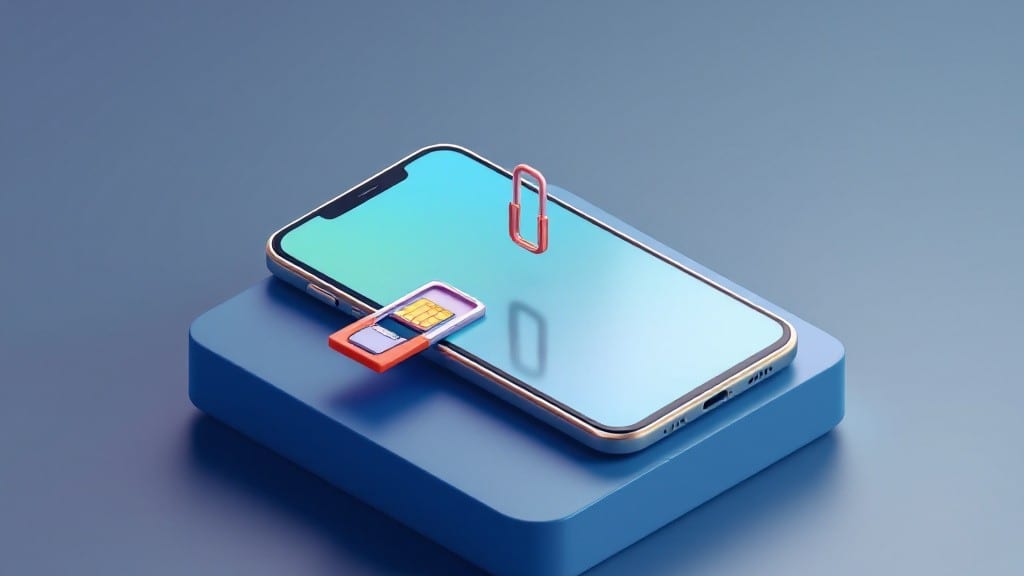
To remove and reinsert a SIM card without tools, you only need a paperclip and steady hands—something I learned the hard way after dropping my phone in a lake last summer. 💻 The key is finding that tiny ejector pin hole on the side of your device, which is often hidden behind a thin plastic cover.
Most modern phones use nano-SIMs, but older devices might need micro-SIMs, so check your carrier's specs first.
Start by locating the SIM tray slot—usually on the side or bottom of your device. Bend a paperclip into a small hook, then gently insert it into the ejector hole until the tray pops out about a quarter-inch.
Never force it, as bending the tray can damage the SIM contacts. Once out, you'll see your SIM card nestled in the tray; handle it by the edges to avoid fingerprints on the circuit side.
Reinserting the SIM is just as simple: align the metal contacts with the tray's notch, then push it back in until it clicks.
If your phone doesn't detect the SIM after reinsertion, try removing it again and wiping the contacts with a soft, dry cloth—static buildup is the most common culprit. This trick works for smartphones, tablets, and even some SIM-enabled laptops, though larger devices might need a slightly larger eject tool.
Pro tip: keep your SIM tray in a safe spot—losing it means buying a replacement, which can cost more than the phone itself. I’ve seen this happen to too many friends, so I keep mine in a small zippered pouch with the original box.
If your SIM still isn’t detected, check for bent pins or debris in the tray before giving up.
📚 In This Guide
- What you need
- Instructions
- Tips and common mistakes
- Wrapping up and next steps
What you need
- ● Your smartphone or device: Ensure it’s powered off to avoid accidental damage or data loss.
- ● SIM card: The tiny plastic card that holds your network info (usually included with your plan).
- ● SIM card ejector tool (or alternative): Standard SIM ejector tool (comes with most phones).
- ● OR a paperclip (unbent, straight end only), toothpick, or plastic pry tool (if you don’t have the official tool).
- ● Soft, clean surface: A table or cloth to place your SIM card on while working.
- ● Microfiber cloth: For gently cleaning your SIM card or SIM tray before reinsertion.
- ● Anti-static bag: To store your SIM card if you’re not using it immediately (prevents static damage).
- ● Tweezers (small, non-metallic): Useful for handling tiny SIM cards or nano-SIMs without dropping them.
- ● Patience and a steady hand! 😉
Step-by-Step instructions for safely ejecting and replacing a SIM card
Here’s how to handle your SIM card without tools—fast, safe, and without scratching your device.
🔧 Step 1: Power Down and Locate the SIM Tray
Turn off your phone completely to prevent accidental data loss or damage. Slide the power button until the screen goes black—this ensures no interference with the SIM connection while handling. Most phones have the SIM tray on the side or bottom, often marked with a small SIM icon or tray release symbol.
If you’re unsure where the tray is, check the manual or look for a tiny hole (usually near the edge) designed to fit a paperclip or SIM ejection tool. Some newer phones hide the tray under a removable back panel.
⌨️ Step 2: Use the No-Tools Trick to Eject the Tray
Here’s the trick: take a standard paperclip and straighten one end into a small hook. Gently insert the hooked end into the SIM tray release hole until you feel resistance, then push firmly but steadily—not too hard, just enough to pop the tray out about 1/8-inch. You’ll hear a soft click when it’s fully ejected.
If the tray doesn’t budge, don’t force it. Check for debris in the hole or try a different angle. Some phones require a slightly angled push—follow the device’s manual for specifics. Once out, the tray will hold the SIM card securely in place.
💡 Step 3: Remove and Reinsert the SIM Card
Hold the tray at a 45-degree angle over a clean, flat surface (like a table or your palm) to avoid dropping the SIM. The card will slide out easily—don’t pry it with your fingernails, as this can bend the contacts. If it’s stuck, gently wiggle it side-to-side while pulling upward.
To reinsert, align the gold contacts (the shiny side) facing downward toward the tray’s slot. Slide it in until it clicks into place. The tray will snap back into the phone with a slight resistance—push until it’s flush with the device’s edge.
⏰ Step 4: Verify the SIM is Detected
Power on your phone and wait 10-15 seconds for the network signal to appear. If the SIM isn’t detected, turn the phone off again, remove the tray, and reseat the SIM card more firmly. Some phones take a few seconds longer to recognize the card after reinsertion.
Check your settings under Mobile Network or SIM Status to confirm the card is active. If you still see “No SIM” errors, try a different SIM card or contact your carrier—sometimes the card itself may be damaged.
Tips & tricks for perfect SIM card handling
Handling your SIM card without tools might seem tricky, but these simple tricks will ensure you do it safely and smoothly every time.
Paperclip Prep: Before you start, straighten the end of your paperclip carefully—it should be just slightly bent to create a small hook. A hook that's too sharp can damage the tray release hole, while one that's too blunt won't work. I like to bend it at about a 45-degree angle for the best grip. This small preparation step makes all the difference when you're trying to pop that tray out.
Angle Matters: When removing the SIM card in Step 3, that 45-degree angle isn't arbitrary—it's the perfect balance between stability and ease of removal. Holding the tray at this angle prevents the SIM from sliding out unexpectedly while giving you enough leverage to wiggle it free if needed. I've seen too many people try to pull it straight out and end up dropping the SIM or bending the contacts. Trust me on this.
Visual Cues: In Step 2, when you're pushing the paperclip into the tray release hole, look for these visual cues: the tray should pop out about 1/8-inch, and you'll hear that satisfying click. If you don't hear the click but feel resistance, you're probably pushing too hard. A good rule of thumb is to push until you feel the tray give way slightly—it should feel like you're pressing a button that's about to pop. This is where most people go wrong by either pushing too gently or too forcefully.
Reinsertion Technique: The gold contacts on your SIM card aren't just for show—they're the lifeline to your network. When reinserting, make sure they're perfectly aligned with the tray's slot before applying any pressure. I've found that gently pressing down on the edges of the tray while sliding the SIM in helps ensure those contacts make proper contact. If you feel any resistance, stop immediately and check the alignment before continuing.
Pro Tips for Remove And Reinsert Sim Card
- Handling your SIM card without tools might seem tricky, but these simple tricks will ensure you do it safely and smoothly every time.
- Paperclip Prep: Before you start, straighten the end of your paperclip carefully—it should be just slightly bent to create a small hook.
- Angle Matters: When removing the SIM card in Step 3, that 45-degree angle isn't arbitrary—it's the perfect balance between stability and ease of removal.
Frequently asked questions
Got questions about safely handling your SIM card? Here are some of the most common concerns—plus quick, no-fuss answers to keep you covered.
Can I remove my SIM card without turning off my phone first?
Yes! Most modern phones let you eject the SIM tray while powered on. However, turning off your device first prevents accidental data loss or network disruptions. If your phone freezes or glitches during removal, a quick reboot usually fixes it.
How long does it take to reinsert a SIM card?
Less than a minute! The actual reinsertion takes just 5–10 seconds, but double-checking alignment (notched side up) and ensuring the tray clicks into place adds another 10–15 seconds. Pro tip: Keep your SIM card and tray in a safe spot—like a tray organizer—to avoid misplacing them mid-swap.
What if my SIM card isn’t working after reinsertion?
First, restart your phone—this resolves 90% of minor glitches. If the issue persists, try these steps:
- Ensure the SIM is seated fully (no gaps in the tray).
- Clean the SIM card and tray contacts with a dry, soft cloth (no alcohol!).
- Test the SIM in another device to rule out damage.
Do I need a SIM ejection tool, or can I use a paperclip?
Nope! A paperclip, bobby pin, or even a SIM card removal tool works perfectly. Just bend the straight end into an L-shape to hook the tray. Warning: Avoid sharp objects that could scratch your phone’s slot.
Is it safe to remove my SIM card while traveling?
Removing your SIM lets you use local data plans or Wi-Fi-only modes without losing your device’s settings. Just back up your contacts first (via cloud or manual export) in case you switch carriers. Many travelers use this trick to avoid roaming fees.
Can I damage my SIM card by removing it too often?
Not if done gently! SIM cards are durable, but avoid bending or exposing them to moisture. If you’re a frequent swapper (e.g., for dual SIMs), consider a protective SIM card case to prevent scratches or dust buildup.
Wrapping up and next steps
Removing and reinserting your SIM card doesn’t have to be a hassle—especially when you know the no-tools trick! Whether you’re troubleshooting connectivity or switching devices, this simple method saves time and frustration.
Now that you’re equipped with the know-how, give it a try with confidence—your phone will thank you!
Ready to test your new skills? Try it today and share the tip with a friend who might need it! 📱✨