
Software
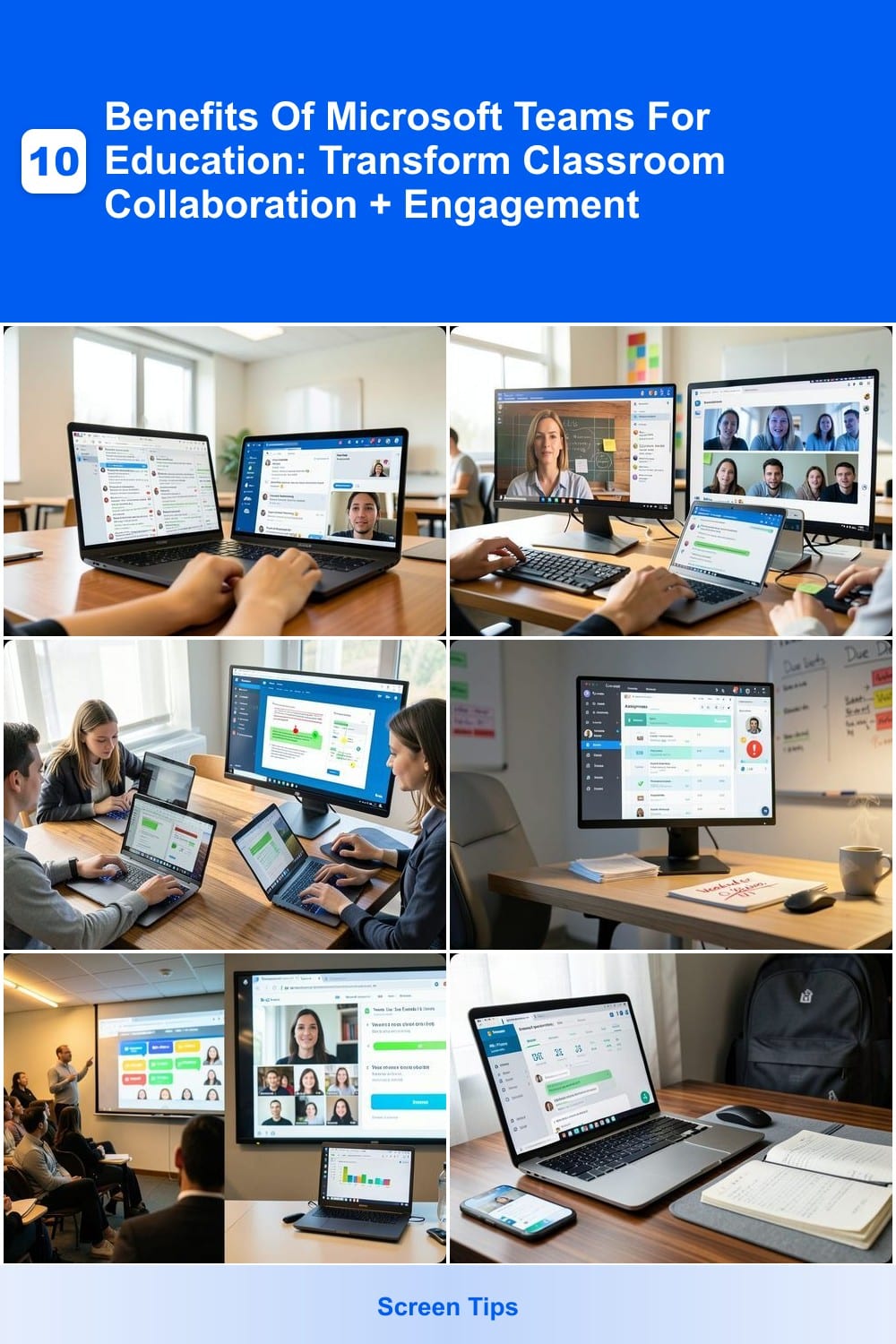
Microsoft Teams is revolutionizing modern education by bridging communication gaps and boosting student engagement. These ten benefits show how educators can leverage Teams to create interactive, inclusive, and efficient learning environments—even beyond traditional classrooms.
Seamless Classroom Communication Platform
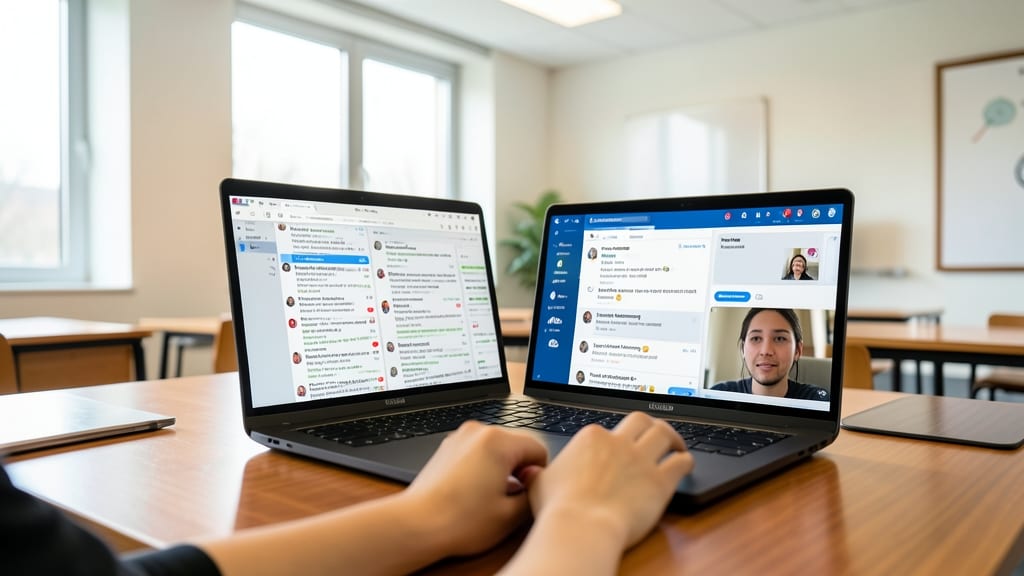
Tired of sifting through endless email threads or chasing down lost messages from students? Microsoft Teams consolidates all classroom communication—chats, announcements, and video calls—into a single, searchable hub. No more digging through inboxes or missing critical updates buried in group texts; everything syncs in real time, so teachers and students stay on the same page.
The platform’s persistent chat threads let you pin important announcements, while @mentions ensure messages get seen (no more radio silence on assignments). For urgent discussions, video calls with screen sharing launch instantly, turning impromptu check-ins into productive sessions. With end-to-end encryption and Microsoft’s education-grade security, sensitive conversations stay private while remaining accessible across devices.
This is the ultimate solution for busy educators juggling multiple classes or remote learners who need reliable, organized communication. Whether it’s a quick question or a full-class discussion, Teams keeps everyone connected—without the chaos. 💡
Real-Time Virtual Classroom Sessions
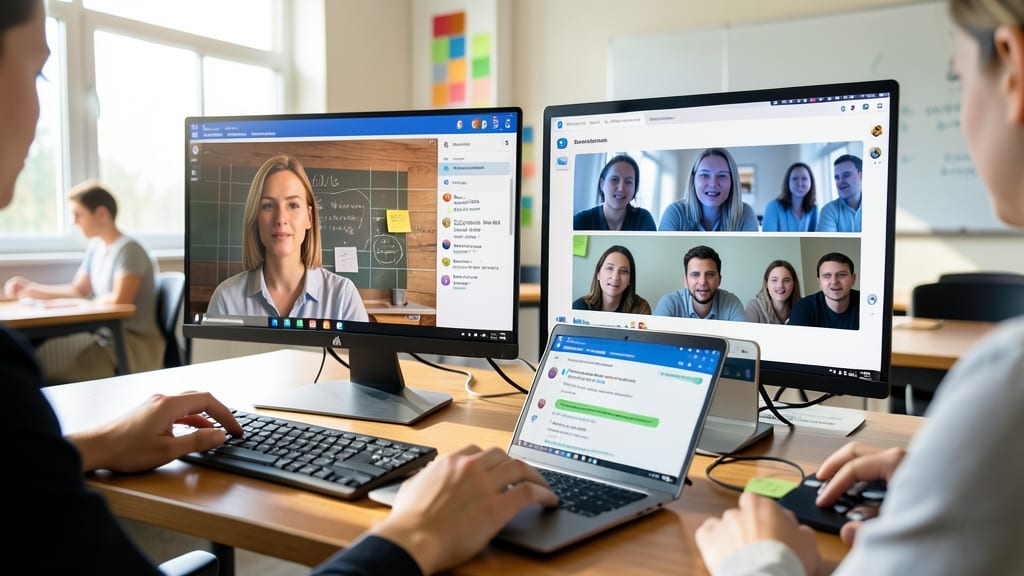
Turn passive lectures into dynamic discussions with Microsoft Teams’ virtual classroom tools, designed to mirror the energy of in-person teaching—no matter where students log in from. The platform’s breakout rooms let you split large groups into smaller discussion spaces, perfect for language practice, peer reviews, or collaborative problem-solving, all with a single click.
Share your screen to demonstrate concepts, annotate slides in real time using the whiteboard tool, or embed live polls to gauge understanding mid-lesson. The Q&A feature collects student questions anonymously, so no one feels left out while you address the most pressing topics. With 4K video support and background blur, lessons feel professional and distraction-free, whether you’re teaching from a classroom or your kitchen table.
This is the go-to solution for hybrid educators balancing in-person and remote students or online instructors who want to recreate the intimacy of a physical classroom. No more static slides—just interactive, engaging sessions that keep every student present. 💻
Integrated File Sharing & Collaboration
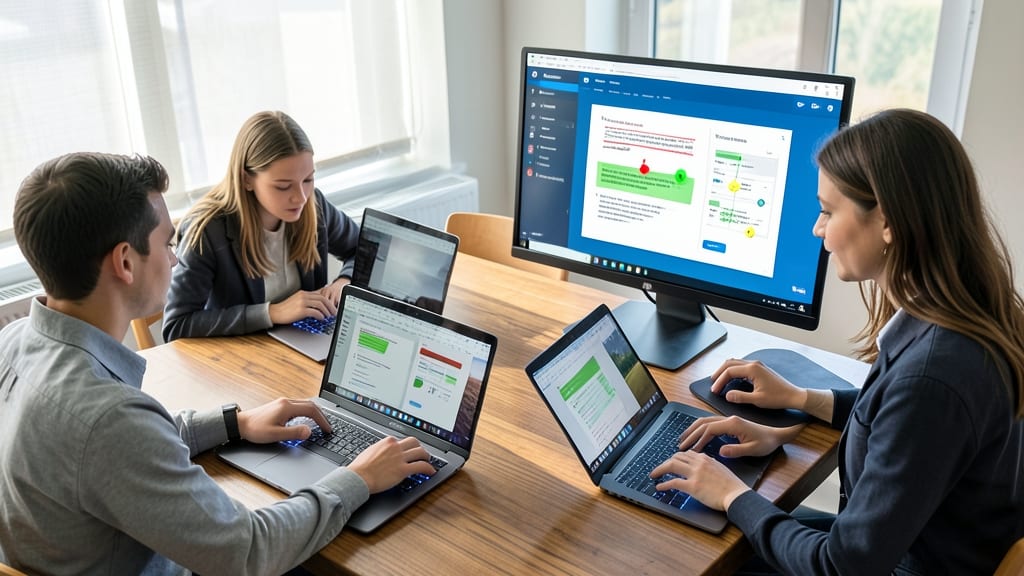
Forget chasing down the latest version of a group project—Microsoft Teams integrates real-time co-authoring directly into Word, Excel, and PowerPoint. Multiple students can edit the same document simultaneously, with changes appearing instantly and version history tracking every modification automatically.
This eliminates the chaos of emailing drafts or using external tools like Google Docs. Teachers can assign group tasks where students see each other’s edits live, fostering accountability and teamwork. The Office 365 integration ensures compatibility with familiar tools, while features like comments and @mentions streamline feedback loops.
Perfect for group projects, research assignments, or even collaborative lesson planning among teachers. Say goodbye to "I didn’t get the updated file" excuses—Teams makes teamwork seamless. ✨
Customizable Classroom Assignments & Grading
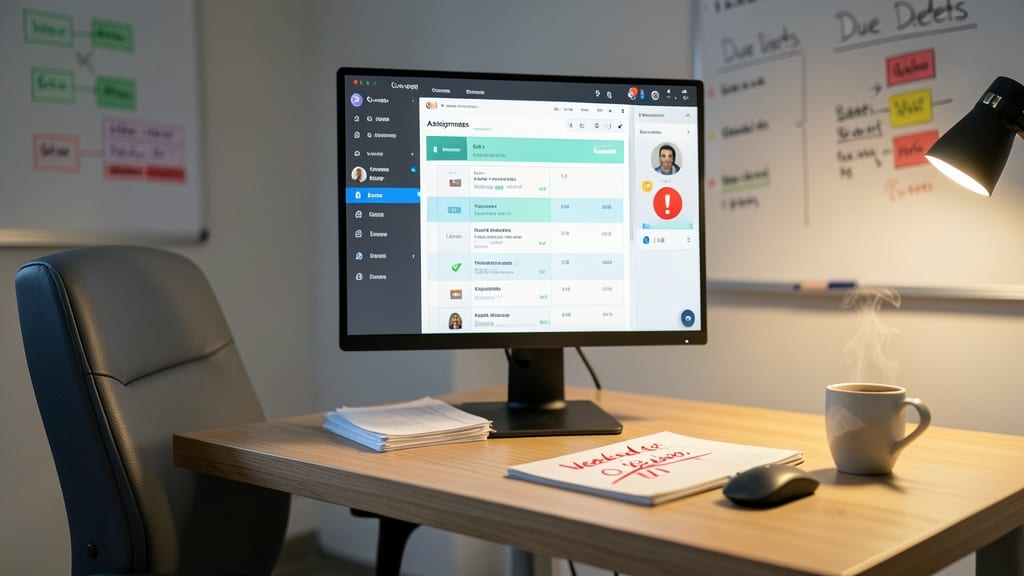
Tired of spending weekends grading papers or chasing down late assignments? Microsoft Teams’ Assignments feature transforms how educators manage workloads with customizable rubrics, automated due dates, and real-time submission tracking—all in one place.
Create assignments with pre-built templates or design your own, then set recurring deadlines and notification thresholds to keep students on track. The grading tool lets you leave audio feedback, assign scores, and even export grades directly to Excel or Google Sheets—cutting manual entry time by up to 40%. Plus, students submit work directly through the platform, eliminating lost files or forgotten USB drives.
This feature is a game-changer for high-school teachers juggling multiple classes or college professors grading essays and projects. With zero setup complexity, it’s the perfect way to reclaim your evenings while keeping students accountable. ✨
Student Engagement Tools Like Polls & Quizzes
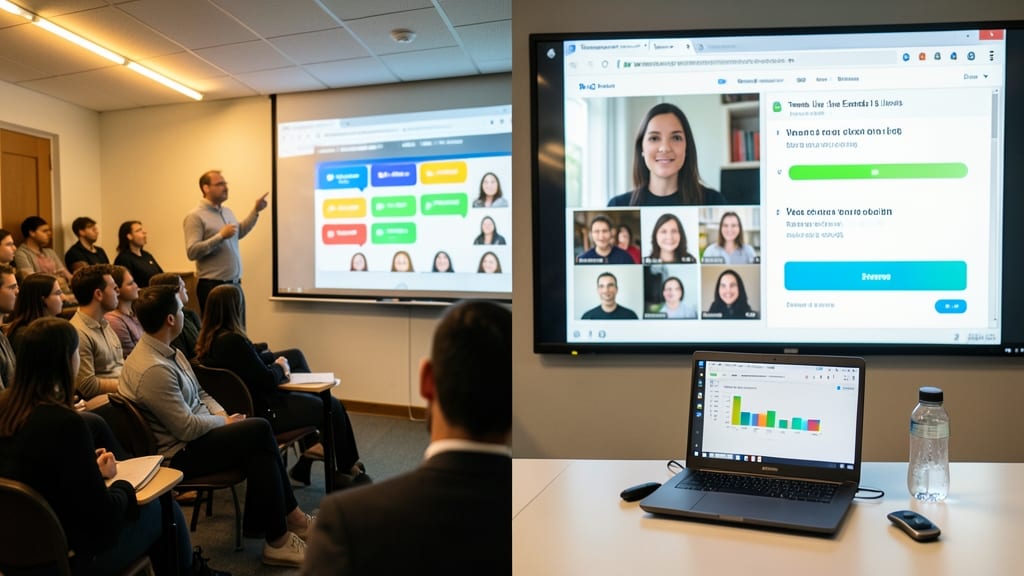
Turn passive listening into active participation with Microsoft Forms and Teams Live Events—tools that let you embed real-time polls, quizzes, and surveys directly into lessons. Whether you're teaching a packed lecture hall or an online cohort, these features transform one-way instruction into a two-way conversation.
Create customizable quizzes with multiple-choice, short-answer, or even grading scales, and watch engagement soar as students see their responses instantly. The anonymous feedback option removes pressure, while live results let you adjust teaching on the fly. For asynchronous classes, record quizzes as assignments with automated grading—freeing up time for what matters most: mentoring.
Perfect for educators who want to gauge understanding mid-lecture or assign interactive homework. Whether you're a high school teacher or a university professor, these tools make learning feel dynamic—no matter where students are. ✨
Secure Parental & Guardian Access

Worried about keeping tabs on your child’s school progress without invading their privacy? Microsoft Teams offers a secure parent portal that lets guardians track assignments, grades, and communications—all while maintaining strict FERPA compliance. Unlike generic LMS platforms, Teams integrates Class Notebooks directly with parent accounts, giving real-time visibility into submissions and teacher feedback.
The parent-teacher portal provides controlled access to student activity dashboards, where guardians can view completed assignments, upcoming deadlines, and even join class discussions—without seeing private messages. Schools can customize permissions per family, ensuring transparency without compromising student confidentiality. This balance builds trust while keeping parents informed.
Perfect for families balancing remote and in-person learning, this feature turns passive school updates into proactive engagement. 💡
Accessibility Features for All Learners
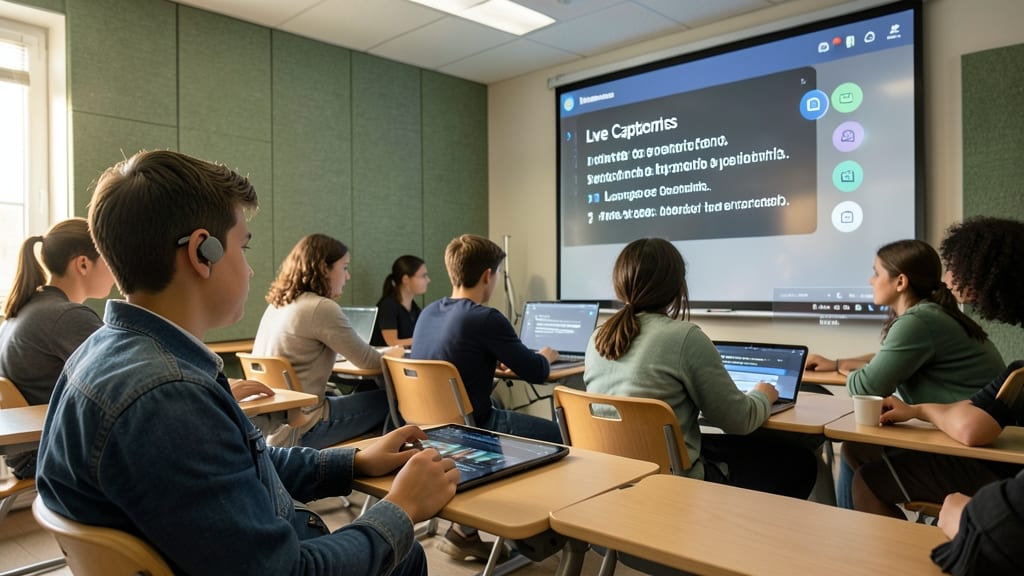
Every student deserves to fully participate in class—no exceptions. Microsoft Teams removes barriers with built-in accessibility tools designed to support diverse learning needs, from hearing impairments to language differences, all without extra software.
The platform’s live captions generate real-time subtitles during calls, while the translator tool supports over 100 languages for multilingual classrooms. For visually impaired students, screen reader compatibility ensures full navigation of Teams’ interface, and high-contrast modes reduce eye strain. These features work seamlessly alongside existing lessons, so educators can focus on teaching rather than accommodations.
This makes Teams ideal for special education programs, ESL classrooms, or any school prioritizing inclusivity. No student gets left behind when the technology itself adapts to their needs. ✨
One-Stop Resource Library Organization

Tired of students scrambling to find lost USB drives or digging through emails for lecture notes? Microsoft Teams’ resource library tabs turn chaos into clarity with a single, searchable hub for all course materials.
Organize syllabi, video lectures, PDFs, and links into customizable tabs—like "Weekly Readings" or "Project Files"—that students can access anytime, from any device. The Class Notebook integration further simplifies sharing, while version control ensures everyone sees the most up-to-date files. No more "Did you send me the updated slides?" messages—just one-click access to everything.
This feature is a game-changer for high school teachers juggling multiple classes or college professors with heavy multimedia content. Say goodbye to digital clutter and hello to effortless resource management. ✨
Automated Attendance Tracking
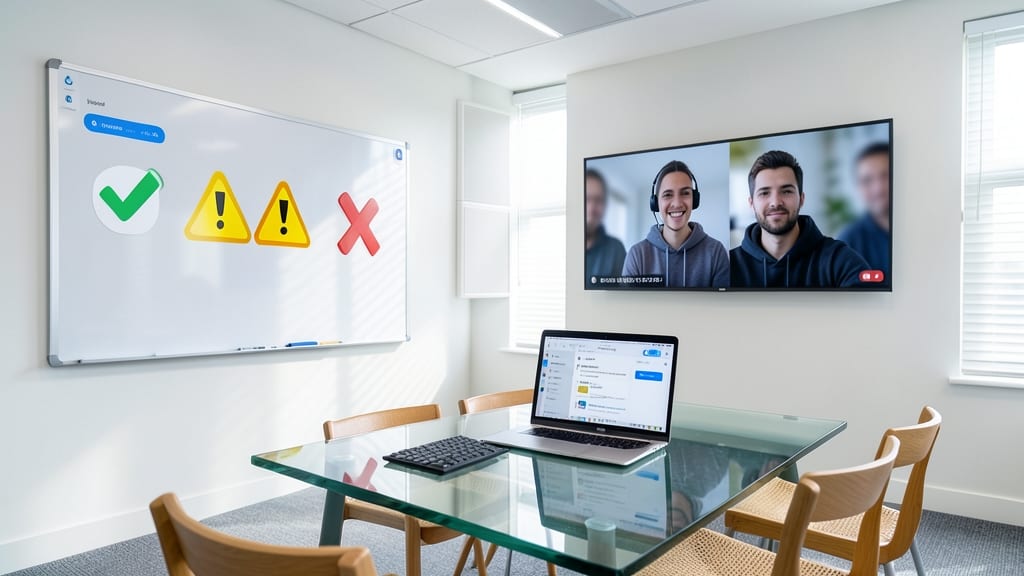
Say goodbye to the headache of manual attendance sheets—Microsoft Teams automates check-ins during video meetings with zero-configuration setup. Simply enable the attendance feature in your meeting options, and Teams will automatically track who joins, when, and for how long, eliminating the guesswork of counting heads or chasing down late submissions.
The system generates detailed reports that sync with school records, ensuring compliance with attendance policies while saving educators hours of administrative work. Late arrivals or absences are flagged instantly, and the data integrates seamlessly with Microsoft 365 tools like Excel or Power BI for deeper analysis. Plus, students get reminders if they miss check-ins, reducing no-shows without extra effort from staff.
This feature is a game-changer for administrators, teachers, and special education coordinators who need to meet strict attendance tracking requirements. It’s also perfect for hybrid or remote schools where traditional roll calls just don’t cut it. ⚡
Cost-Effective Microsoft 365 Integration
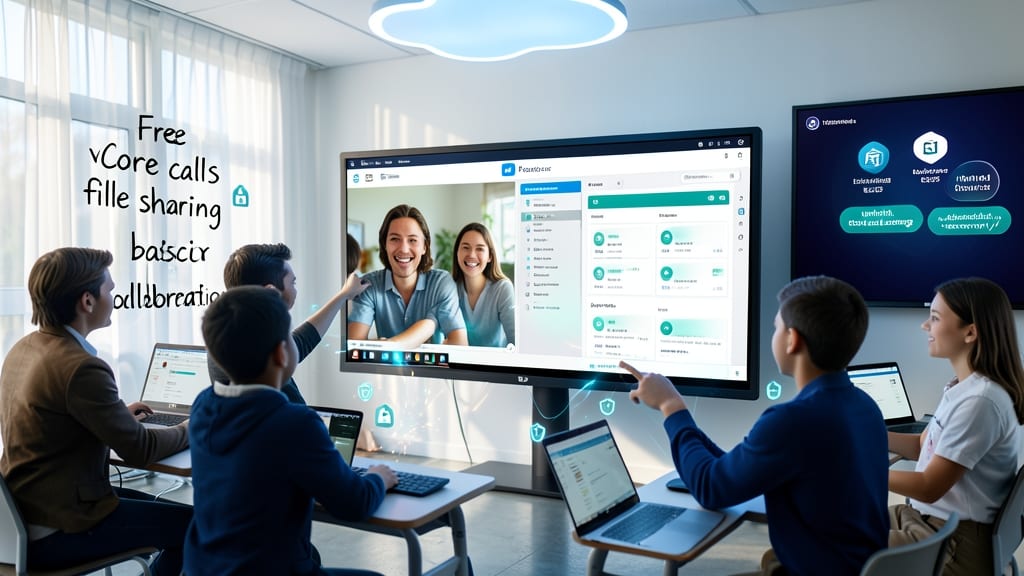
School budgets don’t have to limit your tech tools—Microsoft Teams delivers free core features through its Education E5 and A1 plans, including unlimited cloud storage and advanced security.
The free tier covers essentials like video calls, file sharing, and basic collaboration, while paid upgrades unlock classroom analytics (track engagement patterns) and teacher training modules (Microsoft Learn integration). Schools can scale features as needed without overhauling their entire tech stack.
Perfect for districts testing Teams before full adoption or those with limited IT budgets, this flexibility ensures every classroom gets the tools they need—without breaking the bank. 💻