My first computer was a clunky 486 my dad brought home from work, and I spent more time staring at its tiny screen than doing homework. That machine taught me how to fix errors, troubleshoot problems, and—most importantly—how to make technology work for me. Now, I run Screen Tips to share the same kind of hands-on guidance I wish I'd had back then, whether it's fixing a stubborn software glitch or picking the right tool for the job.
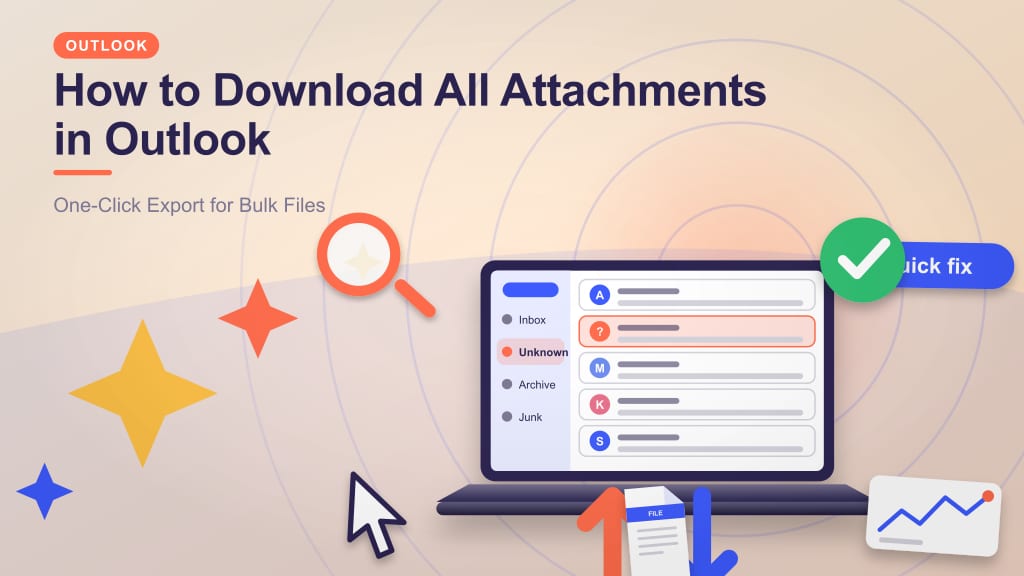
Here’s how to download all attachments in Outlook—and why it’ll save you hours of clicking. ✨ The good news? Outlook actually has a built-in way to export all attachments from a folder in just a few clicks—no third-party…
Downloading articles from websites used to mean copy-pasting or printing—now it takes one click . ✨ I’ve saved hundreds of articles this way, and the right browser extension makes it effortless, whether you’re archiving…
Downloading an Excel file from SharePoint doesn’t have to be a waiting game. ⚡ I’ve spent hours watching syncs drag on, only to find a direct download option hiding in plain sight—one that skips the queue entirely…
Downloading Excel from Office 365 is simpler than you’d expect—no tech degree required. ⚡ I’ve walked countless users through this process, and the key is knowing exactly where to click. The desktop version gives you…
To download LinkedIn profile pictures, you don’t need to ask—just right-click and save. ⚡ I’ve saved hundreds of professional headshots this way, and the process takes less than 10 seconds once you know the trick. The…
Downloading Microsoft Word on your Mac used to mean jumping through hoops, but today it’s a straightforward process—whether you want the full Microsoft 365 suite or just the app itself. ✨ I’ve helped dozens of friends…
Downloading music to your Windows Phone used to be a headache—until Microsoft fixed it. ✨ I’ve helped dozens of users unlock their phones’ full potential, and the right method depends on whether you’re using Groove…
Downloading OneDrive files to your computer used to feel like a hassle—until I discovered the right workflow that makes it shockingly simple. ✨ Whether you need offline access for a presentation or want to free up cloud…
Downloading PowerPoint on your iPad is shockingly simple—no subscription needed for the basic app. ⚡ I’ve helped dozens of friends skip the confusion between the free version and Microsoft 365, and the process takes less…
Downloading a PPT from SharePoint used to take me five extra clicks—until I discovered this two-click method that cuts the process in half. Whether you're pulling a client presentation or your own team slides, this…